
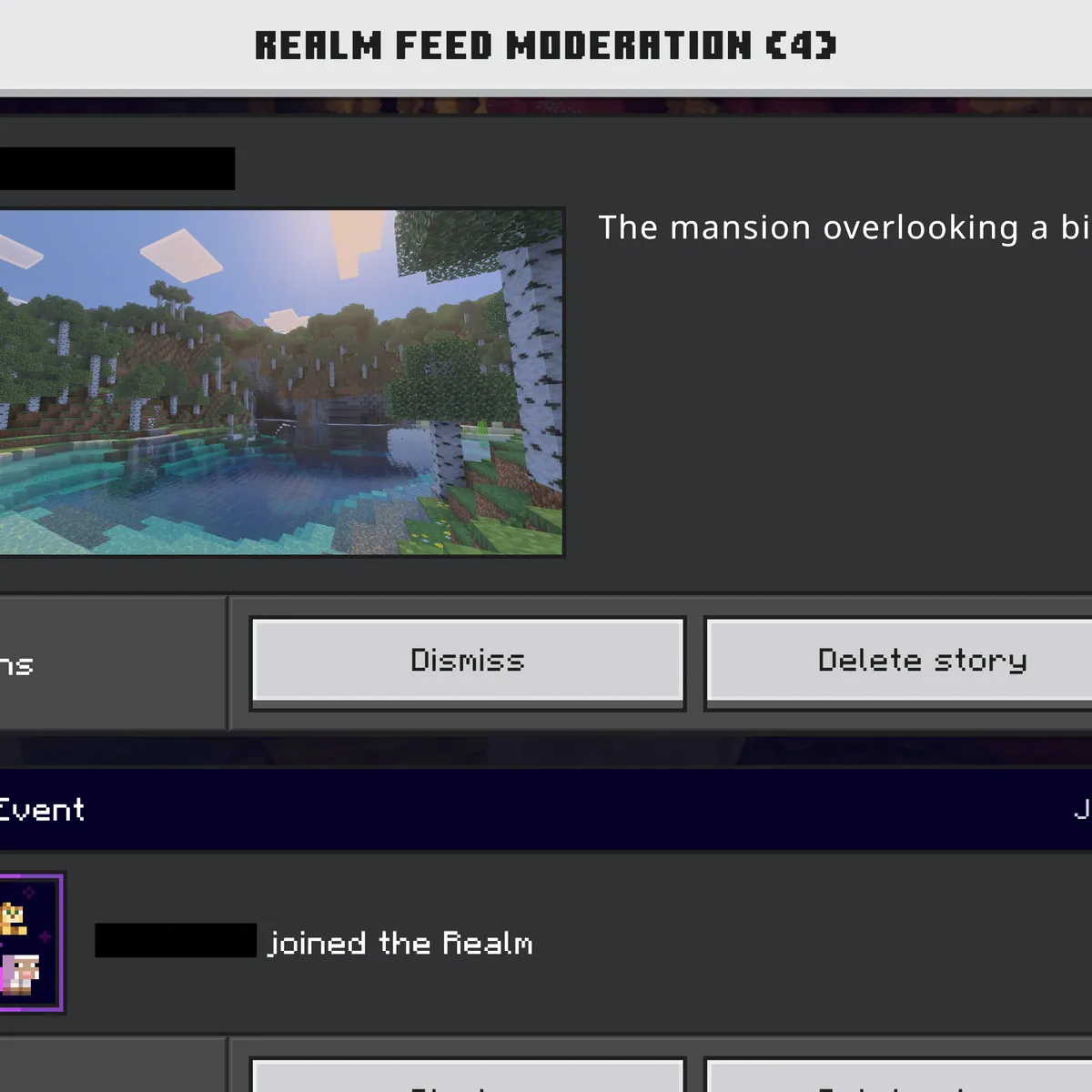
The common Minecraft server staff roles
Names change from server to server, but almost every staff team is built from the same layers. Each layer can do what the one below it does, plus a little more, so players always know who to go to and staff always know who to ask.
| Role | What they do | Typical access |
|---|---|---|
| Owner | Pays for the server, sets its direction and has the final word on rules, staff and money | Everything, including the hosting panel and backups |
| Admin | Runs the server day to day: plugins, settings, updates and the staff team itself | Console, plugin settings and permission groups |
| Senior moderator | Leads the moderators, reviews bans and appeals, and trains new staff | Every moderation command, including permanent bans |
| Moderator | Handles reports, chat problems, griefing and cheaters as they happen | Mute, kick, temporary ban, spectator mode and block logs |
| Helper | Welcomes new players, answers questions and passes real problems on | Warnings and short mutes at most |
| Builder | Builds spawn, event maps and new areas of the world | Creative mode and world editing in build worlds only |
| Developer | Writes and maintains custom plugins, scripts and configuration | A test server, rarely the live console |
| Event team | Plans and runs events, contests and seasonal activities | Event commands and warps, no punishment commands |
Owner and admins: keep this group small
Anyone with console or panel access can delete the world, install a broken plugin or undo a week of work by accident. Two or three people you have known for a long time is plenty, even on a large server.
Access to the hosting panel is a separate list from ranks in the game. On Astroworld Hosting you can give someone panel access one right at a time, so an admin gets the parts of the panel their job needs and nothing else.
Moderators: the role players see most
Moderators are where your rules meet real players. They answer reports, look into griefing, watch for cheaters and decide on mutes and temporary bans. Good moderators stay calm in chat, note down why they punished someone and ask a senior moderator before doing anything that cannot be undone.
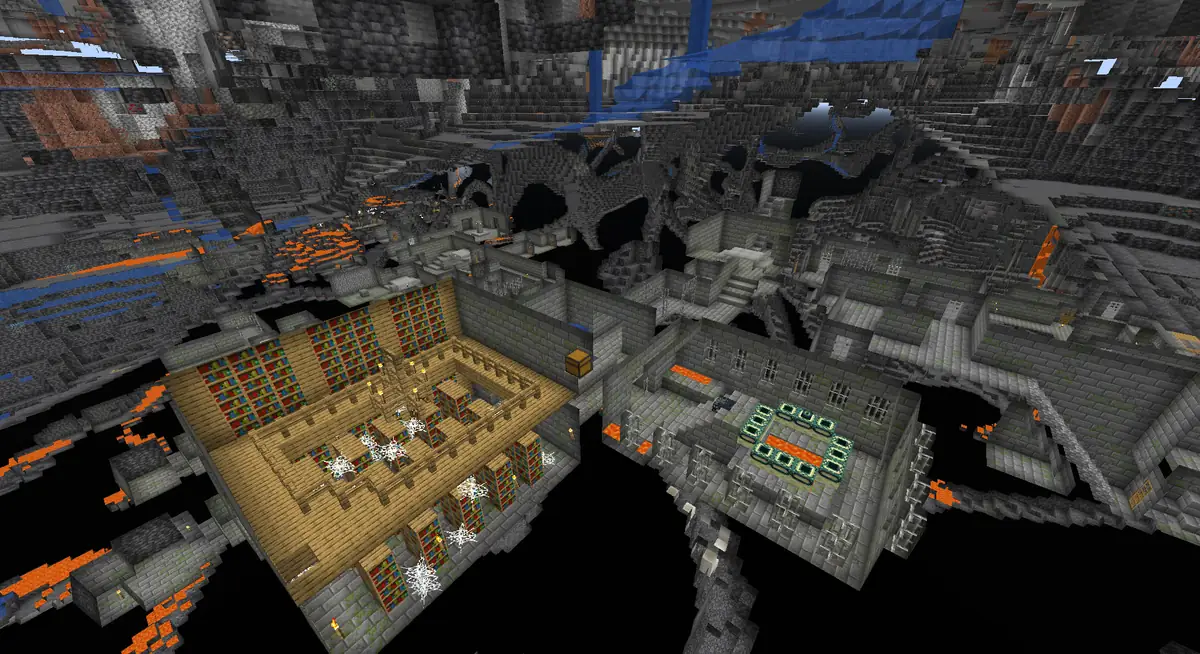
In spectator mode a moderator can fly through blocks and watch a player without being visible to them or touching anything in the world, which is the fairest way to check a cheating report before acting on it.
Helpers: where new staff start
A helper rank is the safest way to try someone out. Helpers greet new players, answer the same ten questions every day and hand anything serious to a moderator. When moderators are promoted from your best helpers, nobody gets ban powers on their first day.
Builders, developers and the event team
These roles make things rather than handle players, so keep their access to the work itself. A builder needs creative mode and world editing in the build world, not in survival. A developer needs a test server, not a way to ban people. An event team needs its event commands, not your punishment commands.
How many staff a Minecraft server needs
Count staff by the number of players online at your busiest hour, not by how many players have ever joined. Forty people online on a Saturday evening need somebody online who can act, whatever the total on your server list says.
| Players online at peak | Staff team | What to add |
|---|---|---|
| Under 20 | The owner plus one or two trusted moderators | A whitelist does much of the work on a server for friends |
| 20 to 50 | One admin, two to four moderators and two or three helpers | Moderators in different time zones, so evenings and weekends are covered |
| 50 to 150 | Two admins, a senior moderator, five to eight moderators and four to six helpers | A staff chat, a ticket system and written staff guidelines |
| 150 and more | Separate teams for moderation, building, development and events, each with a lead | Leads who report to the admins, and only admins who change permissions |
Time zones matter more than head count. Five moderators who all live in the same country leave the server without anyone to act for a big part of every night.
How to choose new staff
The best staff are usually players who already help others without being asked. Watch who answers questions in chat, reports problems calmly and gets along with everyone, and invite them to apply instead of waiting for applications to arrive.
- Set a minimum, such as a few weeks of playtime on your server and no recent punishments.
- Use a short application with questions about real situations, like what they would do if a friend of theirs was caught using x-ray.
- Talk to the strongest applicants in a voice call before you decide.
- Start every new staff member as a helper for a trial of two to four weeks.
- Promote based on how they handled real reports, not on how long they have played.
Write down what staff may and may not do
Staff guidelines are the rules for your team, and they keep the server fair while you are offline. They do not need to be long, but they should answer the questions staff ask most often.
- Which punishment belongs to which rule, so two moderators give the same answer to the same problem. A punishment ladder makes that easy.
- What evidence to save before a ban, such as a screenshot, a chat log or a block log.
- Which actions need a second staff member, such as a permanent ban or rolling back a player's base.
- That staff never use their powers for themselves, their friends or their own team.
- How to hand over an open report when their time online ends.
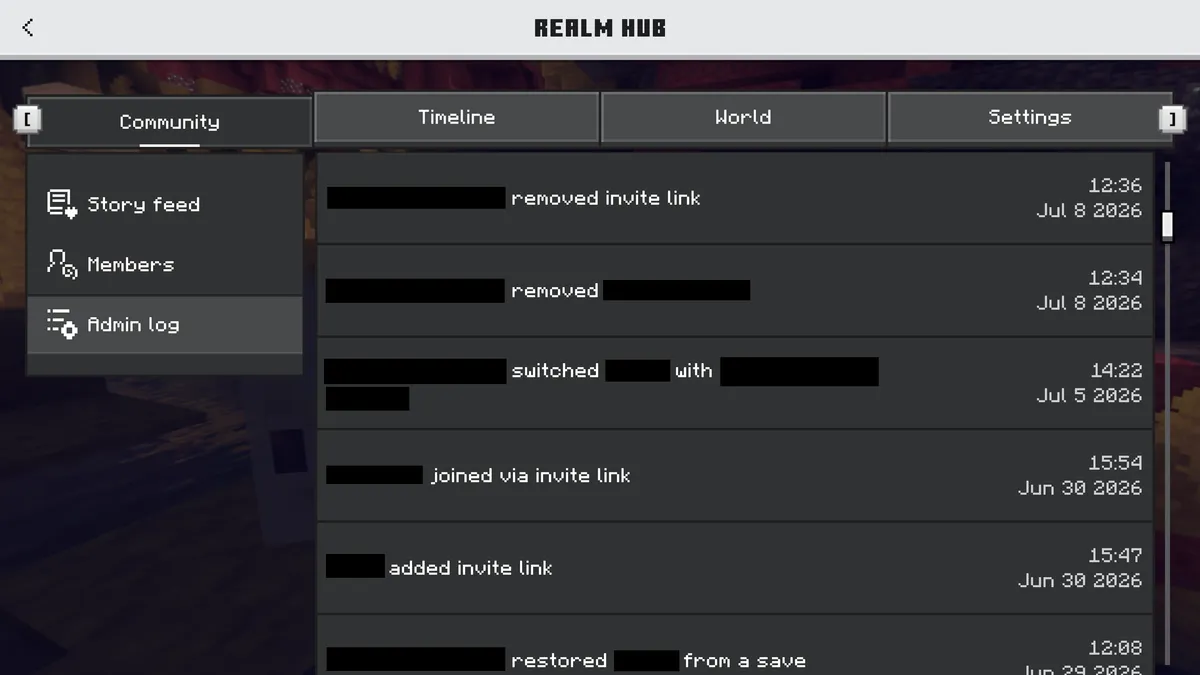
Keep a record of staff actions too. Punishment plugins such as LiteBans store every mute, kick and ban together with the staff member who gave it, and reading that history once a week quickly shows who is too strict, who is too soft and who has stopped logging in.
Show your staff team on your server website
A public team page tells players who to trust. When a scammer messages someone pretending to be staff, a list of the real team on your website is how that player finds out.
- List every staff member by their in-game name, spelled exactly as it shows in chat.
- Say what each person does in a few words, like “Handles reports” or “Builds event maps”, instead of only a title.
- Remove people from the page on the day they leave the team.
- Tell players where to reach staff, such as a ticket channel in your Discord.
How to fill in the Team block on your server website
The SMP template in the website builder comes with a Team block on its home page, with an owner, a builder and a moderator as placeholders. This is how you turn it into your real staff list.
Start the editor
In the server panel of Astroworld Hosting or minecrafthosting.cc, go to Website next to your server settings and open the editor.
Select the Team block
On the home page, click the Team block. Change the heading if you would rather call it something like “Our staff” than “The team”.
Add each staff member
Give every person a name and a role. One Team block holds up to 24 people, and anyone without a picture gets a player icon, so the list looks tidy either way.
Sort the list by role
Put the owner and admins at the top and helpers at the bottom, so players can see at a glance who to ask for what.
Publish the new team
Press Publish. After the automatic content check and a review by our team, usually within a few hours, the new staff list replaces the old one on your live site.
Questions about Minecraft server staff
What is the difference between an admin and a moderator on a Minecraft server?
A moderator handles players: reports, chat, griefing and cheaters. An admin handles the server itself: plugins, settings, updates and the staff team. Admins can usually do everything a moderator can, but a moderator should not be able to change how the server runs.
How many moderators does a Minecraft server need?
Start with one moderator online for every 20 to 30 players at your busiest time, spread over the time zones your players come from. A small whitelisted server for friends can often manage with the owner and one or two trusted players.
What does a helper do on a Minecraft server?
A helper welcomes new players, answers questions and passes real problems to a moderator. It is usually the first staff rank, with few or no punishment commands, which makes it a safe way to see how someone handles the job.
Should my staff be server operators?
Only the owner and perhaps one admin. Operator status gives access to every command, including commands that change the world and other players' inventories. Put the rest of the team in a permission group with only the commands their role needs.
How do I stop staff from abusing their powers?
Give each role only the commands it needs, keep a log of every punishment with the name of the staff member who gave it, and let a senior moderator or admin review permanent bans. Staff who break the guidelines lose their rank, just as players lose access for breaking the rules.
More server website guides
 Minecraft server rules24 example rules sorted by topic, the rules each type of server needs first, and how to build a rules page players read.
 Minecraft server ranksRank ladders for players, supporters and staff, cosmetic perks that follow Minecraft's rules and a rank page players understand.
 Get players on a Minecraft serverServer lists, voting, Discord, a website and a first hour that makes people stay: twelve ways to find players and keep them.
 Minecraft server FAQThirty questions players ask about joining, rules, ranks and support, with example answers and tips for a FAQ that saves your staff time.
 Minecraft whitelist applicationTwenty questions to ask, a form players can copy, how to review applications fairly and how to add accepted players to the whitelist.
 Minecraft Discord server setupA channel layout to copy, the roles and permissions to give, how to keep spam out and how to connect Discord to your Minecraft server.
 Minecraft ban appealA ban appeal form to copy, what a good appeal looks like, how staff should review appeals fairly and how to lift a ban afterwards.
 Minecraft staff applicationA staff application template, 30 questions with what good answers show, how to score applicants, red flags and a trial period for new staff.