
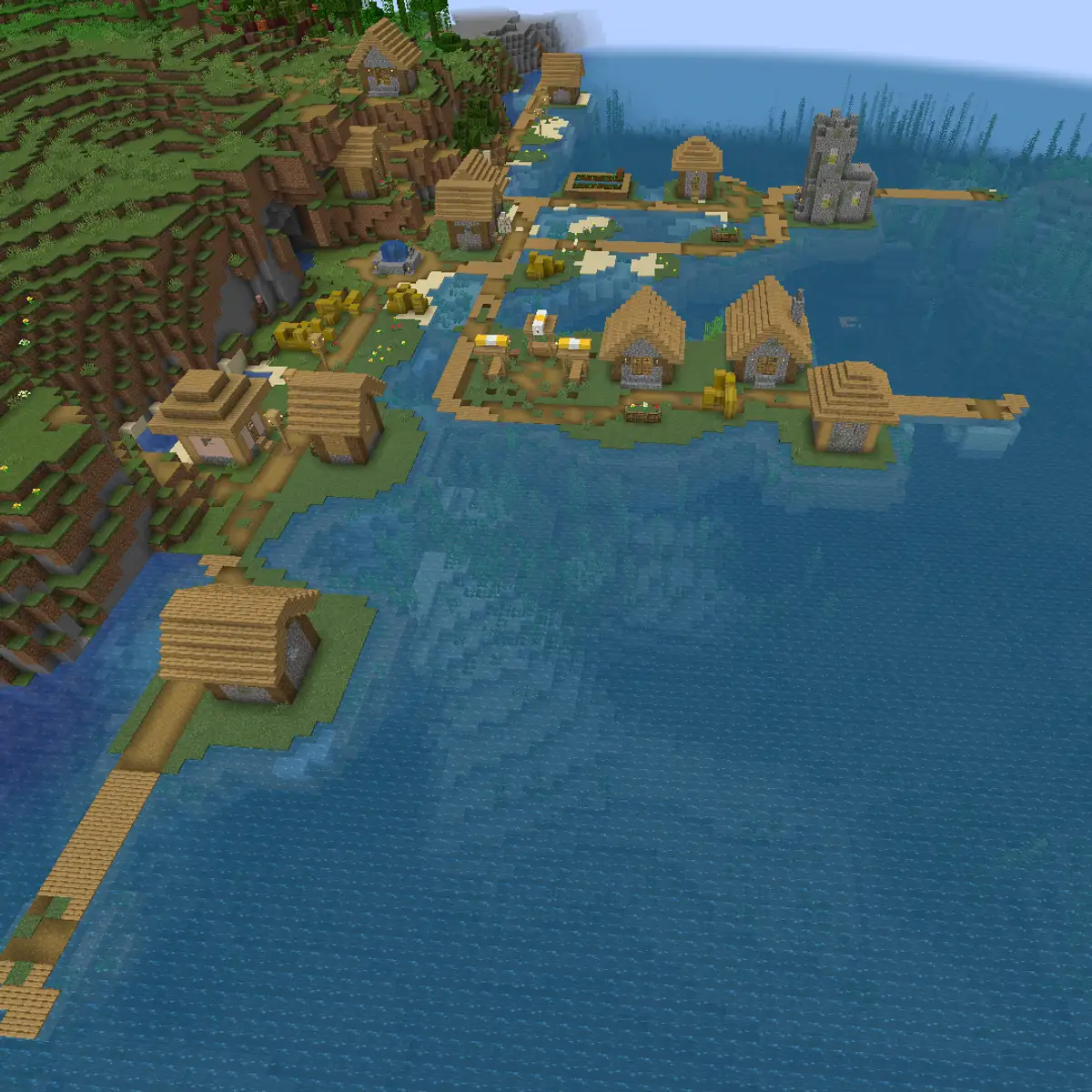
Get the server ready before you look for players
Advertising a server that is not ready burns the players you worked hardest to find. Somebody who joins an empty, confusing or lagging world rarely gives it a second chance, and they tell their friends. Check these points before you post your address anywhere.
- The server stays online for days without crashing, and restarts happen at quiet hours.
- Spawn shows a new player what to do next with signs, a short path or a portal to the wild.
- Your rules are written down and easy to find, and at least one staff member is online at your busiest time.
- Players on newer versions of the game can join, for example with ViaVersion on a Java server.
- Bedrock players on phones and consoles can join too, if your game mode suits them.
Pick one clear reason to join
“Survival server with plugins” describes thousands of servers. “Survival with player shops and a new build contest every month” gives somebody a reason to pick yours. Write your reason in one sentence, then use that same sentence on server lists, in Discord and on your website.
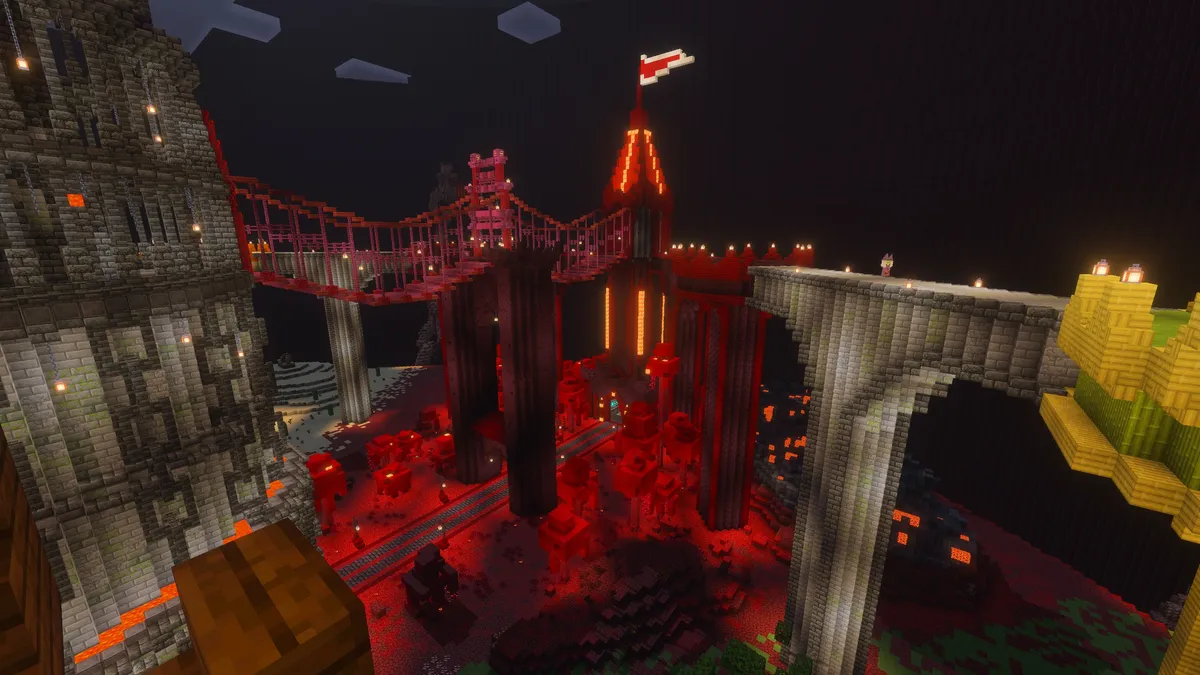
A custom map, an unusual game mode or a building style of your own does more for a server listing than a long list of plugins. Take your best screenshot of it and put it at the top of every page where players see the server first.
12 ways to get players on a Minecraft server
No single channel fills a server. The servers that grow use several of these at once, and keep using them after the first rush of players arrives.
- List it on server lists
Sites such as Minecraft-MP, MinecraftServers.org and Planet Minecraft are where players go to look for a new server. Put the server on several of them, not just one.
- Ask players to vote every day
Most lists rank servers by votes. A daily vote from your regulars moves you up the list, where new players can see you.
- Run a Discord server
Discord is where players talk when they are not online. Post updates, events and screenshots there, and put the invite everywhere your address appears.
- Give the server a website
A website answers the questions players have before they join: what the server is, how to join, the rules and whether anyone is online right now.
- Let Bedrock players join
Players on phones, consoles and Windows use Bedrock Edition. Letting them join a Java server with crossplay can make the group of players who can reach you far bigger.
- Use an address people remember
A short name is easier to share by voice or in a video than a string of numbers with a port at the end.
- Post in communities that allow it
Subreddits such as r/mcservers and r/MinecraftBuddies have threads made for this. Read their rules first and post a real description, not only your address.
- Share short videos
A 30 second clip of a build, an event or a funny moment reaches players who never browse server lists. Put the server name in the video itself.
- Invite small creators
A creator with a few hundred viewers who plays on your server for an evening can bring more players than an advert. Offer them a place to build or an event of their own.
- Launch with a date
A new season or a map reset with a start date gives players a moment to join together, and a busy first day looks better to everyone who arrives after.
- Reward players who bring friends
A cosmetic reward for inviting a friend who stays for a few hours turns your players into your advertising.
- Team up with servers that are not rivals
A creative server and a PvP server rarely compete for the same players. Mention each other in Discord, and both of you gain.
Server lists and voting sites
Server lists sort servers by votes, players online and how long they have been listed. A new server starts at the bottom, so the listing itself has to convince somebody scrolling past forty others.
| Field | What works |
|---|---|
| Server name | The name players will see in game and in your Discord, spelled the same everywhere |
| Short description | Your one sentence reason to join, with the game mode in the first words |
| Long description | What makes the server different, the rules in short, and how often it is updated |
| Tags | Only the game modes and features you really have, since a wrong tag brings players who leave straight away |
| Version | The versions players can join with, including Bedrock if you allow it |
| Banner | Your best screenshot or logo at the size the list asks for, often 468 by 60 pixels |
| Links | Your Discord and your website, so players can find out more before they join |
Rewards for voting
Players vote more when they get something for it. A plugin such as NuVotifier receives the vote from the list, and a vote rewards plugin gives the player their reward in game. Because voting is free, the reward can be something useful in game, such as a crate key, a few diamonds or a day of an extra home.
- Keep the reward small enough that it does not upset the economy of your server.
- Add a streak reward for voting several days in a row.
- Announce votes in chat, so other players are reminded to vote as well.
- Put all your vote links together in one place, such as a pinned message in Discord.
A Discord and a website that turn visitors into players
Most players look before they join. They click from a server list to your Discord or your website to see whether the server is alive, what it is about and whether it is worth their evening. Both places should answer that in seconds.
- Your server address, with a button that copies it.
- Whether the server is online right now, and how many players are on it.
- One sentence about what the server is, the same one you use on server lists.
- How to join on Java and on Bedrock, including the port if Bedrock players need one.
- Your rules, and a way to reach staff when something goes wrong.
- An invite to your Discord, so visitors who are not ready to play can still stay in touch.
Make the address easy to share
An address like play.yourserver.com is easier to remember and to say out loud than an IP address with a port. On Astroworld Hosting you can give the server a short address without a port for Java players, and a Discord bot can show who is online and the play address right in your Discord.
Let Bedrock players in
A Java server can accept Bedrock players with GeyserMC and Floodgate, so friends on a phone or a console can join the same world. The crossplay setup guide explains the port Bedrock players need and the settings that matter.
Keep the players you get
Finding players is only half of it. Most of the players who leave for good do it in their first hour, so plan that hour as carefully as your adverts.
| When | What should happen |
|---|---|
| First minute | They land at a spawn that tells them what the server is and where to go |
| First ten minutes | They leave spawn, find a place to start and learn how to protect their things |
| First hour | Somebody says hello, and they have a first goal, like a rank, a shop or a quest |
| First week | An event, a friend they made or a project gives them a reason to come back |
Watch where players leave
A statistics plugin such as Plan shows how long new players stay and when they stop coming back. If most of them leave within ten minutes, look at spawn. If they leave after a few days, look at what there is to do once the first goal is done.
How to show your address, status and Discord on your server website
Most templates in the website builder open with a hero button that copies your server address, and each one ends its home page with a Discord section. The free Survival template also has a live Server status section. This is how you set up all three.
Open the website editor
From the server panel of Astroworld Hosting or minecrafthosting.cc, open Website and start the editor.
Make the address one tap away
Click the hero at the top of the home page. Under Buttons, set the Action of the first button to Copy server address, and leave Show the server address under the buttons switched on, so players can read the address as well.
Keep the live status in view
In the Server status section, choose Bar or Card under Layout and keep a Link text, which copies your address. It shows whether the server is online and how many players are on it, checked about every 30 seconds.
Link your Discord
Click the Discord section on the home page and paste your invite under Link, or leave it empty to use the Discord link from Site settings. Change the Button text if you want your own words.
Publish the changes
Press Publish. The changes pass an automatic content check and a review by our team, usually within a few hours, and then replace your live site.
Questions about getting players on a Minecraft server
How do I get my first players on a Minecraft server?
Start with people you know and a few players from communities you are already part of, so the server is not empty when strangers arrive. Then list it on several server lists, ask those first players to vote every day and post your Discord invite wherever the address appears.
Are Minecraft server lists worth it?
Yes, for most servers they are the steadiest source of new players. They work best when you are on several lists at once, your players vote daily and the listing has a clear description and a good banner.
How many players do I need before I advertise?
No number is required, but plan your first adverts for the hours when you and a few regulars are online. A new player who finds three people chatting is far more likely to stay than one who finds an empty spawn.
Does crossplay bring more players?
It often does, because it lets players on phones, consoles and Windows join your Java server. It suits survival, SMP and creative servers best; in fast PvP modes the differences between the two editions can feel unfair.
Should I pay for adverts on server lists?
Only once the server keeps the players it already gets. A paid spot sends a burst of visitors, and if most of them leave within minutes you have paid to make a bad first impression. Fix spawn and the first hour first.
How long does it take to grow a Minecraft server?
Expect months rather than weeks. Servers that grow usually add a few regular players every week through lists, votes and word of mouth, and keep them with events and updates.
More server website guides
 Minecraft server ranksRank ladders for players, supporters and staff, cosmetic perks that follow Minecraft's rules and a rank page players understand.
 Minecraft server rules24 example rules sorted by topic, the rules each type of server needs first, and how to build a rules page players read.
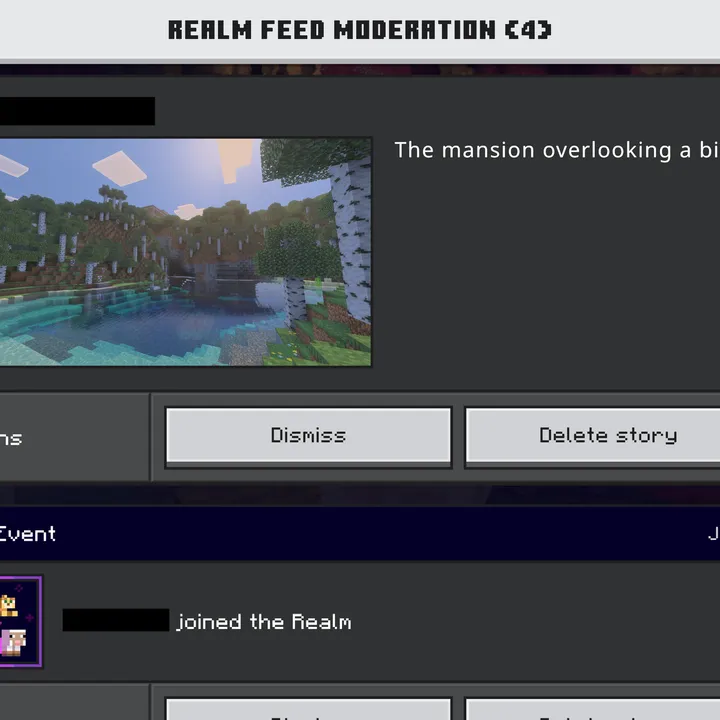 Minecraft server staff rolesOwner, admin, moderator, helper and builder explained, how many staff a server needs and how to choose and show them.
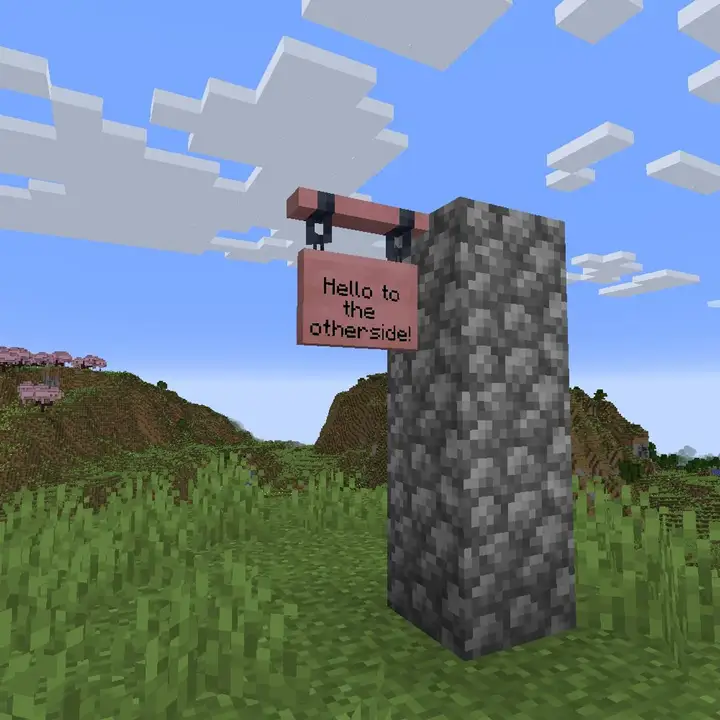 Minecraft server name ideasSixty name ideas sorted by game mode, what makes a server name easy to remember and how to check it is still free.
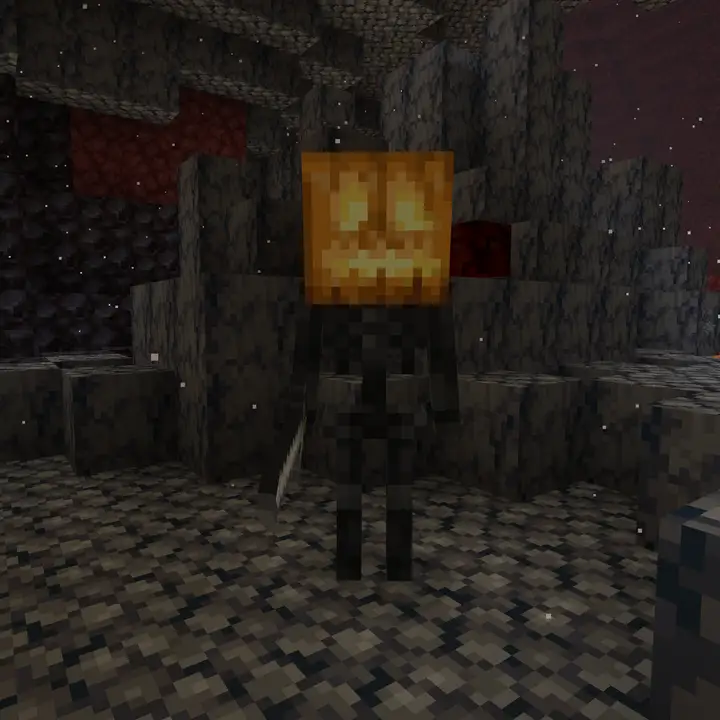 Minecraft server event ideasTwenty five event ideas sorted by type of server, with a plan for announcing, running and rewarding each event.
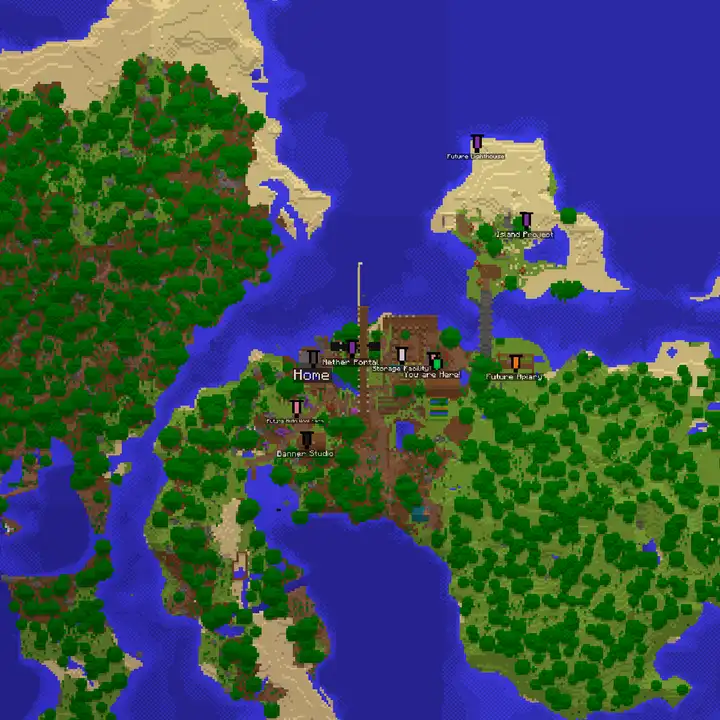 Minecraft server descriptionA one sentence formula, 24 example descriptions by game mode, what goes in a long description and how to write a two line MOTD.
 Minecraft server launch checklistForty checks for the server, the world, your community and launch day, and what to do in the first week after opening.
 Minecraft server spawn ideas20 spawn ideas by theme, game mode and feature, how to lay out and size a spawn, and how to protect it from griefing.