
25 Minecraft server event ideas
The best event is one your players can join without learning anything new. Start with ideas that match what they already do on your server, and save the complicated ones for when you have a few events behind you.
Events for survival and SMP servers
- Themed build contest
Everyone builds a house, a statue or a farm around one theme in their own base, and players vote on the best one at the end of the week.
- Treasure hunt
Hide chests with clues around spawn or a set area of the world. The first player to find the last chest wins what is inside.
- Dragon night
Meet at spawn, travel to the End together and fight a respawned ender dragon as a group. New players get to see the End without going alone.
- Market day
Players set up stalls in a marked area at spawn and trade for an evening, with a prize for the best looking shop.
- Town makeover week
Pick a part of spawn that looks tired and let players rebuild it together, one street or plaza per team.
PvP and factions events
- King of the hill
One point in the middle of an arena. Whoever stands on it longest during the event wins.
- Last one standing
Everyone starts with the same kit in a closing border, and the last player alive wins. Same gear for all keeps it about skill.
- Capture the flag
Two teams, two bases and a banner to steal. It works well for factions that want to fight without losing their own base.
- Bounty hunt
Staff put a bounty on a few volunteers, and whoever takes them out during the event claims the reward.
- Season finale
The last evening of a factions season, with the border shrinking around a final battleground before the map resets.
Minigame events
- Spleef tournament
Players break the floor under each other with shovels or snowballs, in rounds of four, until one champion is left.
- Parkour race
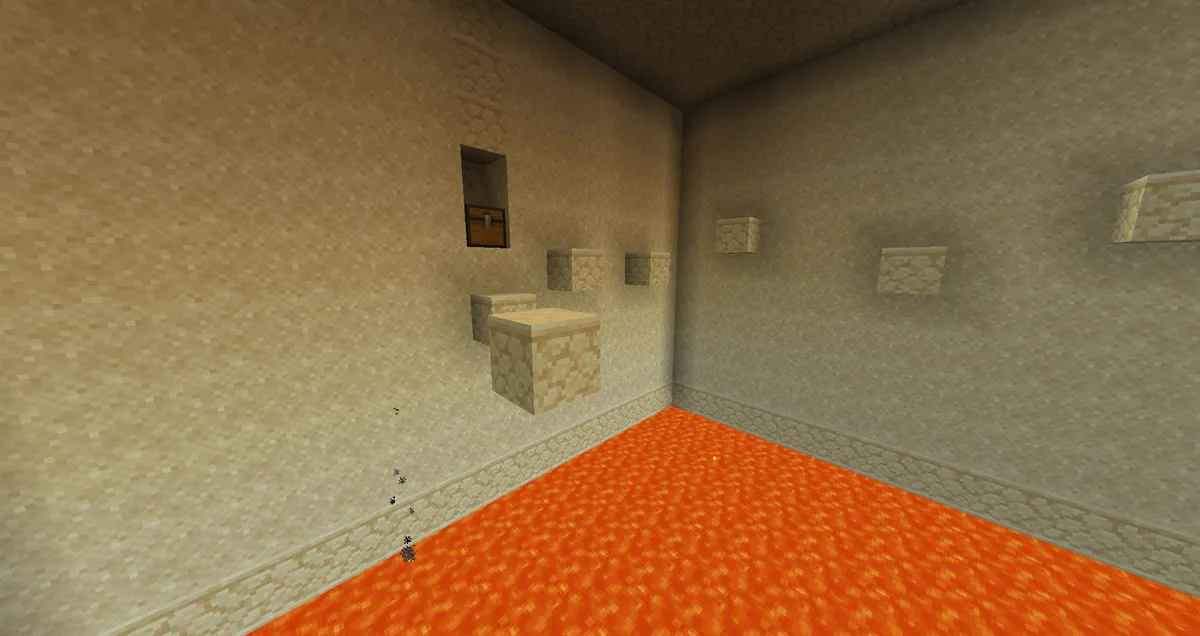
A course over lava or water with checkpoints, timed per player, with the fastest times shown afterwards.
- Hide and seek
One seeker, a small map full of corners and a timer. Easy to host and fun for new and young players.
- Boat race
A track of ice through a hill or a cave, with a lap count and a finish line, raced in heats of six.
- Drop race
Players jump down a tall shaft full of obstacles and try to land in the water at the bottom before the others.
Creative and build events
- Speed build
A theme is announced at the start, and players get thirty minutes on a small plot to build it.
- Plot contest
A week on a plot of their own, one theme, and a public vote on the best builds.
- Pixel art contest
Players recreate a picture block by block on a flat wall of the same size for everyone.
- Team build
Teams of three get a bigger plot and one evening to build a scene together.
- Spawn design contest
The winning design becomes the new spawn, so the prize is seen by every player who joins after.
Seasonal and community events
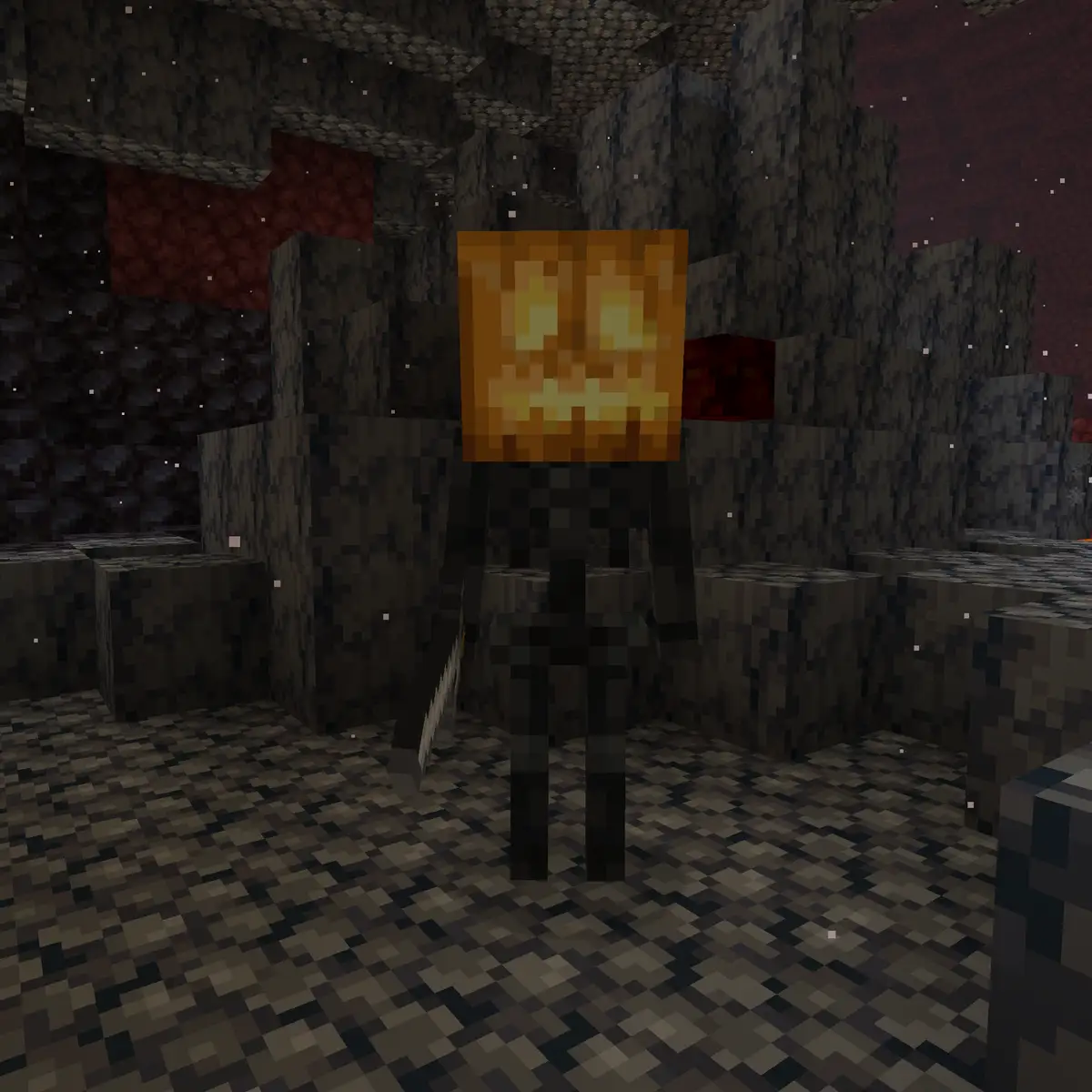
- Halloween spawn
Pumpkins, cobwebs and a haunted house at spawn for the last week of October, with a hidden room to find.
- Winter gift hunt
Presents hidden around the world in December, each with a small reward and a riddle leading to the next.
- Server birthday
A party at spawn on the day the server first opened, with fireworks, a group photo and a look back at the first builds.
- New season launch
A fresh map opening at a set time, so everyone starts together and nobody is weeks behind.
- Screenshot contest
Players share their best screenshot of the server in Discord, and the winner becomes the banner on your server lists for a month.
How to plan a Minecraft server event
A short plan saves you from a crowd of players standing at spawn while staff argue about the rules. Answer these questions before you announce anything.
| Decide | Example |
|---|---|
| What the event is | A spleef tournament in rounds of four, for players of any rank |
| When it starts | Saturday at 18:00 UTC, the hour with the most players online |
| How long it lasts | About an hour, with a break between rounds |
| Where it happens | A separate arena, so nothing in the main world can be damaged |
| The rules | No potions, no leaving the arena, and a staff decision on ties is final |
| The prizes | A cosmetic title for the winner, and a small prize for second and third |
| Who helps | One host who explains, one referee who watches and one helper for questions |
| What if it goes wrong | A backup of the arena, and a new date if the server has problems |
Announce it early, and more than once
Most players miss the first announcement. Repeating it at fixed moments, in every place players look, is what fills an event.
| When | Where | What to say |
|---|---|---|
| Two weeks before | Discord and your website | The event, the date and time, and how to take part |
| One week before | Discord and in game | The rules and the prizes |
| One day before | Discord, with a ping | A reminder with the start time in UTC |
| One hour before | In game | Where to meet and how to get there |
| At the start | In game, on screen | A title message and the command or warp to join |
Always write the time in UTC next to a local time, because your players live in different time zones. A countdown avoids the problem completely, because it shows everyone the same moment.
Announcements in game
A title across the screen or a clickable chat message reaches the players who never open Discord. The JSON text generator builds the message for a tellraw or title command with colours and a click to join, and the command generator helps with the rest of the event commands.
Running the event on the day
- Make a backup of the server an hour before the event starts.
- Walk through the arena or the course yourself and fix anything that breaks.
- Open the meeting point fifteen minutes early, so late arrivals do not delay the start.
- Explain the rules once more in chat and on screen before the first round.
- Let the referee watch for cheating in spectator mode, and write down every result as it happens.
- Take screenshots during the event, so you have something to show afterwards.
If something goes badly wrong, such as a crash or a griefed arena, stop the round and roll back rather than carrying on with an unfair result. Knowing how to restore the server from a backup before the event makes that a five minute pause instead of a cancelled evening.
Prizes and posting the results
A prize does not need to be big to matter. A title in chat, a trophy block for the winner's base or a place on a winners wall at spawn is often worth more to players than a stack of diamonds, and it does not upset your economy.
- Keep taking part free for all players, and do not sell extra entries or better starting gear.
- Keep paid prizes cosmetic, just like the perks of supporter ranks.
- Give something small to everyone who took part, so losing in the first round still feels worth it.
- Post the winners and your best screenshots on the same day, in Discord and on your website.
- Ask a few players what they would change, and use it for the next event.
How to put an event countdown on your server website
The Factions and Creative templates in the website builder come with a Countdown section on the home page and a leaderboard on their Season or Build contest page. This is how you set both up for your next event.
Open the website editor
In the server panel of Astroworld Hosting or minecrafthosting.cc, go to Website and open the editor.
Set the start of the event
Click the Countdown section and fill in Date and time (UTC). The page counts down to the same moment for every player, wherever they live.
Say what is happening
Write the name of the event as the Heading, and put the one thing players need to know, like the theme or where to meet, in the Description. Fill in After the countdown with what the section should say once the event has started.
Show the winners afterwards
Open the Leaderboard on the Season or Build contest page, set the Column heading to what you counted, such as Points or Votes, and fill in up to 10 places with a name and a score. You keep this list up to date yourself.
Publish well before the event
Press Publish at least a day before the event. Changes pass an automatic content check and a review by our team, usually within a few hours, before they go live.
Questions about Minecraft server events
What are good events for a small Minecraft server?
Events that work with only a handful of players, such as a treasure hunt, a themed build contest over a week, hide and seek or a group trip to fight the ender dragon. They do not need a full arena or a crowd to be fun.
How often should a Minecraft server hold events?
Once every week or two keeps regulars coming back without wearing out your staff. A bigger event once a month or once a season, with a countdown and proper prizes, gives players something to look forward to.
What prizes should I give for a server event?
Cosmetic titles, trophy blocks, a spot on a winners wall or a small in-game reward work well. Avoid prizes that make winners much stronger than everyone else, because the next event then has a winner before it starts.
How do I deal with time zones for an event?
Pick the hour when most of your players are online, give the time in UTC next to one or two local times, and use a countdown so every player sees the same moment in their own time.
How do I stop cheating during an event?
Give everyone the same kit, hold the event in an arena where players cannot bring items in, and let a referee watch in spectator mode. Write the rules down beforehand, including what happens when someone breaks them.
Should events be in a separate world?
For anything with PvP, explosions or breaking blocks, yes. A separate world or a protected arena keeps the damage away from player builds and makes it easy to reset between rounds.
More server website guides
 Get players on a Minecraft serverServer lists, voting, Discord, a website and a first hour that makes people stay: twelve ways to find players and keep them.
 Minecraft server ranksRank ladders for players, supporters and staff, cosmetic perks that follow Minecraft's rules and a rank page players understand.
 Minecraft server rules24 example rules sorted by topic, the rules each type of server needs first, and how to build a rules page players read.
 Minecraft Discord server setupA channel layout to copy, the roles and permissions to give, how to keep spam out and how to connect Discord to your Minecraft server.
 Minecraft server patch notesA patch notes template, 12 example entries for common changes, how to write them clearly and where and how often to post updates.
 Minecraft server season resetWhat to wipe and what to keep, season lengths per game mode, a reset timeline, the steps for reset day and rewards that carry over.
 Minecraft server game modes30 game mode ideas in five groups, which modes suit your player count, how to plan a network and how to add a new mode.
 Minecraft server loreHow to write lore for a Minecraft server, 20 story ideas, how to tell the story in game with builds, books and characters, and how events keep it moving.
 Minecraft build contest50 Minecraft build contest themes, six contest formats, rules to copy, a scoring sheet for fair judging, prizes that do not break the game and how to show the winners.