
What makes a good game mode for a Minecraft server
A game mode is the reason a player picks your server over the next one in the list. The best modes are easy to explain in one sentence, fun with the number of players you actually have, and able to run without a staff member standing next to them.
- A clear goal: win the round, grow the island, reach the next rank.
- Fun with the players you have now, not the players you hope to have.
- Rounds or sessions that fit how long your players stay online.
- Something to come back for, such as a leaderboard, a season or progress that is saved.
- Rules that the plugins enforce, so staff do not have to referee every game.
- Enough memory and processor on your machine for the mode at its busiest.
30 Minecraft server game mode ideas
The ideas below are grouped by the kind of player they attract. Most networks mix one long running mode, where players build up progress, with a few quick modes that fill the time in between.
Survival and building modes
- Survival SMP
A shared world where players build, farm and trade together. It works from a handful of players, which is why so many servers start with it.
- Skyblock
Each player starts on a small island in the void and grows it with farms and generators. Island levels make an easy leaderboard.
- OneBlock
A single block that turns into new blocks and mobs every time it breaks. A quick twist on skyblock that explains itself in seconds.
- Towny
Players found towns, keep them running with in-game money and join them into nations. It suits patient players who enjoy politics as much as building.
- Creative plots
Every player gets a plot with all blocks unlocked. Pair it with a build contest each month so the plots keep filling up.
- Hardcore survival
One life on a tougher world, with spectator mode after death until the season ends. The tension does the advertising for you.
PvP modes
- Bedwars
Teams guard a bed on their own island and trade resources from generators for gear. Once a bed is broken, that team cannot respawn.
- Skywars
Players spawn on separate sky islands with chests and fight until one is left. Rounds are short and need no teams.
- Survival games
Players loot chests across a large map while a border closes in, and the last one alive wins. A round feels best with a dozen players or more.
- KitPvP
Pick a kit, jump in and fight, with no waiting for a round to start. Good filler for players between other games.
- Duels
One against one with the same kit for both players, often best of three. A ranking by wins keeps players coming back.
- Factions
Teams claim land, build bases and raid each other, usually over a season that ends with a fresh map.
Minigames for groups
- Capture the flag
Two teams try to carry the other team's flag back to their own base. It shines on themed maps and with friends in voice chat.
- Spleef
Players break the floor out from under each other with shovels until one is still standing. Easy to build and easy to learn.
- TNT run
The floor falls away just after players step on it, layer after layer. Whoever stays up longest wins.
- Build battle
Players get a theme and a few minutes to build it, then vote on each other's work. A good choice for players who do not like PvP.
- Hide and seek
Hiders disguise themselves as blocks while seekers search the map before time runs out. Popular with younger players.
- Murder mystery
One player is secretly the murderer, one has a bow, and the rest try to survive. Short rounds that people play again and again.
Parkour and casual modes
- Parkour
Jump courses with checkpoints and a timer. It needs no other players, and the best times give speedrunners something to chase.
- Dropper
Players fall down a long shaft and steer past obstacles to land in water at the bottom. New levels are quick to build.
- Block party
Players rush to the colour that is called before the rest of the floor vanishes. Fast rounds that suit big groups.
- Deathrun
One player sets off traps while the others race through a course to reach the finish.
- Boat and horse races
Tracks over ice or open land with laps and a finish line. A relaxed mode that also works well as an event.
- Mob arena
Players fight waves of mobs together, and each wave is stronger than the last. Co-op instead of PvP, so friends play on the same side.
Long running and hardcore modes
- Prison
Players mine to earn money and rank up through a ladder of mines. A strong fit for players who like steady progress.
- Lifesteal
Killing a player takes one of their hearts and dying costs one of yours. Simple rules with a lot of tension on a survival map.
- Anarchy
No gameplay rules beyond what keeps the server running. It draws a very specific crowd, so keep it apart from your other modes.
- UHC
Ultra hardcore: health does not regenerate naturally, there is one life, and the border shrinks towards the centre. Best run as a weekly event.
- Manhunt
One player tries to beat the ender dragon while the others hunt them down. Great for friend groups and small events.
- Earth map
A scaled copy of the real world where players claim countries and build nations. The map is huge, so plan for plenty of disk space.
Which game modes suit your player count
Look at how many players are online at your busiest hour, not your record. A mode that needs sixteen players for a round is dead on a server with eight, however good it is.
| Players online at peak | Modes that work | Why |
|---|---|---|
| Fewer than 10 | Survival SMP, creative plots, parkour, mob arena | Fun alone or in small groups, with no queue to fill |
| 10 to 30 | Skyblock, KitPvP, duels, build battle | Short or solo rounds start without waiting for a full lobby |
| 30 to 100 | Bedwars, skywars, survival games, murder mystery | Enough players to fill several rounds at the same time |
| More than 100 | Factions, prison, lifesteal and several minigames side by side | Big maps and many rounds at once all stay busy |
When a minigame queue is often empty, merge it into a rotation with similar games instead of closing it straight away. One queue that picks between spleef, TNT run and block party fills much faster than three separate ones.
How to plan a Minecraft network with several game modes
A network puts several game modes behind one address. Players land in a lobby, pick a mode through a portal, an NPC or a menu, and move between modes without typing a new address. Start small: a lobby and two or three modes are plenty for a new network.
One address, several servers
The usual setup is one server per mode with a proxy in front of them. On Astroworld Hosting and minecrafthosting.cc, the Server network card in the panel does this for you: it puts two or more of your Paper or Purpur servers behind one address, players switch with /server, and every address you had before keeps working.
For NPCs in the lobby that send players to a mode, Citizens is a common choice, and TAB handles the player list and name tags, so they look the same in each mode.
One server with several worlds
A small network can also run on a single server with a separate world per mode, using Multiverse-Core. It is simpler to set up, but all modes share one machine's memory, and a crash or a restart takes every mode down at once.
What to share between modes and what to keep apart
| Data | Shared or separate | Why |
|---|---|---|
| Ranks and permissions | Shared | A rank bought once should work in all modes |
| Cosmetics, tags and chat colours | Shared | They carry no power, so they cannot break the balance of a mode |
| Bans | Shared | A cheater banned in one mode should not move on to the next |
| Friends and parties | Shared | Groups want to move between games together |
| Inventories and items | Separate | Gear from one mode would ruin the balance of another |
| Money and progress | Separate | Each mode has its own economy and its own pace |
| Leaderboards | Separate | A bedwars win and a skyblock island level cannot be compared |
Shared ranks need one permissions database for all servers. The LuckPerms tutorial shows how permissions and groups work, and the ranks guide covers which perks are safe to carry across modes.
How to add a new game mode without splitting your players
Every new mode takes players away from the modes you already have. That is fine when those modes are full, and a problem when they are not. Before you build, check that your busiest mode has a queue and that staff have time to look after one more.
- Ask players which mode they want next, and give them two or three options to choose from.
- Build it on a test server and run a beta weekend with a small group.
- Fix what the beta players found, then pick a launch date.
- Announce it with a short trailer or screenshots, and a line in your MOTD.
- Launch with an event, such as a tournament on the first evening.
- Post patch notes for the new mode and anything that changed in the lobby.
- After a month, compare the players in the new mode with the other modes, and decide whether to keep it, change it or fold it into a rotation.
A launch event gives the new mode a busy first night, which matters more than any feature. The event ideas guide has tournaments and contests that fit most PvP and building modes, and competitive modes with a ranking can follow the rhythm in the season reset guide.
How to describe your game modes to players
A mode name only helps players who already know it. A new player sees Bedwars or Lifesteal and has no idea what to expect. Give each mode one line that says what the player does and what makes your version different.
| Vague | Clear |
|---|---|
| Skyblock | Grow your island from one tree, and race other islands for the top level each season. |
| Bedwars with custom features | Teams of four protect their bed and break the others, with new maps every month. |
| Survival, but better | Survival with land claims, a player market and no pay to win. |
| Minigames | Spleef, TNT run and block party in one queue, with a new round every few minutes. |
| Lifesteal | Every kill steals a heart and every death costs one. Lose them all and you sit out until the next season. |
Use the same lines on server lists, in your lobby and on your website, so a player who read about a mode finds it again when they join. The server description guide has more examples per game mode.
How to list your game modes on your server website
The Network template in the website builder shows your game modes as cards, on the home page and on its own Games page, with live player counts when your servers form a network. This is how you fill them in.
Open the Games page
Go to Website in the server panel of Astroworld Hosting or minecrafthosting.cc, open the editor of a site that uses the Network template and switch to the Games page.
Fill in each mode
Click the game modes section below Everything on the network. For each mode, fill in the Name, one line of Text, and pick an Icon such as Bed, Sword, Floating island or TNT. Use Add mode for more, up to 8 in total.
Mark what is new
Type a short word in Tag, like New or Popular, to put it on the card. Leave it empty on the others, so the tag still stands out.
Show who is playing
Turn on Show how many players are in each mode, then pick the matching World behind your address for each mode. The counts work when your server is a network with several worlds behind one address.
Match the home page
On the home page, update the section Pick a game and jump in with the same modes, and change the Number next to Game modes in the numbers section to how many you really run.
Publish the changes
Press Publish. Our team checks every change before it goes live, so publish before you announce a new mode.
Questions about Minecraft server game modes
What are the best known Minecraft server game modes?
Survival and SMP, skyblock, bedwars, skywars, factions, prison, KitPvP and creative plots are the modes most players already know, so they need the least explaining. Minigames like spleef, build battle and murder mystery are popular as quick rounds between them.
How many game modes should a new Minecraft network start with?
Two or three, plus a lobby. Add another mode only when the ones you have stay busy at peak times, because each new mode spreads the same players thinner.
Do I need a separate server for each game mode?
Not always. A small network can run several modes as separate worlds on one server. Larger networks usually give each mode its own server behind a proxy, so a crash or restart in one mode does not stop the others.
Can players keep their rank in every game mode?
Yes, if all servers use the same permissions database. Ranks and cosmetics are normally shared across the network, while inventories, money and progress stay in their own mode.
Which game modes work with only a few players?
Survival SMP, creative plots, parkour, skyblock and co-op modes like a mob arena. They are fun alone or in small groups and never leave a player waiting for a round to fill.
How do players switch between game modes?
On a network, players pick a mode in the lobby through a portal, an NPC or a menu, or type /server followed by the server name. On a single server with several worlds, portals or commands move them between worlds.
More server website guides
 Minecraft server ranksRank ladders for players, supporters and staff, cosmetic perks that follow Minecraft's rules and a rank page players understand.
 Minecraft server event ideasTwenty five event ideas sorted by type of server, with a plan for announcing, running and rewarding each event.
 Minecraft server descriptionA one sentence formula, 24 example descriptions by game mode, what goes in a long description and how to write a two line MOTD.
 Minecraft server season resetWhat to wipe and what to keep, season lengths per game mode, a reset timeline, the steps for reset day and rewards that carry over.
 Minecraft server spawn ideas20 spawn ideas by theme, game mode and feature, how to lay out and size a spawn, and how to protect it from griefing.
 Minecraft server economyWhere money enters and leaves, economy types per game mode, the plugins to use, how to price items and how to keep inflation down.
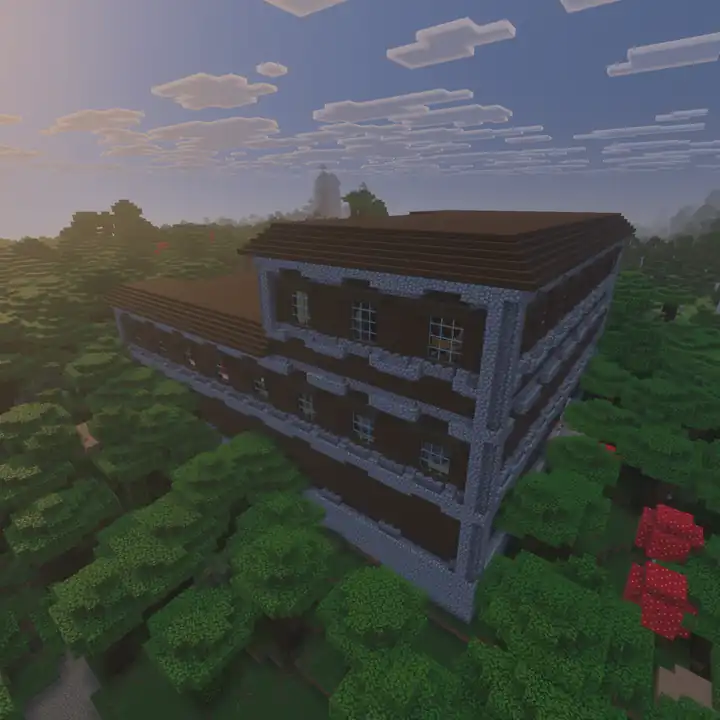 Minecraft build contest50 Minecraft build contest themes, six contest formats, rules to copy, a scoring sheet for fair judging, prizes that do not break the game and how to show the winners.
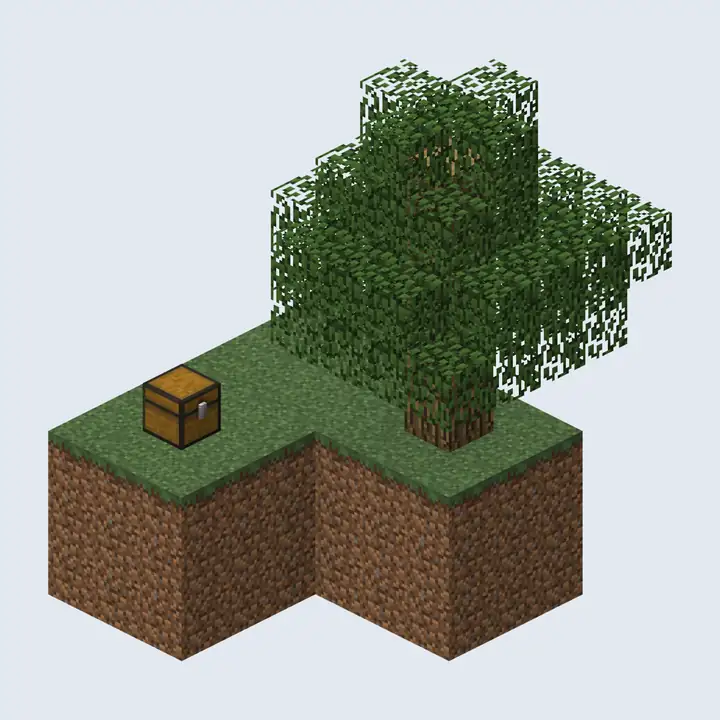 Minecraft skyblock serverHow to run a skyblock server: plugins, the start island and starter chest, island level values, 15 challenges, the economy, co-op islands, lag and seasons.
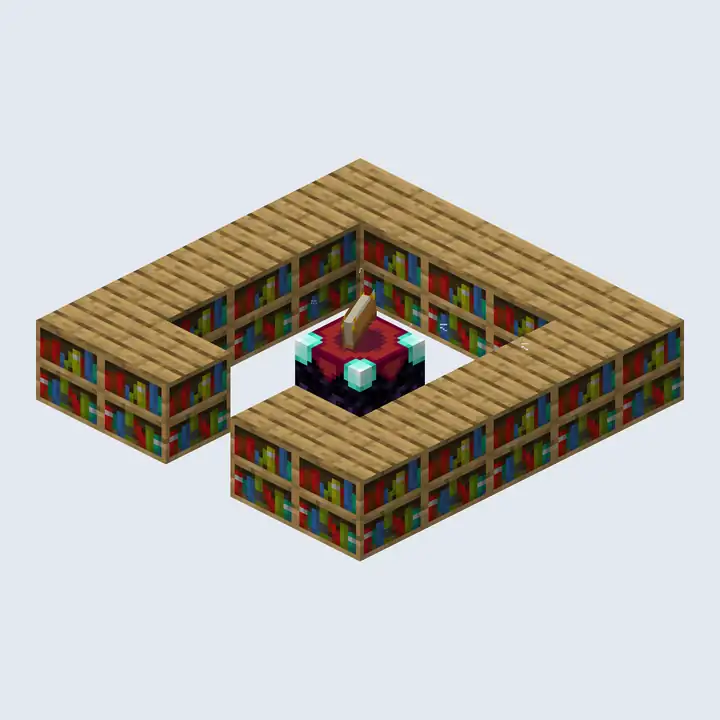 Minecraft RPG serverBuild an RPG server: class ideas, skills and levels, quest types, dungeon and boss design, loot tiers, levelled zones and a leaderboard for your top players.
 Minecraft UHC serverHost UHC games: the core rules, the gamerules and commands behind them, border and scatter settings, team sizes, popular scenarios, fair play and running a match.
 Minecraft hunger games serverRun hunger games: how a round works, building arenas, chest tiers and refills, game rules, the deathmatch, resetting maps and keeping a full lobby.