
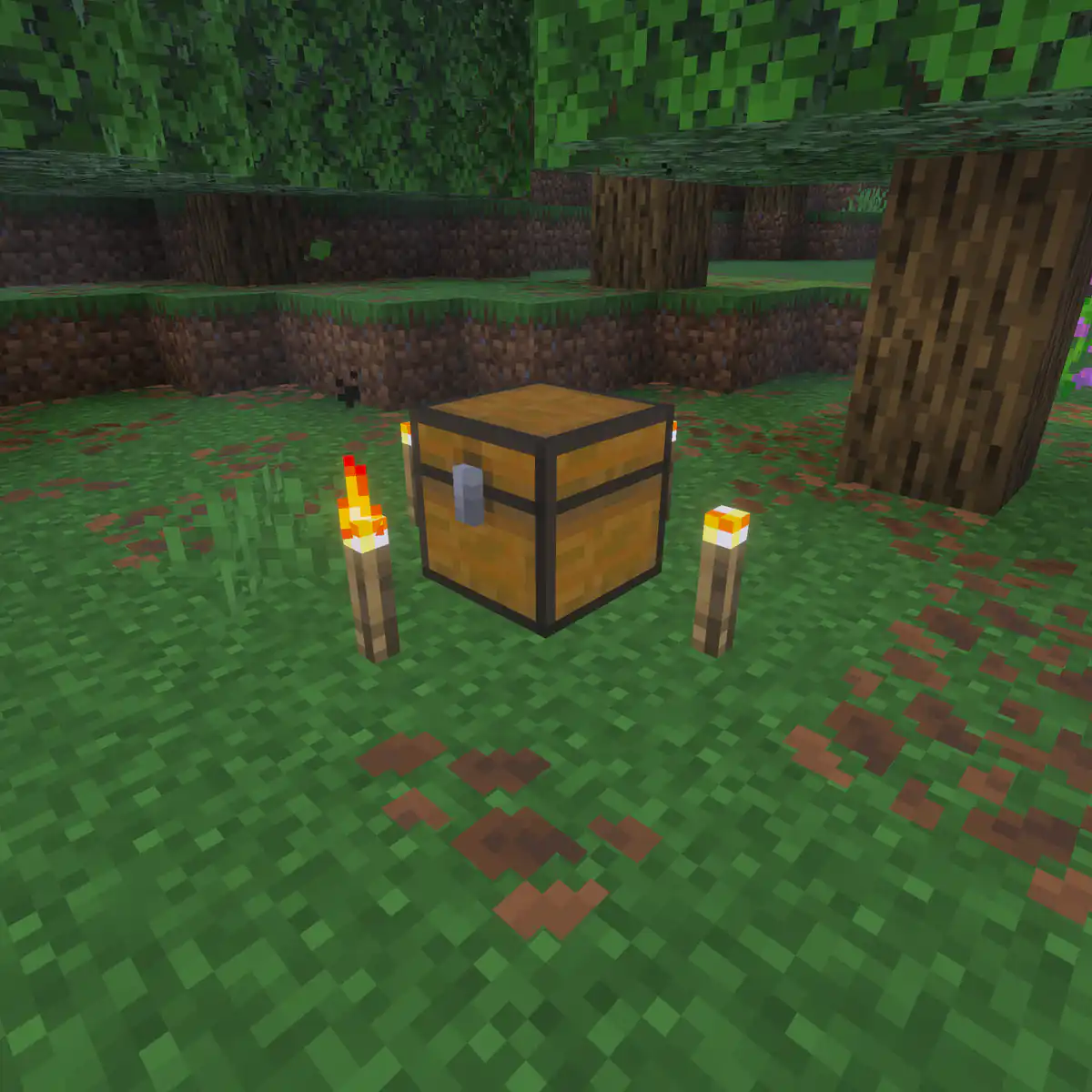
How a hunger games round works
Every round follows the same shape, which is part of the appeal: players know the rhythm, so every choice inside it matters. Most rounds take 10 to 20 minutes, which makes it easy to play one more.
| Part | Roughly how long | What happens |
|---|---|---|
| Lobby and map vote | 1 to 2 minutes | Players wait for enough others to join and vote for an arena |
| Countdown | 10 to 30 seconds | Players stand frozen on their pedestals around the centre |
| Opening rush | First minute | Some players race to the centre chests, others run for the edges |
| Looting and hunting | 5 to 15 minutes | Players search chests, gear up and pick fights |
| Chest refill | Once or twice in the round | Chests fill up again, pulling players back to the centre |
| Deathmatch | Last few minutes | The last players are brought together in a small area to finish the round |
Build or choose arena maps
The arena decides how good a round feels. A great map has a clear centre, landmarks players can name, places to hide and a size that fits the number of players. Most servers keep five to ten arenas and let players vote, so rounds do not get repetitive.
- Build the centre first: a ring of pedestals facing a pile of chests, with some cover nearby.
- Place four to six landmarks around it, such as a well, a ruined tower, a lake and a cave.
- Hide chests in each landmark, and put the best of them where players have to take a risk to reach them.
- Keep the playable area small, around 150 to 300 blocks across for 24 players, with a wall or border around it.
- Walk the map from every pedestal and check that nobody has a much shorter path to good loot.
Save each arena as a separate world. WorldEdit helps with building and copying parts of an arena, and Multiverse-Core keeps the lobby and every arena as their own worlds. Letting the community build the next arena in a contest works well too, and several contest themes translate directly into arena ideas.
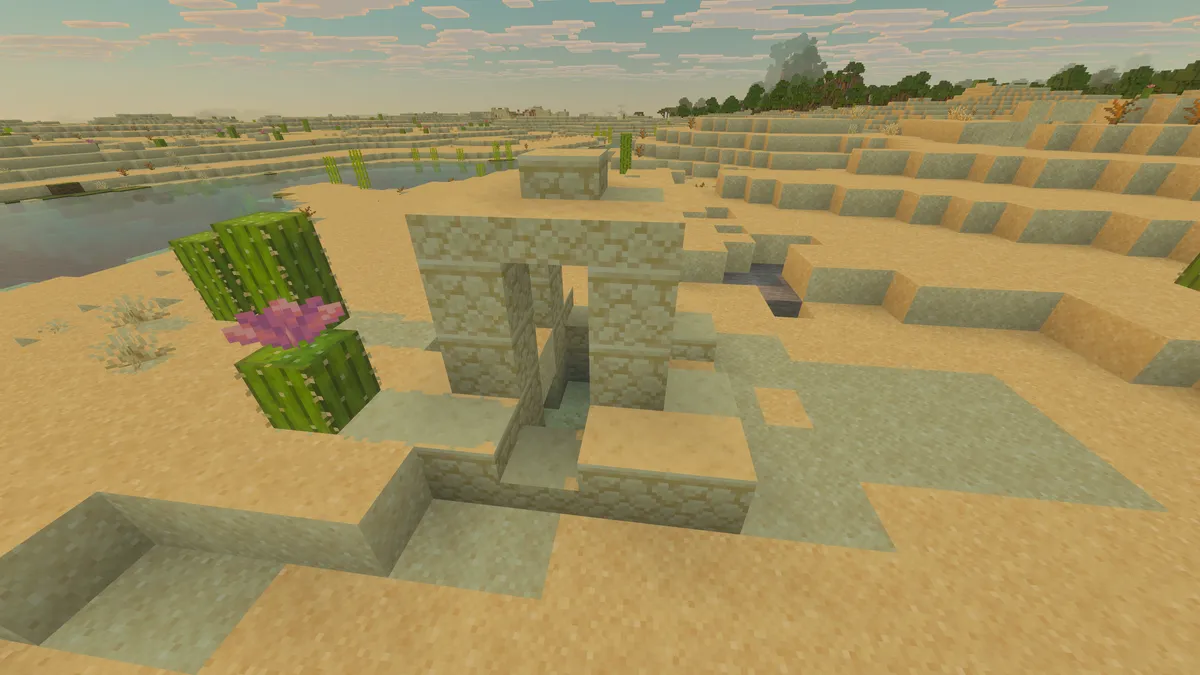
Chest loot and refills
Loot is where a round is won or lost, so balance it with care. Most survival games plugins let you set loot tables per chest type, with a chance and an amount for each item.
| Tier | Where | Typical loot |
|---|---|---|
| Tier one | Spread around the whole map | Wooden and stone swords, leather armour, food, arrows, a few sticks |
| Tier two | Landmarks and hard to reach spots | Iron armour pieces, a bow, golden apples, iron ingots |
| Centre | Around the pedestals | A mix of both tiers, so the rush is worth it but never decides the round alone |
- Leave diamond armour out, or make it very rare: one diamond piece should be exciting, not normal.
- Put crafting materials in chests, so a player can craft a sword from sticks and iron they found.
- Refill chests once or twice per round, and announce it in chat, so players who hid early come back into the fight.
- Test a loot table by playing a few rounds with staff before it goes live.
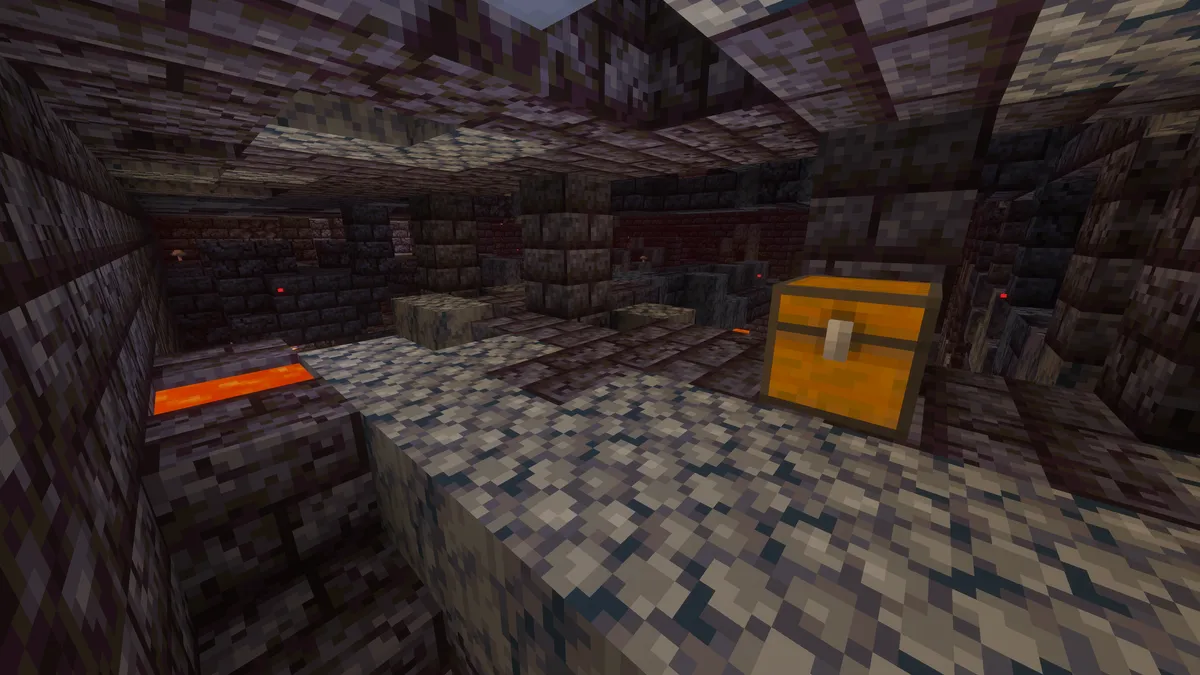
Hunger games rules to post
- No leaving your pedestal before the countdown ends.
- No teaming in solo rounds. Working together with another player gets both of you removed.
- No hacked clients, mods that show players or chests, or macros.
- Anyone who is out of the round keeps what they see as a spectator to themselves until a winner is announced.
- No leaving the arena through glitches or by breaking the border.
- Leaving a round on purpose to avoid a loss counts as a loss.
Keep the rules on your website and show them in the lobby. Decide in advance what a first and second offence cost, using a punishment ladder, and keep an eye on players who always join a round together with the same second account; the factions advice on cheating and alt accounts applies to minigames just as well.
The deathmatch
Without an ending, the last three players can hide for twenty minutes. A deathmatch stops that: after a set time, or when a few players are left, everyone still alive is brought together to finish the round.
- Teleport to the centre
The remaining players are teleported back to their pedestals, with a short countdown before the fight. The most common choice.
- Shrinking border
A world border closes in around the centre, pushing players together without teleporting them.
- Separate arena
Players are moved to a small, flat deathmatch arena with no hiding places.
- Sudden death
After the deathmatch starts, every player gets a slow damage effect, so the round cannot stall.
Reset maps between rounds
Every round breaks something: blocks mined, chests opened, lava placed. The next round needs a clean copy of the arena.
- Keep a master copy of each arena that nobody plays on, and load a fresh copy for each round.
- Let the survival games plugin handle the reset when it can; most restore the arena automatically after a round.
- Protect the lobby with WorldGuard, so players cannot break it while they wait.
- Limit which blocks can be broken and placed in an arena, so a round cannot turn into digging holes.
Keep the lobby full
A hunger games round needs players. With too few, the lobby waits and people leave; with a full lobby, rounds start one after another and players stay for hours.
- Set a low minimum to start, such as eight players, and a timer that starts the round even if the lobby is not full.
- Run smaller arenas at quiet times and bigger ones in the evening.
- Show wins and kills on a leaderboard, and reset a weekly leaderboard so everyone has a chance.
- Hold tournaments at set times, with brackets and a small prize, and staff ready to run the event live.
- Make the countdown and round length short enough that losing does not feel like a wasted evening.
Hunger games rarely runs alone. It fills a lobby best as one of several minigames behind a single address, so plan the network before you build your third arena.
How to add hunger games to your website's game modes
Start from the Network template in the website builder and you get cards for each game, on the home page and again on the Games page. Give hunger games a card of its own, so visitors spot it between your other modes.
Open the Game modes section
Go to Website in the server panel of Astroworld Hosting or minecrafthosting.cc, open the editor and click the Game modes section on the home page or the Games page.
Add a mode
Use Add mode and set the Name to Hunger Games or Survival Games, whichever your players call it.
Write the card text
Use the Text for one short line, such as 24 players, one arena, last one standing.
Add a tag and icon
Fill in Tag with a small word on the card, like New or Popular, or leave it empty. Pick an Icon such as the sword.
Link the world
Set World behind your address to the world or server that runs hunger games, and switch on Show how many players are in each mode. Player counts per mode work when your server is a network with several worlds behind one address.
Publish the card
Press Publish. Our team checks every change before it goes live, so publish before you announce the new mode.
Questions about Minecraft hunger games servers
What is a Minecraft hunger games server?
A server that runs short last player standing rounds in built arenas. Players start around a centre full of chests, gather loot and fight until one is left.
Is survival games the same as hunger games?
Yes. Many servers use the name survival games for the same minigame: pedestals, loot chests, an arena and a deathmatch at the end.
How many players does a hunger games round need?
Most rounds run with 12 to 24 players. Smaller arenas can work with eight, and a timer can start a round before the lobby is full.
What should be in hunger games chests?
Simple weapons, leather and some iron armour, food, arrows and crafting materials, with better loot in harder to reach chests. Diamond gear should be very rare or left out.
How do I reset a hunger games map after each round?
Keep a master copy of each arena and load a clean copy for every round. Most survival games plugins restore the arena automatically.
How long is a hunger games round?
Usually 10 to 20 minutes, with a deathmatch at the end so the last players cannot hide until the round runs out.
More server website guides
 Minecraft UHC serverHost UHC games: the core rules, the gamerules and commands behind them, border and scatter settings, team sizes, popular scenarios, fair play and running a match.
 Minecraft server game modes30 game mode ideas in five groups, which modes suit your player count, how to plan a network and how to add a new mode.
 Minecraft server event ideasTwenty five event ideas sorted by type of server, with a plan for announcing, running and rewarding each event.
 Minecraft build contest50 Minecraft build contest themes, six contest formats, rules to copy, a scoring sheet for fair judging, prizes that do not break the game and how to show the winners.
 Minecraft server rules24 example rules sorted by topic, the rules each type of server needs first, and how to build a rules page players read.
 Minecraft factions serverRun a factions server: how claims and power work, open raiding or raid windows, faction size limits, safe zones, TNT, cheating and map seasons.