
What makes a good Minecraft server rule
A rule only works if a player can tell, in the moment, whether they are about to break it. “Be nice” fails that test. “No insults, slurs or threats in chat, private messages or voice” passes it, because it names the behaviour and the places it applies.
Most rules that start arguments are vague about three things: what counts, where it applies and who decides. Settle those in the rule itself and your staff spend far less time debating in public chat.
- Specific: name the behaviour, not the attitude. “No hacked clients” is a rule, “Play fair” is a wish.
- Checkable: only make rules your staff can see or look up in a log. A rule nobody can prove turns into a discussion about who is lying.
- Short: one sentence, two at most. If a rule needs a paragraph, it is probably two rules.
- Explained: add the reason in a few words. Players follow a rule they understand and argue with one they do not.
- Consistent: the same rule for new players, regulars, supporters with a paid rank and staff.
24 example Minecraft server rules you can copy
Change the wording so it sounds like your server, and leave out what does not apply. Each rule has a title players can scan and one sentence that says exactly what is and is not allowed, so it can go onto a rules page as it is.
Chat and behaviour
- Treat everyone with respect
No insults, slurs, threats or harassment in chat, private messages, signs, books or voice chat.
- No hate speech
Nothing that attacks people for their race, religion, gender, sexuality, disability or nationality, and that includes names and skins.
- No spam
Do not repeat messages, flood chat with characters or ask the same question again before staff have had time to answer.
- No advertising
Do not share links to other servers, Discord communities or shops without permission from staff.
- Keep personal details private
Never post anyone's real name, address, photos or account details, and do not ask other players for them.
Fair play and cheating
- No hacked clients
Clients or mods that add kill aura, flying, speed, extra reach or automatic clicking are not allowed.
- No x-ray of any kind
X-ray resource packs, x-ray mods and ore finders are treated exactly like a hacked client.
- Only use allowed mods
Performance mods and shaders are fine. Anything that shows hidden blocks, players or mobs through walls is not.
- Report bugs instead of using them
Duplicating items or abusing a glitch counts as cheating, even when you found it by accident. Tell staff instead.
- No macros or auto clickers
Do not use programs, keyboard macros or auto clickers that mine, fight or farm for you.
Builds, griefing and stealing
- No griefing
Do not break, change or remove anything you did not place yourself, unless the owner has told you that you can.
- No stealing
Taking items from chests, furnaces, item frames or farms that are not yours is stealing, locked or not.
- Give other bases room
Build at least 100 blocks away from another player's base, unless they are happy to be neighbours.
- No lag machines
Redstone clocks, oversized mob farms and piles of dropped items that slow the server down will be removed.
PvP and raiding
- PvP only where it is allowed
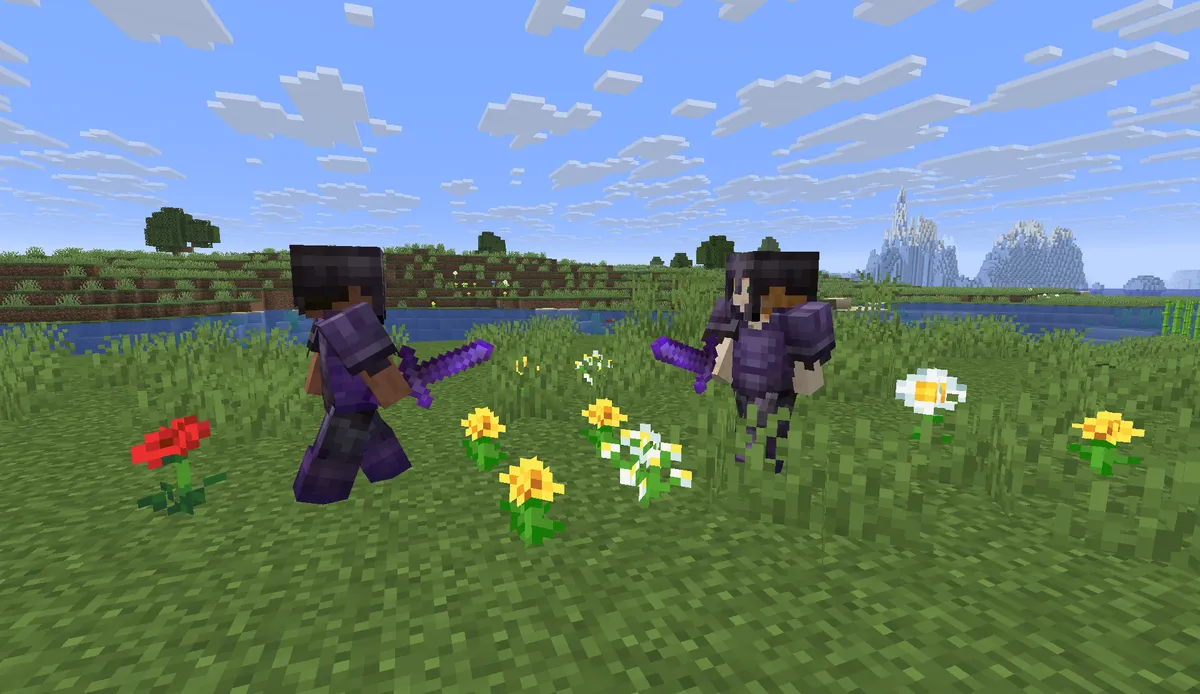
Attack other players only in PvP areas, during events or when both players have agreed to fight.
- No spawn killing
Do not wait at spawn or near someone's bed to kill players who have just respawned and cannot fight back.
- No combat logging
Leaving the game or teleporting away in the middle of a fight to avoid dying is not allowed.
Trading and the economy
- Trade honestly
A deal that tricks another player out of items or in game money is treated like stealing.
- No real money trading
Do not buy or sell items, in game money or accounts for real money.
- Keep shops truthful
A shop sign or listing has to show what the buyer really gets, at the price it says.
Staff, accounts and bans
- Follow staff instructions
If a staff member asks you to stop, stop. If you disagree, appeal afterwards instead of arguing in public chat.
- Do not pretend to be staff
No names, skins, prefixes or messages that make you look like a member of the team.
- You are responsible for your account
Anything done on your account counts as done by you, so never share your login.
- No ban evasion
Joining on a different account while you are banned gets that account banned as well.
Which rules matter most on each type of server
The same rule can be the most important one on one server and pointless on another. Breaking into a base is griefing on an SMP and the whole point of a factions season. Use this table to decide which rules go at the top of your list.
| Server type | Put these rules first | Why |
|---|---|---|
| Survival and SMP | No griefing, no stealing, give other bases room | Players spend weeks on one base, and a single griefer can drive a whole group away. |
| Factions | Raids only when allowed, no alt accounts in fights, no combat logging | Conflict is the game, so the rules describe how to fight fairly instead of banning fights. |
| Skyblock | Leave other islands alone, report bugs, trade honestly | Island economies grow fast, and one duplication bug can wreck the value of every item. |
| Prison | No macros or auto clickers, trade honestly, report bugs | Progress comes from mining and money, which is exactly what macros and scams go after. |
| Creative and plots | Build on your own plot, nothing offensive, no lag machines | Anyone can build anything in seconds, so the risks are what gets built and how much lag it causes. |
| Minigames and networks | No hacked clients, no teaming in solo modes, keep chat clean | Rounds are short and competitive, so one cheater or one team ruins the game for everyone in it. |
Say what happens when someone breaks a rule
Players accept a punishment far more easily when they could have read it in advance. A simple ladder that staff follow every time also protects your team from accusations of favouritism.
| Step | What happens | Typical reason |
|---|---|---|
| 1. Warning | A staff member tells the player which rule they broke | A first spam message, building too close to another base |
| 2. Mute or kick | The player cannot chat for a set time, or is removed from the server | Spam after a warning, arguing with staff in public chat |
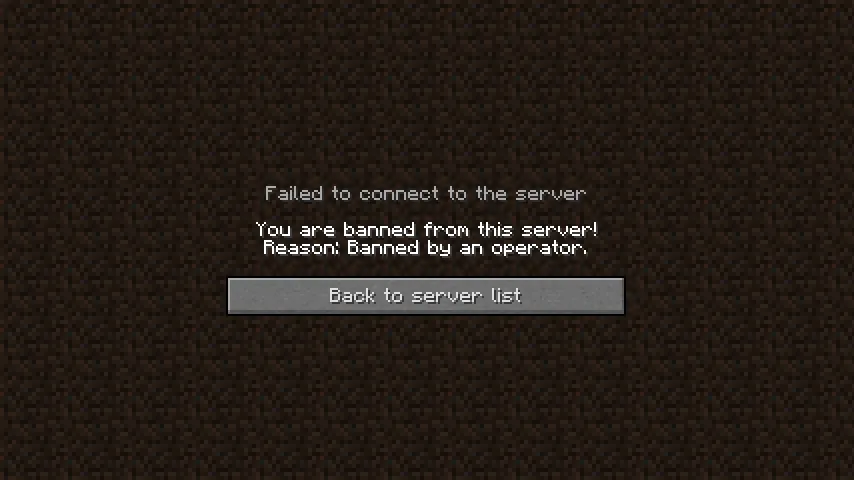
| 3. Temporary ban | The player cannot join for a set number of days | Stealing, a small grief, combat logging |
| 4. Permanent ban | The player cannot join again unless an appeal is accepted | Hacked clients, a large grief, hate speech, ban evasion |
Some rules skip the ladder. Hate speech, threats and cheating usually mean a ban on the first offence, and your rules page should say that plainly instead of leaving it to the mood of whoever is online.
Keep evidence for every ban: a screenshot, a chat log or a block log. A logging plugin such as CoreProtect records who placed, broke or took what, so a griefing report becomes something staff can check and roll back instead of one player's word against another's.
Finally, tell players how to appeal. One line such as “Think your ban was a mistake? Open a ticket in our Discord” keeps ban arguments out of every other channel.
Where players should see your rules
A rules page nobody opens protects nobody. Keep the full list in one place and point to it from everywhere a new player passes on the way in.
- On your Minecraft server website: a Rules page in the menu, so the full list is one click away from every other page.
- In your Discord: a read-only rules channel that links to the rules page, so there is only one version to keep up to date.
- In game: a join message or a /rules command with the link, plus a few signs at spawn with the rules that matter most. Since Minecraft 1.20 both sides of a sign can hold text.
- On server lists: the description is often the first thing a player reads about you, so mention the one or two rules that define your server there.
How to add a rules page to your Minecraft server website
Every template in the website builder already comes with a Rules page, so you edit that page instead of building one from nothing. This is how it works in the server panel of Astroworld Hosting and minecrafthosting.cc.
Open the website editor
In your server panel, open Website next to your server settings and start the editor.
Go to the Rules page
Pick the Rules page. It already has a short intro, a Rules list with four starter rules written for your template, and a Need help? bar underneath.
Write your own rules
Replace the starter rules with your own. Every rule gets a title, a line of explanation and an icon from a set of 19, and one Rules list holds up to 40 rules.
Choose how the list looks
Show the rules as a numbered list, so players can refer to “rule 4” in chat, or as a plain list without numbers.
Point players to help
The Need help? bar under the list has one question and one button. Link the button to your Discord or ticket channel, so players ask before they act.
Publish your rules
Press Publish. An automatic content check runs first and then our team reviews the site, usually within a few hours. Your current site stays online until the new version is approved, and the rules then appear at yourserver.astroworldmc.site/rules.
Questions about Minecraft server rules
How many rules should a Minecraft server have?
Between 5 and 10 for most servers. That covers chat, cheating, griefing and the rules of your own game mode, and it is short enough that players read all of it. Large networks often have more, but they group them by topic so a player can find the one they need.
What are the most common Minecraft server rules?
No hacked clients or x-ray, no griefing or stealing, and no harassment, hate speech or spam in chat. Almost every public server has a version of those, and most add a rule about advertising and one about alt accounts.
Can I copy these example rules for my server?
Yes. Copy them, change the wording to fit your server and leave out what does not apply. Each one has a title and a single line of explanation, so it can go straight into a rules list.
Is an x-ray resource pack cheating?
On almost every survival, SMP and factions server, yes. An x-ray pack reveals hidden ores and bases just like an x-ray mod does, so treat both the same and say so in your rules.
Should staff follow the same rules as players?
Yes. Staff who grief, cheat or skip the punishment ladder make every rule look optional. If staff need extra abilities, such as flying to check a report, write that down as a staff guideline instead of an exception players discover by accident.
Can I sell a rank that lets players ignore a rule?
No. Minecraft's usage guidelines do not allow selling gameplay advantages, and a rank that lets one player skip a rule is exactly that. Keep paid ranks cosmetic, like the ranks in the website templates.
More server website guides
 Minecraft server staff rolesOwner, admin, moderator, helper and builder explained, how many staff a server needs and how to choose and show them.
 Minecraft server ranksRank ladders for players, supporters and staff, cosmetic perks that follow Minecraft's rules and a rank page players understand.
 Get players on a Minecraft serverServer lists, voting, Discord, a website and a first hour that makes people stay: twelve ways to find players and keep them.
 Minecraft server FAQThirty questions players ask about joining, rules, ranks and support, with example answers and tips for a FAQ that saves your staff time.
 Minecraft whitelist applicationTwenty questions to ask, a form players can copy, how to review applications fairly and how to add accepted players to the whitelist.
 Minecraft ban appealA ban appeal form to copy, what a good appeal looks like, how staff should review appeals fairly and how to lift a ban afterwards.
 Minecraft anarchy serverRun an anarchy server: what players expect, the few rules you still need, world size and resets, spawn, performance, backups and how staff stay out of the way.