
What a Minecraft anarchy server is
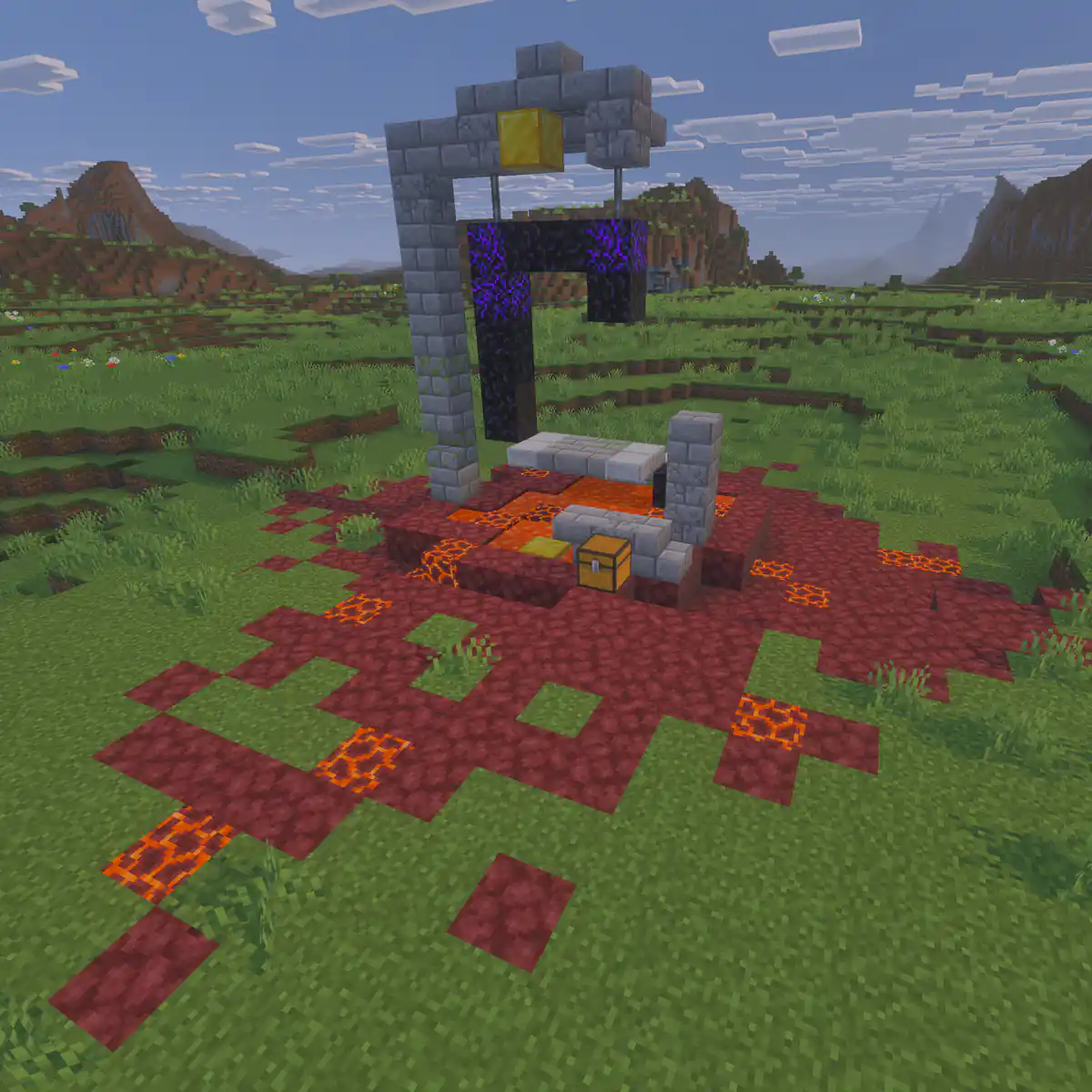
On an anarchy server the players decide what happens. Nobody claims land, staff do not roll back griefing and there is no safe zone. Bases survive because they are hidden or defended, and famous builds become famous partly because they lasted. For players who like risk, that makes every trip out of spawn exciting in a way a protected server never is.
| Topic | Normal survival server | Anarchy server |
|---|---|---|
| Griefing | Against the rules, rolled back by staff | Allowed, never rolled back |
| Land claims | Players protect their builds | No claims, only hiding and defending |
| PvP | Often limited to arenas or opt in | Anywhere, at any time |
| Staff | Moderate chat and settle disputes | Keep the server running and step in only for the few real rules |
| World resets | Every season or when the map fills up | Never, the history is the point |
The rules an anarchy server still needs
Even an anarchy server has a few lines that players cannot cross, because crossing them ends the server for everyone. Keep the list short, make each rule about protecting the server or real people, and write it down so nobody can say they did not know.
- No crashing or deliberately lagging the server, including lag machines built to take it down.
- No attacks on the server or its players outside the game, such as denial of service attacks.
- No sharing of other players' personal information.
- No illegal content in chat, on signs, in books or in map art.
- Report exploits that can crash the server or wipe the world, instead of using them.
Everything else is up to you. Some anarchy servers allow hacked clients and duplication glitches, others ban them to keep fights fair. Decide before launch and never change it quietly. The server rules guide shows how rules differ per type of server, and the ban appeal guide covers what to do when someone does cross the line.
Staff on an anarchy server
Staff on an anarchy server do very little in game, and that is the job. They do not settle arguments, return items or punish griefing. They watch performance, remove what breaks the server and answer questions from new players. Many anarchy servers keep their staff anonymous in game, so nobody can ask a friend on the team for help. The staff roles guide has more on writing staff guidelines.
World size, resets and the spawn area
The world is the whole game on an anarchy server, so the choices you make on day one stay with you for years. Players need room to hide, so the world has to be big, and the spawn area will be destroyed within days, so plan for that too.
| Setting | What most anarchy servers do | Why |
|---|---|---|
| World size | Very large or no border at all | Bases survive by being far away and hard to find |
| Resets | Never | Old ruins and long running bases are what players come for |
| Spawn | Left as it is, with no protection | The wasteland near spawn is part of the experience |
| Spawn point | Random within a few hundred blocks | New players are not all killed in the same spot |
| Difficulty | Hard | Anarchy players expect the game at its toughest |
Pregenerate the area around spawn with Chunky before launch, because every player will be running away from spawn at once and new chunks are the heaviest thing a server generates.
Keep an anarchy server fast and online
With no rules against building anything, players will build huge farms, mob grinders and redstone that runs all day, and some will try to lag the server on purpose. Performance is where most of your work goes.
- Use spark to find what is slowing the server down, and share the findings when you remove a lag machine.
- Set limits in the server config for entities, redstone and hoppers per chunk, so no single build can take the whole server down.
- Consider an anti-cheat such as Grim for movement exploits that cause lag, even if you allow other hacks.
- Keep ViaVersion up to date if players join from different game versions.
- Restart on a fixed schedule and announce it in chat, so a restart is never mistaken for a crash.
The hosting guide on how to reduce lag goes deeper into settings and profiling, and the security check helps with the attacks that come from outside the game.
Backups and logging without rolling back griefing
Backups on an anarchy server are for disasters, not for players. If a crash corrupts the world or an exploit wipes a region, you restore. If a player loses a base to a raid, you do not. Write that difference into your rules so nobody asks.
- Take automatic backups and keep several days of them, as the backups page explains.
- Log block changes with CoreProtect, so you can find out who built a lag machine or used a crash exploit, without using it to undo griefing.
- Keep bans for the few real rules in a ban plugin such as AdvancedBan, so every ban has a reason and a date.
- Test a restore before you need one; the restore page walks through it.
Help new players survive their first hour
New players are what keep an anarchy server alive, and spawn is a hard place to start. You cannot protect them, but you can tell them what to expect and how to get out.
- Warn them first
Put a short message on join and on your website: nothing is protected, and staff do not return items.
- Tell them to walk
Most new players die at spawn. Advise them to walk far away before they build anything.
- Explain the rules that exist
A player who knows that crashing the server is the only real crime understands the server faster.
- Point them to a community
A Discord channel for finding groups helps new players join an existing base instead of starting alone.
Grow an anarchy server
Anarchy servers grow through their history. Players share screenshots of old ruins, videos of big raids and stories of bases that lasted years. Give them reasons to share.
- Keep a record of big moments, such as the first base found at a million blocks, and post it in your news.
- Show the age of the world on your website, because a world that never reset is your best selling point.
- Hold events that fit anarchy, such as a race to a set of coordinates or a server wide hunt.
- Be honest about downtime and lag. Anarchy players forgive a lot, but not being lied to.
The launch checklist covers what to test before you open.
How to put your anarchy rules on your website
Every template in the website builder has a Rules page with a Rules list. On an anarchy server that list is short, which makes it easy to read, so use it to say exactly which few rules you enforce and that everything else is allowed.
Open the Rules page
Go to Website in the server panel of Astroworld Hosting or minecrafthosting.cc, open the editor, go to the Rules page and click the Rules list.
Write the heading and description
Set the Heading to something such as The only rules, and use the Description to say that griefing, raiding and PvP are allowed everywhere.
Choose a numbered list
Set Display to Numbered list and switch on Show numbers, so players can refer to a rule by its number.
Replace the example rules
Under Rules, edit the existing rules and use Add rule if you need more. Give each one a short Title, such as No crashing the server, and one sentence in the Description.
Add a warning rule
Make the last rule a warning rather than a ban reason, such as Nothing is protected, and explain that staff do not return items or roll back griefing.
Publish the rules
Press Publish. Our team checks every change before it goes live, so publish a day before you open the server.
Questions about Minecraft anarchy servers
What is a Minecraft anarchy server?
A server with no protection and almost no rules, where players can grief, raid and fight anywhere, and the world is never reset.
Do anarchy servers have any rules?
Yes, a few. Almost every anarchy server bans crashing or lagging the server on purpose, attacks outside the game and sharing personal information.
Are hacked clients allowed on anarchy servers?
It depends on the server. Many allow them as part of anarchy, while others ban them to keep fights fair. The owner decides and should say so in the rules.
Should an anarchy server ever reset the world?
Most never do, because the history of the world is what players come for. Restore a backup only after a crash or an exploit that damages the world.
How do I stop lag on an anarchy server?
Pregenerate the world near spawn, set limits for entities and redstone per chunk, profile regularly with spark and remove builds made to lag the server.
How do new players survive on an anarchy server?
By leaving spawn quickly, walking far before building and keeping their base coordinates to themselves.
More server website guides
 Minecraft server rules24 example rules sorted by topic, the rules each type of server needs first, and how to build a rules page players read.
 Minecraft ban appealA ban appeal form to copy, what a good appeal looks like, how staff should review appeals fairly and how to lift a ban afterwards.
 Minecraft server staff rolesOwner, admin, moderator, helper and builder explained, how many staff a server needs and how to choose and show them.
 Minecraft server launch checklistForty checks for the server, the world, your community and launch day, and what to do in the first week after opening.
 Minecraft factions serverRun a factions server: how claims and power work, open raiding or raid windows, faction size limits, safe zones, TNT, cheating and map seasons.
 Minecraft server season resetWhat to wipe and what to keep, season lengths per game mode, a reset timeline, the steps for reset day and rewards that carry over.
 Minecraft UHC serverHost UHC games: the core rules, the gamerules and commands behind them, border and scatter settings, team sizes, popular scenarios, fair play and running a match.