
What a Minecraft server spawn needs to do
A new player arrives at spawn knowing nothing about your server. In the next minute they decide whether it looks worth their time, look for what to do first, and check whether it is safe. A good spawn answers all three without a wall of text.
- Make a strong first impression, with one build or view that people remember.
- Show the way, so a player can find the rules, the shop and the way out without asking.
- Keep new players safe from PvP, mobs and griefers while they find their feet.
- Tell players what kind of server this is, through the theme and the builds.
- Load quickly, even when many players arrive at the same time.
20 Minecraft server spawn ideas
Pick one theme that matches your game mode, then add a few features players actually use. A spawn with a clear idea looks better than a large one with everything in it.
Spawn themes
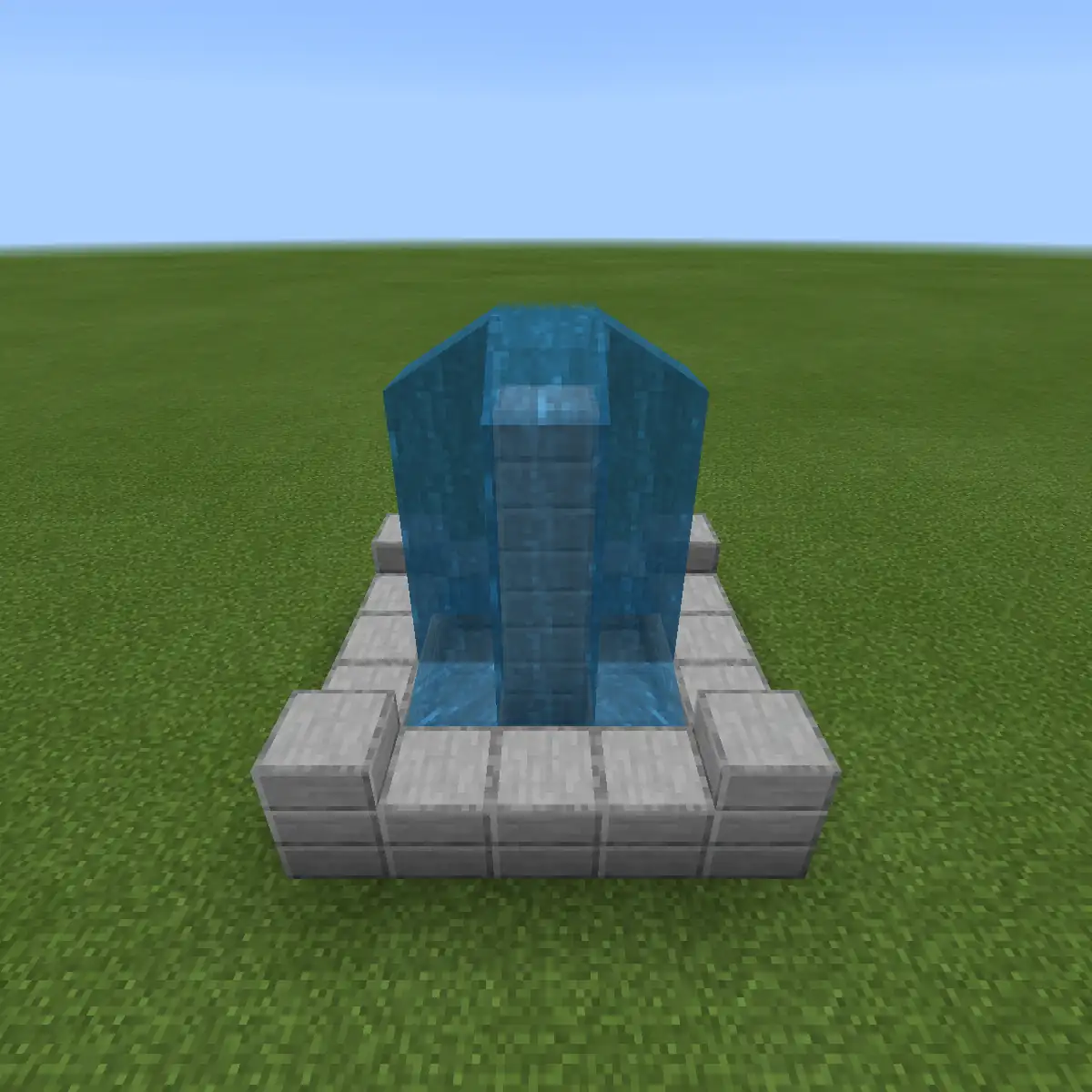
- Village square
A cobbled square with a fountain or well in the middle and paths leading out to the shop, the rules and the wild. Friendly and easy to read.
- Floating island
A spawn in the sky with bridges to smaller islands, one for each part of the server. It feels special and cannot be reached from the ground.
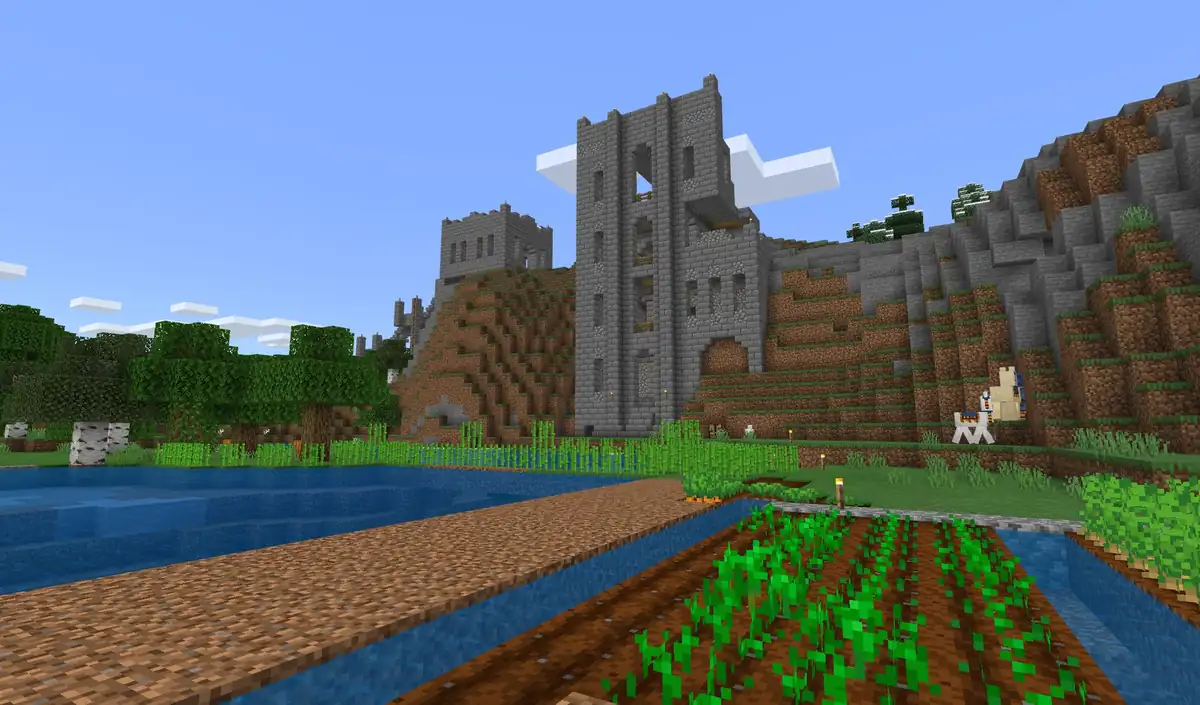
- Castle gate
Players arrive in a courtyard behind the walls and leave through the main gate. It suits medieval survival and factions servers.
- Train station
Platforms with signs for each destination, where every track leads to a mode or an area. The theme explains the layout by itself.
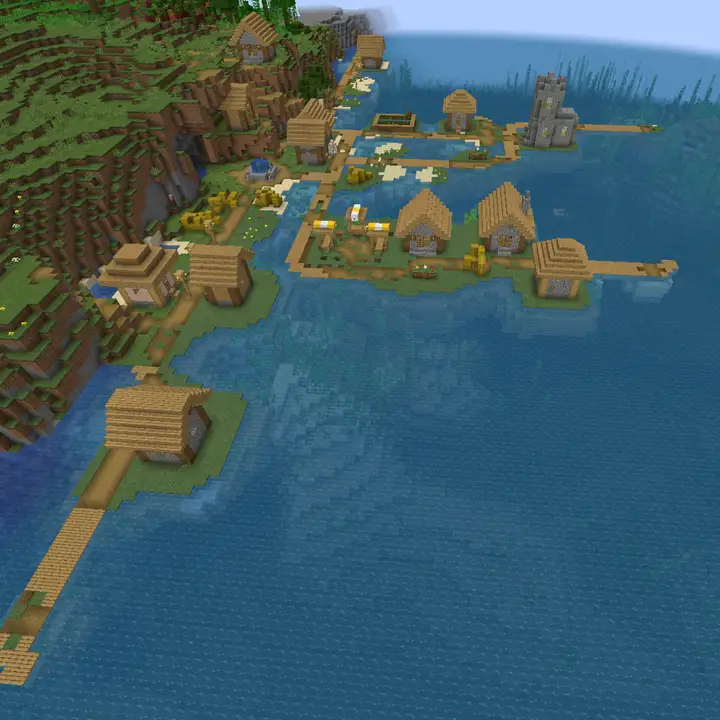
- Harbour town
Docks, ships and warehouses on the water, with boats that carry players out to the world. Good for servers with an ocean map.
Spawn ideas by game mode
- Survival town centre
A small town with a market, a noticeboard and room around it for players to settle close by if they want.
- Skyblock hub
A floating hub with the island command explained on a sign by the arrival point, and a view of the top islands in the distance.
- Factions safe zone
A walled area with no PvP inside, with the wilderness visible through the gates so players know where the danger starts.
- Prison yard
Players start in the yard of cell block A, with the first mine through one door and the rank up board by the other.
- Creative gallery
A hall of the best builds from the plot world, with a way to teleport to each plot from its display.
Features players use
- Portal hall
One portal or NPC per game mode or world, each with its name and one line about what it is.
- Rules board
The five most important rules on signs or a map wall, placed where players cannot walk past it.
- Map room
A large map of the world with the main towns, roads and warps marked, so players can plan a route.
- Info kiosk
Signs or an NPC that answer the questions staff hear most, such as how to claim land or how to set a home.
- Exit to the wild
A clear gate, portal or random teleport that takes players out of spawn and into unclaimed land.
Small touches that make a spawn memorable
- Hidden parkour
A parkour route over the spawn roofs with a cosmetic reward at the end. Players show it to their friends.
- Hall of fame
Statues, banners or signs for past event winners and season champions, so achievements stay visible.
- Museum of old maps
Small copies or screenshots of builds from earlier seasons, which gives the server a history new players can see.
- Seasonal decorations
Snow and lights in winter, pumpkins in autumn. A small change that tells players the server is looked after.
- Photo spot
One place with the best view of spawn and the server name, made for screenshots players share.
How to lay out a Minecraft server spawn
Players should understand the spawn by walking through it, not by reading about it. Start from the arrival point and put everything a new player needs along one clear route, with the most important things closest.
| Area | What goes there | Tip |
|---|---|---|
| Arrival point | The world spawn, facing the main view | Face players towards the path, not a wall |
| Welcome area | Server name, the rules and where to get help | Keep it to what fits on a few signs |
| Services | Shop, bank, crafting or enchanting area | Group them so players do not walk back and forth |
| Game modes or warps | Portals, NPCs or signs to each area | Label each one with what players will find there |
| Exit | Gate, portal or random teleport to the wild | Make it the most obvious way out of spawn |
How big a spawn should be
Smaller than you think. A new player should be able to walk from the arrival point to every important area in well under a minute. Most survival servers do fine with a spawn that fits inside a few chunks, and even large networks keep the busy part compact and put decoration around the edges.
Size also affects performance. The area around spawn is where all players load in, so thousands of item frames, armour stands or NPCs there slow down every arrival. Keep farms, mob grinders and heavy redstone far away from spawn, and use maps or signs instead of hundreds of entities for decoration.
Set the spawn point
Stand on the arrival point and run /setworldspawn to make it the spawn of the world. With EssentialsX and its spawn module, /setspawn sets the spot and players can return with /spawn at any time, which saves them a long walk back.
How to protect a Minecraft server spawn
An unprotected spawn is griefed within days: holes in the paths, lava on the roofs and signs changed to something rude. Protection also keeps new players safe, which matters more than the builds.
| Method | What it does | Best for |
|---|---|---|
| spawn-protection in server.properties | Only operators can build within the set radius in blocks around the world spawn, 16 by default | A small survival server with one world |
| WorldGuard region | Blocks building, PvP, mob spawning, explosions and fire spread inside an area of any shape | Servers with a larger spawn, several worlds or PvP nearby |
The server properties generator sets spawn-protection for you. For a region, WorldGuard lets you select the spawn and turn off flags such as build, pvp, mob-spawning, tnt and fire-spread, so the whole area stays exactly as you built it.
- Make the protected area a little larger than the builds, so nobody can dig in from the side.
- Turn PvP off at spawn even on PvP servers, and mark clearly where it starts again.
- Keep a backup of spawn before every big change, so a mistake can be rolled back.
- Write down that spawn is protected in your server rules, so nobody claims they did not know.
What new players should find at spawn
The spawn is the stage for a new player's first minutes. It works best when it hands them one next step instead of ten options.
- A sign or message with the server name and one line about what to do first.
- The three to five rules that matter most, in plain words.
- Where to get help: a staff member, a help command or your Discord.
- A clear way to the first activity, whether that is the wild, the first mine or the island command.
- A reason to come back to spawn later, such as the shop, events or the hall of fame.
Spawn is only half of a good start. The other half is the people: a greeting in chat and a staff member who is online in the first hour. The keep the players you get section explains what happens after players leave spawn.
How to keep your spawn fresh
Regular players stop seeing spawn after a week. Small changes remind them the server is alive, and big changes give you something to announce.
- Change the decorations with the seasons and around events.
- Add the winners of each event or season to the hall of fame.
- Rebuild or expand spawn with a new season, and keep a copy of the old one, as the season reset guide explains.
- Give each new game mode its own portal or NPC, with a New label for the first weeks, as covered in the game modes guide.
- Hold a building event where players help decorate a part of spawn, then credit them on a sign.
- Mention every spawn update in your patch notes, with a screenshot.
How to add getting started steps to your server website
The Skyblock, Prison and Creative templates in the website builder have a steps section on the home page. Use it to tell visitors what they will do in their first minutes after spawning, so they arrive already knowing the way.
Open the website editor
Go to Website in the server panel of Astroworld Hosting or minecrafthosting.cc and open the editor of a site that uses the Skyblock, Prison or Creative template.
Select the steps section
On the home page, click the steps section, such as From one tree to a floating city on Skyblock or From cell block A to Free on Prison.
Write the first steps from spawn
Change the Title and Text of each step to follow the route a new player takes from spawn, such as read the rules, take the portal and claim land.
Keep each step short
The Title holds up to 80 characters and the Text one line of up to 160, so name the action and the place, and leave the details for signs at spawn.
Add or remove steps
Use Add step for up to 6 steps, and pick an Icon for each one so the order is easy to follow at a glance.
Publish the changes
Press Publish. Our team checks every change before it goes live, so publish once your spawn is finished and the steps match it.
Questions about Minecraft server spawns
How big should a Minecraft server spawn be?
Small enough that a new player can walk from the arrival point to every important area in under a minute. A few chunks is enough for most survival servers; larger networks keep the busy part compact and decorate around it.
How do I stop players breaking blocks at spawn?
Set spawn-protection in server.properties, which lets only operators build within a radius around the world spawn, or use a WorldGuard region with the build flag turned off for a spawn of any shape.
How do I set the spawn point on a Minecraft server?
Stand where you want players to arrive and run /setworldspawn. With EssentialsX and its spawn module you can also use /setspawn, and players can go back with /spawn.
What should a Minecraft server spawn have?
The server name, the most important rules, where to get help, the shop or services, and a clear way out to the game. Add a hall of fame or parkour later to give players a reason to come back.
Should there be PvP at spawn?
No. Even on PvP servers, spawn should be a safe zone so new players are not killed before they understand the server. Mark clearly where PvP starts.
Why is my server laggy at spawn?
Usually because too many entities, farms or redstone machines sit near spawn, where all players load in. Move farms away, replace armour stand and item frame decorations with blocks, and keep the spawn compact.
More server website guides
 Get players on a Minecraft serverServer lists, voting, Discord, a website and a first hour that makes people stay: twelve ways to find players and keep them.
 Minecraft server rules24 example rules sorted by topic, the rules each type of server needs first, and how to build a rules page players read.
 Minecraft server game modes30 game mode ideas in five groups, which modes suit your player count, how to plan a network and how to add a new mode.
 Minecraft server season resetWhat to wipe and what to keep, season lengths per game mode, a reset timeline, the steps for reset day and rewards that carry over.
 Minecraft server loreHow to write lore for a Minecraft server, 20 story ideas, how to tell the story in game with builds, books and characters, and how events keep it moving.
 Minecraft build contest50 Minecraft build contest themes, six contest formats, rules to copy, a scoring sheet for fair judging, prizes that do not break the game and how to show the winners.