
What makes a skyblock server fun
A good skyblock server runs on one loop: start with almost nothing, work out how to get more, grow the island and see it climb the rankings. Every part of your setup should make that loop feel fair and a little faster each time a player reaches a new step.
- A start that is hard but never stuck. Players must always have a way to make progress.
- Clear goals, from the first cobblestone generator to the top of the island list.
- Upgrades that change how the island plays, such as a bigger border or more members.
- Something to compare, so players can see how their island stacks up against others.
- A reason to talk to other players, such as trading items that one island cannot make.
Choose a skyblock plugin
Skyblock is not built into Minecraft, so a plugin does the work: it creates each island in an empty world, keeps islands apart, protects them from visitors, lets owners invite friends and counts island levels. Most run on Paper, and players use a short command such as /is or /island to manage their island.
| Plugin | How it works | A good fit when |
|---|---|---|
| BentoBox with BSkyBlock | A base plugin with add-ons for island level, challenges and other island game modes | You want to pick features one by one or add a second mode later |
| SuperiorSkyblock2 | One plugin with islands, block values, upgrades and missions | You want most features in one place |
| IridiumSkyblock | One plugin with islands, upgrades, boosters and missions in menus | You want players to manage everything from menus |
BentoBox also has add-ons for variants such as AOneBlock, where players start on a single block that keeps coming back with new blocks, and AcidIsland, where the island sits in an ocean of acid instead of the void. The guide on how to install plugins shows how to add any of them to your server.
Design the start island and starter chest
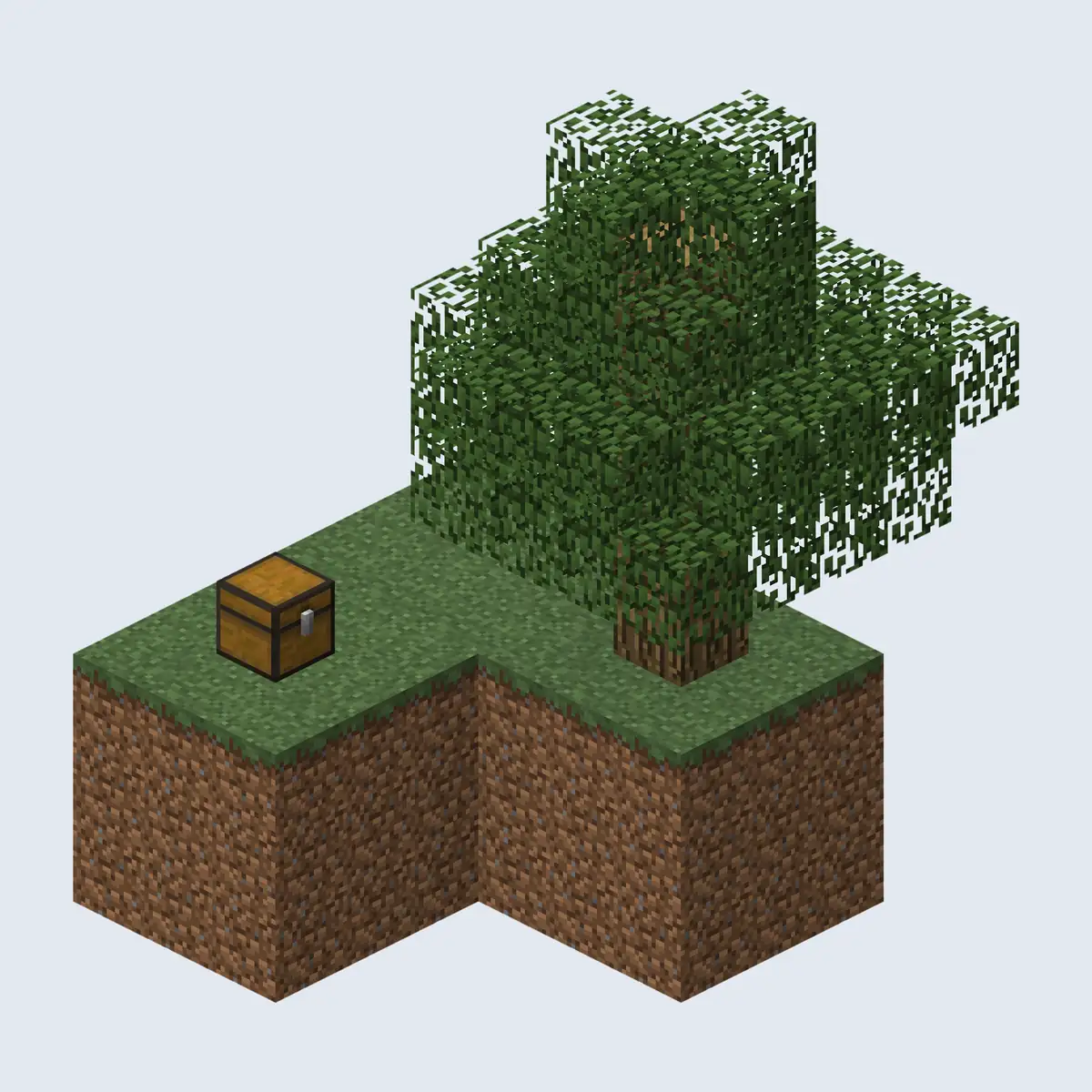
The start island decides how the first hour feels. The classic version is a few blocks of dirt, one tree and a chest, and most servers still use something close to it. Add too much and the challenge is gone; add too little and players quit before they have built anything.
| Item | Why players need it |
|---|---|
| A lava bucket | Half of the cobblestone generator, so it must never be lost |
| Ice or a water bucket | Ice turns into water when broken with a block below it, and two water sources make an endless supply |
| Seeds and bone meal | The first food and a way to grow grass and crops faster |
| A sapling or two | A backup in case the first tree is cut down without replanting |
| Sugar cane or cactus | Early crops that lead to paper, trading and simple farms |
Explain the cobblestone generator
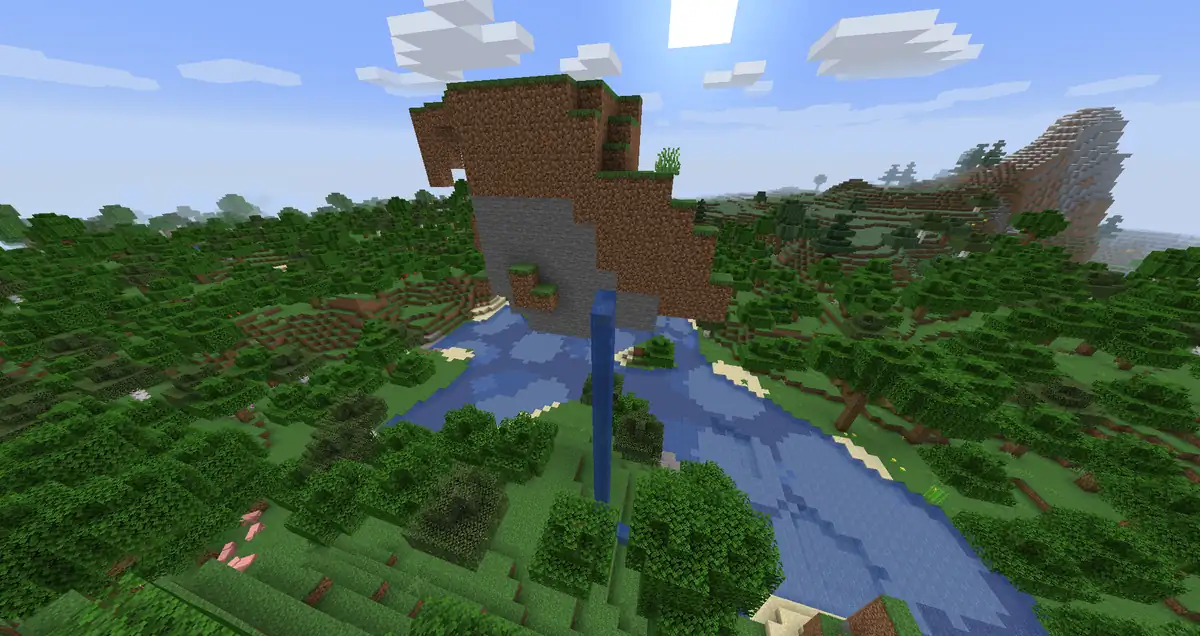
Almost every skyblock island depends on a cobblestone generator. When flowing lava meets water it turns into cobblestone, and the block comes back each time a player mines it. If water reaches the lava source itself, the lava becomes obsidian instead, which is how many new players lose their only lava. A sign or a book on the start island that explains this saves you a lot of support questions.
Space the islands far apart
Leave enough room between islands that players cannot bridge to a neighbour. Skyblock plugins set this distance in their configuration, and it is very hard to change once islands exist, so decide it before the first player joins.
Set up island level and block values
Island level is the number players compete on. The plugin gives each block a value, adds up everything on the island and turns the total into a level. The values you choose decide what players spend their time on, so set them on purpose instead of keeping the defaults.
| Kind of block | Value | Why |
|---|---|---|
| Cobblestone and stone | None or very low | Generators make it endlessly, so it would reward spam |
| Crops, logs and farm blocks | Low | Easy to make in bulk once a farm runs |
| Iron and gold blocks | Medium | Take real work on an island without caves |
| Diamond and emerald blocks | High | Rare and slow to collect |
| Beacons and netherite blocks | Very high | Late game goals that show a finished island |
Add a limit for blocks that are easy to pile up, such as hoppers or spawners, so the top island is the best built one and not the one with ten thousand of the same block.
Do not let players buy the top spot
If players can buy blocks in a shop, compare the price with the island value of that block. When a block is cheap to buy and worth a lot of levels, the richest player wins the ranking without building anything. The economy guide explains how to set shop prices that hold up.
15 skyblock challenges and upgrades
Challenges give players a next step when they are not sure what to do. Reward each one with something that opens up the next stage, such as a new sapling type, a bigger border or a few blocks they cannot make yet.
Early challenges
- Stone age
Build a cobblestone generator and mine 64 cobblestone.
- Endless water
Make an infinite water source from two water sources.
- First harvest
Grow and collect a stack of wheat.
- Tree farm
Plant a row of saplings and collect a stack of logs.
- Light it up
Make charcoal and place a ring of torches around the island.
Middle challenges
- Mob farm
Build a dark platform away from the island where hostile mobs spawn, and collect bones and string.
- Iron maker
Get your first stack of iron ingots from a farm.
- Home of obsidian
Turn lava into obsidian on purpose and build a Nether portal.
- Animal pen
Keep two of each farm animal your server gives out.
- Trader's friend
Complete a trade with a villager or with another player's island.
Late challenges and upgrades
- Beacon island
Place a working beacon on your island.
- Top ten
Reach the top ten on the island list at least once in a season.
- Bigger border
An upgrade that widens the island border, bought with money or unlocked by level.
- More members
An upgrade that raises how many players can join the island.
- Better generator
An upgrade that lets the generator sometimes make ores as well as cobblestone, where the plugin supports it.
Run the skyblock economy
Money on a skyblock server mostly comes from selling what farms produce, and it goes out on upgrades, blocks players cannot make and cosmetics. Because farms keep running while players are offline, prices that feel fine in week one can flood the server with money by week four.
- Pay little for items that farms make endlessly, and more for items that take effort.
- Spend money on upgrades and island features, so there is always something to save for.
- Let players trade with each other, since items that one island lacks are what brings islands together.
- Review prices every week or two in the first month and fix the ones that are being farmed.
The economy guide covers how skyblock economies differ from other game modes and how to stop inflation before it starts. Keep paid ranks cosmetic, as the ranks guide explains, so money cannot buy the top of the island list.
Co-op islands and island protection
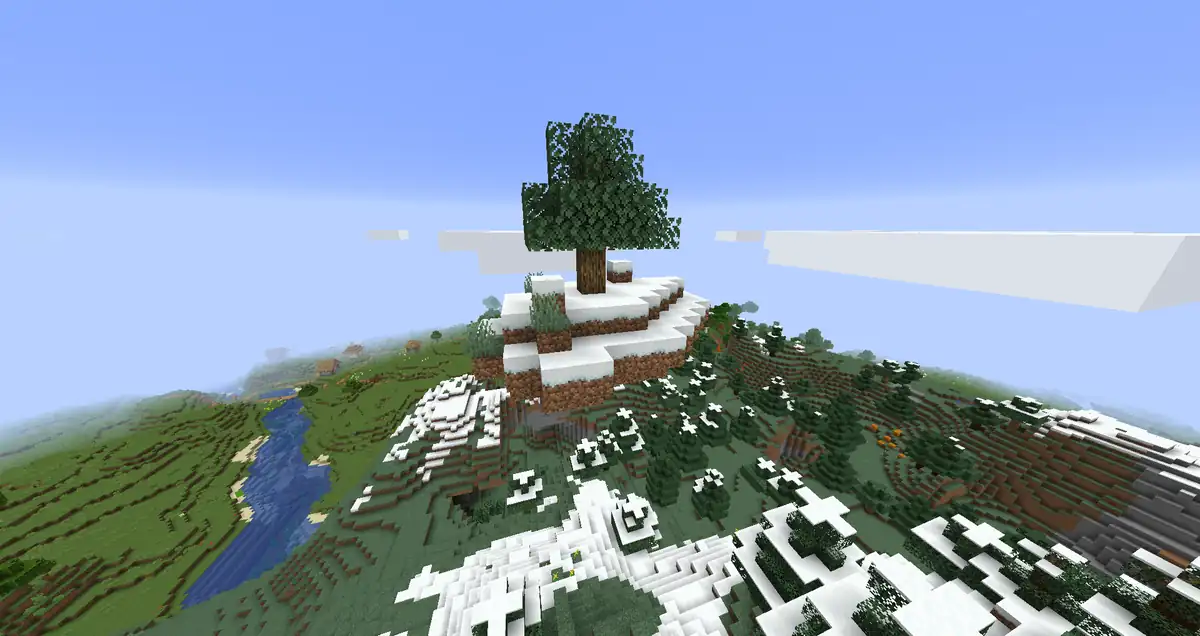
Many players want to share an island with friends. Skyblock plugins let the owner invite other players, often with /is invite, and give them a role on the island. Decide how big a team can be, because a team of ten always beats a solo player in the rankings.
- Set a team size limit and say it in the rules, or raise it with an upgrade.
- Give roles such as member and co-owner different permissions, so a new member cannot delete the island.
- Keep visitors from breaking blocks or opening chests by default, and let owners change it.
- Allow owners to remove visitors from their island, and ban players who keep coming back to cause trouble.
- Decide what happens to an island when its owner stops playing, and write it in the rules.
Skyblock rules are short, but a few matter a lot: no trapping or killing players on another island, no duplication, and honest trades. The rules guide has rules written for different server types.
Keep a skyblock server running smoothly
Skyblock worlds are mostly empty sky, so they are light to run at first. The trouble starts later, when every island has farms full of animals, hoppers and redstone that keep working day and night.
- Limit animals, hoppers and spawners per island. Most skyblock plugins have a setting or an add-on for it.
- Ask players to use one large farm instead of many small ones that each run their own redstone clock.
- Remove islands that have been empty for a long time, after a warning in your rules.
- Watch which islands cause lag before you add a limit for everyone.
The guide on how to reduce lag explains how to find which farms or chunks are slowing a server down.
Seasons and rewards for the top islands
After a few months the top islands are so far ahead that new players cannot catch up. Seasons fix that. At the end of each season the top islands get a reward, the islands reset, and everyone starts again on the same tiny island.
- Announce the end date at the start of the season, so the race has a finish line.
- Take the final island levels at a fixed time and post them the same day.
- Reward the top islands with things that carry over, such as a title, a cosmetic or a spot in the hall of fame.
- Keep ranks and cosmetics that players paid for, and reset the islands, money and island upgrades.
- Open the new season with a small change, such as a new start island or a new challenge, so it does not feel like a copy.
The season reset guide explains what to wipe and what to keep, and the game modes guide shows how skyblock fits next to other modes if you run a network.
How to show your top islands on your website
The Skyblock template in the website builder has a Top islands page with a page intro, a leaderboard with the column Island level and a FAQ about how the ranking works. Fill it in like this.
Open the Top islands page
Go to Website in the server panel of Astroworld Hosting or minecrafthosting.cc, open the editor and pick the Top islands page.
Explain island level in the intro
Click the page intro and use the Description to say how island level is counted and how often the list changes.
Fill in the leaderboard
Click the leaderboard, keep Island level as the Column heading and use Add place for each island with its name and level. It shows up to 10 places.
Answer ranking questions
In the FAQ, use Add question for what players ask most, such as which blocks are worth the most or how to join a friend's island.
Say when the season ends
If you run seasons, put the end date in the intro or in a FAQ answer, so players know how long they have to climb.
Publish the changes
Press Publish. Our team checks every change before it goes live, so update the list a day after each season ends.
Questions about Minecraft skyblock servers
What plugin do I need for a skyblock server?
A skyblock plugin such as BentoBox with the BSkyBlock add-on, SuperiorSkyblock2 or IridiumSkyblock. It creates the islands, keeps them apart, protects them and counts island levels.
What should be in a skyblock starter chest?
Enough to build a cobblestone generator and a water source: usually a lava bucket, ice or a water bucket, seeds and bone meal. Keep it small, because making the rest is the fun part of skyblock.
How is skyblock island level calculated?
The plugin gives each block a value and adds up the blocks on the island. Rare blocks such as diamond blocks count for much more than blocks that a generator makes endlessly.
How far apart should skyblock islands be?
Far enough that players cannot bridge to a neighbour's island. Set the distance before the first island is made, because it is very hard to change afterwards.
Should a skyblock server reset?
Most active skyblock servers reset every few months and reward the top islands first. It gives new players a fair start, and the season reset guide explains when a reset makes sense.
Can players share a skyblock island?
Yes. Skyblock plugins let the owner invite other players, often with /is invite, and give them roles with different permissions on the island.
More server website guides
 Minecraft server game modes30 game mode ideas in five groups, which modes suit your player count, how to plan a network and how to add a new mode.
 Minecraft server economyWhere money enters and leaves, economy types per game mode, the plugins to use, how to price items and how to keep inflation down.
 Minecraft server season resetWhat to wipe and what to keep, season lengths per game mode, a reset timeline, the steps for reset day and rewards that carry over.
 Minecraft server rules24 example rules sorted by topic, the rules each type of server needs first, and how to build a rules page players read.
 Minecraft server ranksRank ladders for players, supporters and staff, cosmetic perks that follow Minecraft's rules and a rank page players understand.
 Minecraft server spawn ideas20 spawn ideas by theme, game mode and feature, how to lay out and size a spawn, and how to protect it from griefing.
 Minecraft prison serverPlan a prison server: mines from A to Z, rank up prices that grow, selling blocks, prestige bonuses, pickaxe upgrades, cells and gangs, and rules that keep it fair.
 Minecraft factions serverRun a factions server: how claims and power work, open raiding or raid windows, faction size limits, safe zones, TNT, cheating and map seasons.
 Minecraft OneBlock serverRun a OneBlock server: how the single block works, phase ideas and block pools, the first hour, co-op, milestones, economy and settings that keep it fair.