
How OneBlock works
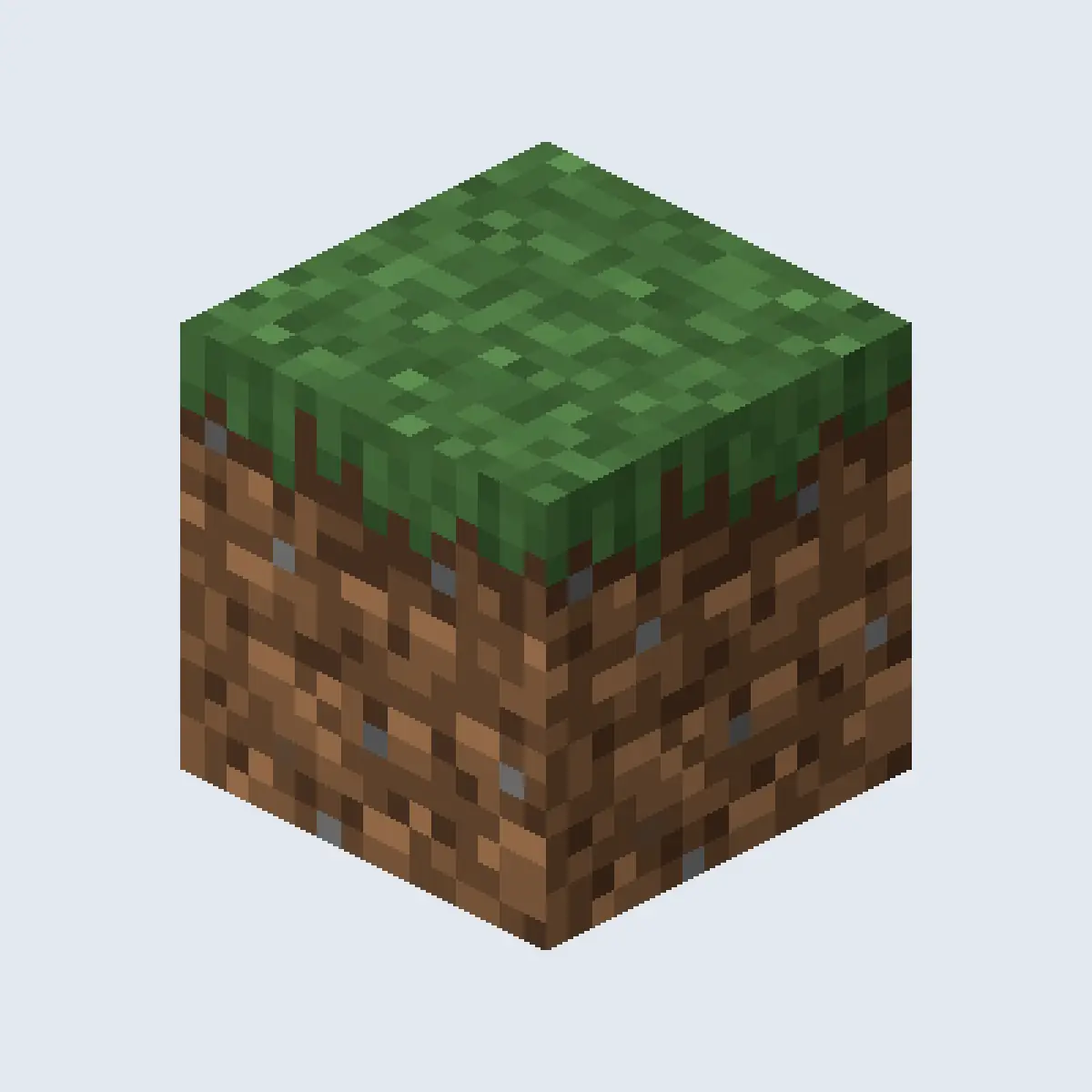
On a OneBlock server each player or team gets their own spot in an empty void world, far away from everyone else. In the middle is one block. When it breaks, the plugin puts a new block in the same place, chosen from the pool of the phase the player is in. Now and then the block spawns a mob or turns into a chest. Everything the player builds comes from that one spot.
| Topic | Skyblock | OneBlock |
|---|---|---|
| Start | A small island with a tree and a chest | One block in the void |
| Where resources come from | Farms and generators the player builds | The block itself, phase by phase |
| Progress | Island level from placed blocks | Blocks broken and phases reached, often with an island level as well |
| Pace | Players decide how fast they grow | The phases set the order in which things unlock |
Plan the OneBlock phases
Phases are the heart of OneBlock. Each one has a theme, a pool of blocks, a few mobs and a chest or two with loot. A phase ends after a set number of broken blocks, and the next one begins. Most OneBlock plugins come with a set of phases you can use as they are or change.
| Phase | Blocks it gives | What it unlocks |
|---|---|---|
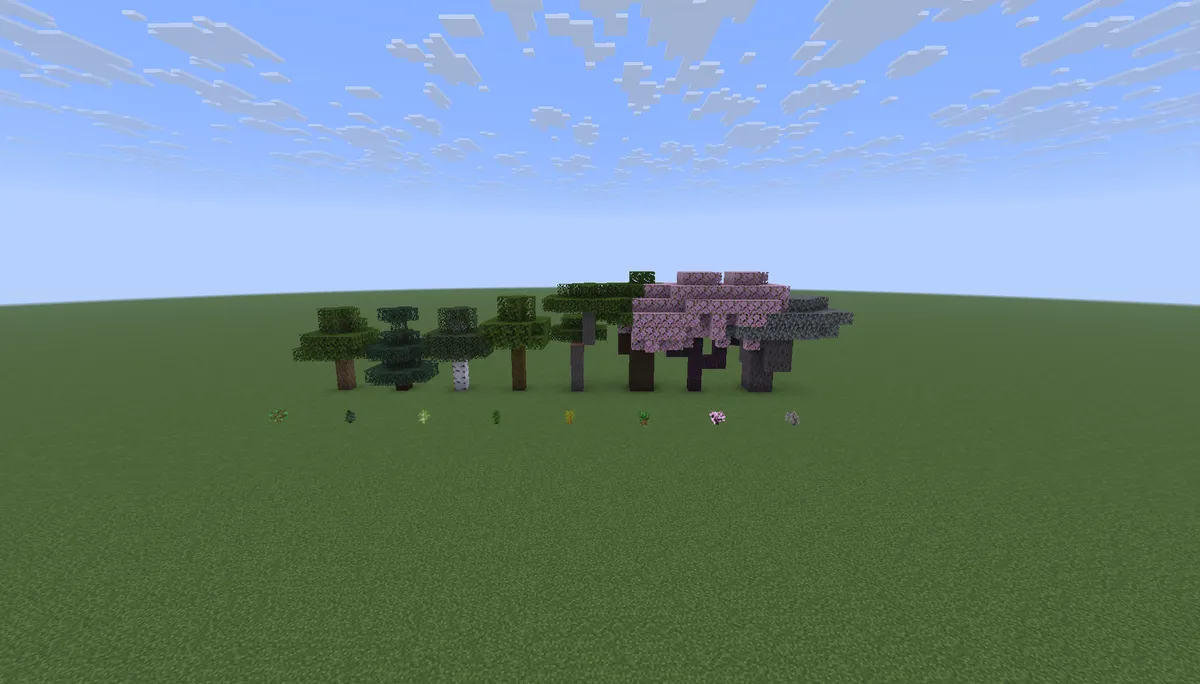
| Plains | Grass, dirt, oak logs, a little stone | Saplings, seeds, sheep and cows |
| Underground | Stone, coal, iron, gravel | Tools, furnaces and the first ores |
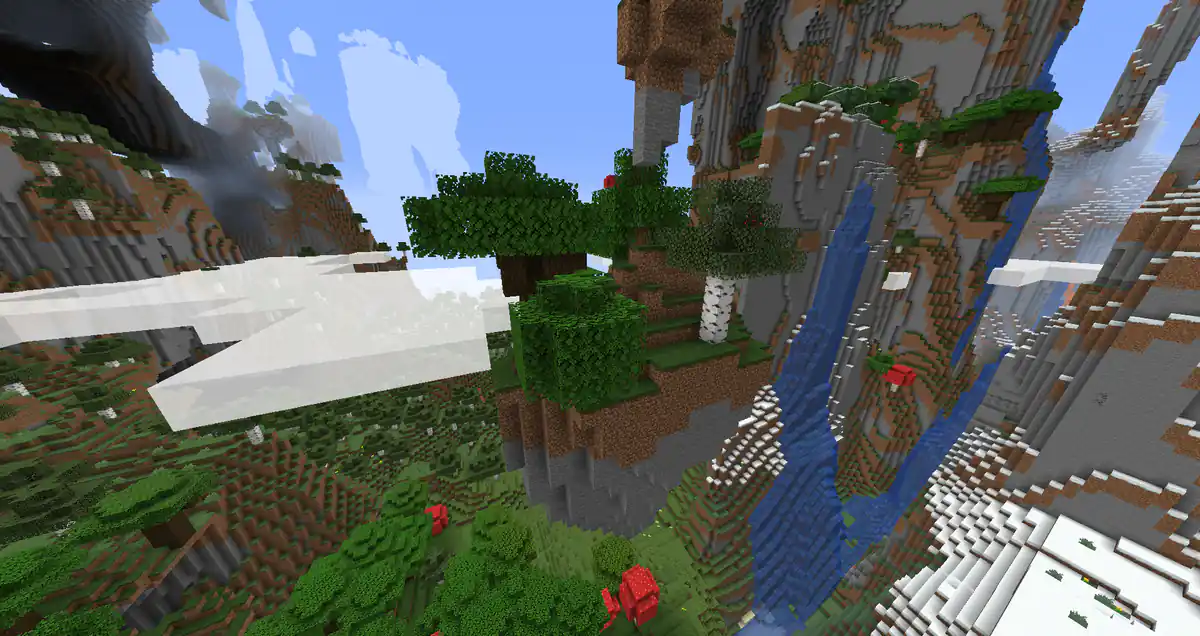
| Winter | Snow, ice, spruce logs | Water from ice, and new trees |
| Ocean | Sand, clay, prismarine | Fish, sponges and sea mobs |
| Jungle | Jungle logs, melons, cocoa | New crops and parrots |
| Desert | Sand, sandstone, terracotta | Cactus, rabbits and husks |
| Dungeon | Mossy cobblestone, cobwebs, bones | Spawners, loot chests and tougher mobs |
| Nether | Netherrack, soul sand, quartz | Nether wart, blazes and the way to potions |
| The End | End stone, obsidian, purpur | Shulkers and the last chests |
- Make early phases short and later phases longer, so new players feel progress straight away.
- Give each phase at least one item that only that phase gives, so reaching it feels like a reward.
- Put a chest with useful loot at the start of every phase, such as a bucket in the ocean phase.
- Keep dangerous mobs out of the first phases, because a player with no walls has nowhere to hide.
- After the last phase, loop back to the start with better loot, or add harder bonus phases.
Make the first hour good
The first hour decides whether a new player stays. Standing on one block over the void is tense, and falling off with a full inventory ends many first games. A few choices make the start much friendlier.
- Let the first blocks be dirt, grass and logs, so players can build a small floor around the block quickly.
- Give a starter chest early with a few saplings, some bread and a water source such as ice.
- Keep inventory on falling into the void during the first phase, or let players return to their island without losing items.
- Show a short message or a hologram above the block that explains: break it, and it comes back.
- Give a small reward for the first phase change, so players learn that phases exist.
The spawn ideas guide has more on guiding new players from the moment they join.
Co-op, island size and protection
Most players enjoy OneBlock more with friends. Co-op lets several players share one island and one block, which also means the phases go faster. Decide on the limits before launch, because changing them later is unfair to teams that already formed.
- Team size
Two to four players per island is common. Bigger teams race through the phases and top every leaderboard.
- Island size
Start with a small build area that grows as players reach new phases, so there is something to unlock besides blocks.
- Distance between islands
Keep islands far enough apart that nobody can bridge to a neighbour or see into their base.
- Visitors
Let players invite friends to visit without giving them the right to break or take anything.
- Resets
Allow a limited number of island resets, so a player who fell behind can start over but cannot farm the first chests again and again.
Co-op and island protection work the same way as on a skyblock server, and the section on co-op islands and protection in the skyblock guide goes into the settings.
Milestones and progression
Blocks broken is the most natural score on a OneBlock server: everyone understands it, and it grows every time someone plays. Use it for milestones and for a leaderboard, next to an island level if your plugin has one.
- Reward round numbers of broken blocks, such as 1,000 and 10,000, with a chest, a title or a bigger island.
- Show the current phase and the blocks left until the next one on the scoreboard.
- Add challenges that use what the phases give, such as building a working farm from the jungle phase.
- Keep a weekly leaderboard next to the all time one, so newer players have a chance to reach the top.
Economy and shops
Players on OneBlock end up with far more of the early blocks than they need. A shop where they can sell extra dirt, logs and stone gives those blocks a use and lets players buy what the phases give too rarely. Keep sell prices low for common blocks and make rare items worth hunting for.
Selling farm output is the fastest way for money to pile up on any island server. Work out sell and buy values with the pricing method in setting shop prices. Store items should never include blocks, phases or skips, because buying progress breaks the whole idea of OneBlock.
Settings that keep a OneBlock server running
- Use the void world generator that comes with your OneBlock plugin, so no terrain is generated between islands.
- Limit farms per island, such as hoppers and mob spawners, because hundreds of islands add up.
- Unload islands when nobody from the team is online, which most island plugins do by default.
- Back up player data and the island world every day, because a lost island is a lost month of play for its team.
- If you plan seasons with fresh starts, decide before launch which parts of an island a reset clears, such as blocks broken but not titles.
OneBlock also works well as one mode on a network next to other games; compare it with the other game mode ideas before you decide which modes to run together.
How to add OneBlock steps to your website
Pick the Skyblock template in the website builder and its home page already includes a Steps section that walks players from their first island to the leaderboard. On a OneBlock server, change those steps into the path from one block to the last phase, so new players know what they are signing up for.
Open the Steps section
Go to Website in the server panel of Astroworld Hosting or minecrafthosting.cc, open the editor on the home page of the Skyblock template and click the Steps section.
Rename the first step
Change the Title of the first step to something such as Break your first block, and use the Text to explain that the block comes back every time.
Describe the phases
Use the second step for the phases, such as Unlock new phases, with a short line about going from plains to the Nether and the End.
End with the goal
Make the last step about the leaderboard or the final phase, such as Reach the End, so players see where it leads.
Pick icons and add steps
Choose an Icon for each step, such as the cube for the block. Use Add step if you want a step for co-op, up to six in total.
Publish the steps
Press Publish. Our team checks every change before it goes live, so publish before you open the server.
Questions about Minecraft OneBlock servers
What is a Minecraft OneBlock server?
A server where every player starts on a single block in the void. Breaking it makes a new block appear, and over time the block gives everything needed to build an island.
What is the difference between OneBlock and skyblock?
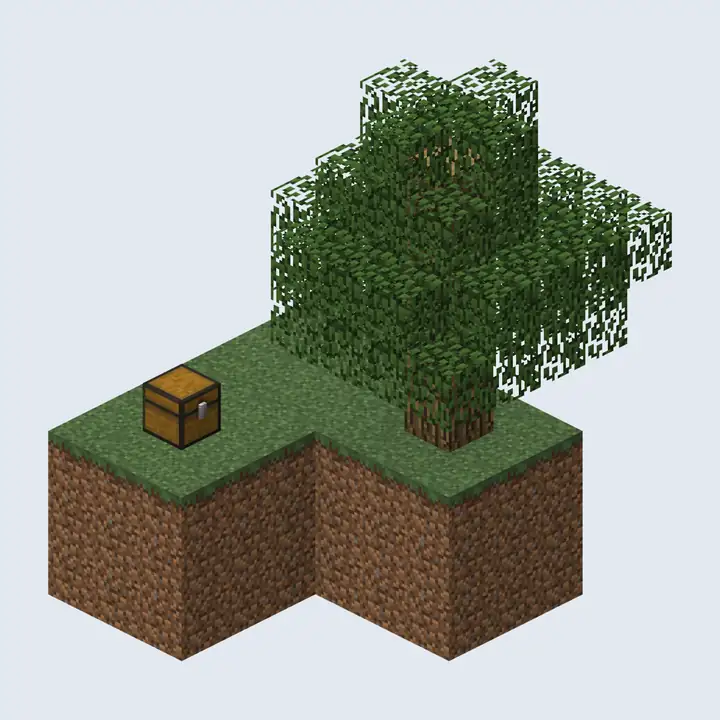
Skyblock starts with a small island and a tree, and players build farms to get resources. OneBlock starts with one block that keeps refilling, and resources unlock phase by phase.
What are phases in OneBlock?
Stages with their own blocks, mobs and chests, such as plains, underground, ocean and the Nether. A phase ends after a set number of broken blocks and the next one begins.
Can you play OneBlock with friends?
Yes. Most OneBlock servers have co-op islands where two to four players share one island and one block, and move through the phases together.
How do I get water on a OneBlock island?
Most phase setups give ice early, which melts into water, or put a bucket in a starter chest. Check that your first phases include one of them.
How do I make OneBlock less hard for new players?
Start with a short, safe first phase full of dirt and logs, give a starter chest, keep dangerous mobs out of early phases and let players keep their items if they fall into the void.
More server website guides
 Minecraft skyblock serverHow to run a skyblock server: plugins, the start island and starter chest, island level values, 15 challenges, the economy, co-op islands, lag and seasons.
 Minecraft server economyWhere money enters and leaves, economy types per game mode, the plugins to use, how to price items and how to keep inflation down.
 Minecraft server season resetWhat to wipe and what to keep, season lengths per game mode, a reset timeline, the steps for reset day and rewards that carry over.
 Minecraft server game modes30 game mode ideas in five groups, which modes suit your player count, how to plan a network and how to add a new mode.
 Minecraft server spawn ideas20 spawn ideas by theme, game mode and feature, how to lay out and size a spawn, and how to protect it from griefing.
 Minecraft prison serverPlan a prison server: mines from A to Z, rank up prices that grow, selling blocks, prestige bonuses, pickaxe upgrades, cells and gangs, and rules that keep it fair.