
What is in the SMP template
Most server websites are built to get as many players in as possible. An SMP with a whitelist wants the opposite: the right few. So this template hides the address, leads with a How to join button and spends the home page on who you are, who runs the server and what happened lately.
| Page | Sections on it | What it is for |
|---|---|---|
| Home | Hero, About this server, Steps, Team, News, Community | Who you are, how to join and what is new |
| Join | Page intro, Steps, FAQ | The whitelist in three steps and the questions before applying |
| Support | Page intro, Categories, Rank grid, FAQ | Optional cosmetic support ranks and where the money goes |
| Rules | Page intro, Rules list, Need help? | House rules for good neighbours |
The four pages of the SMP template
Home: about the server, the team and the news
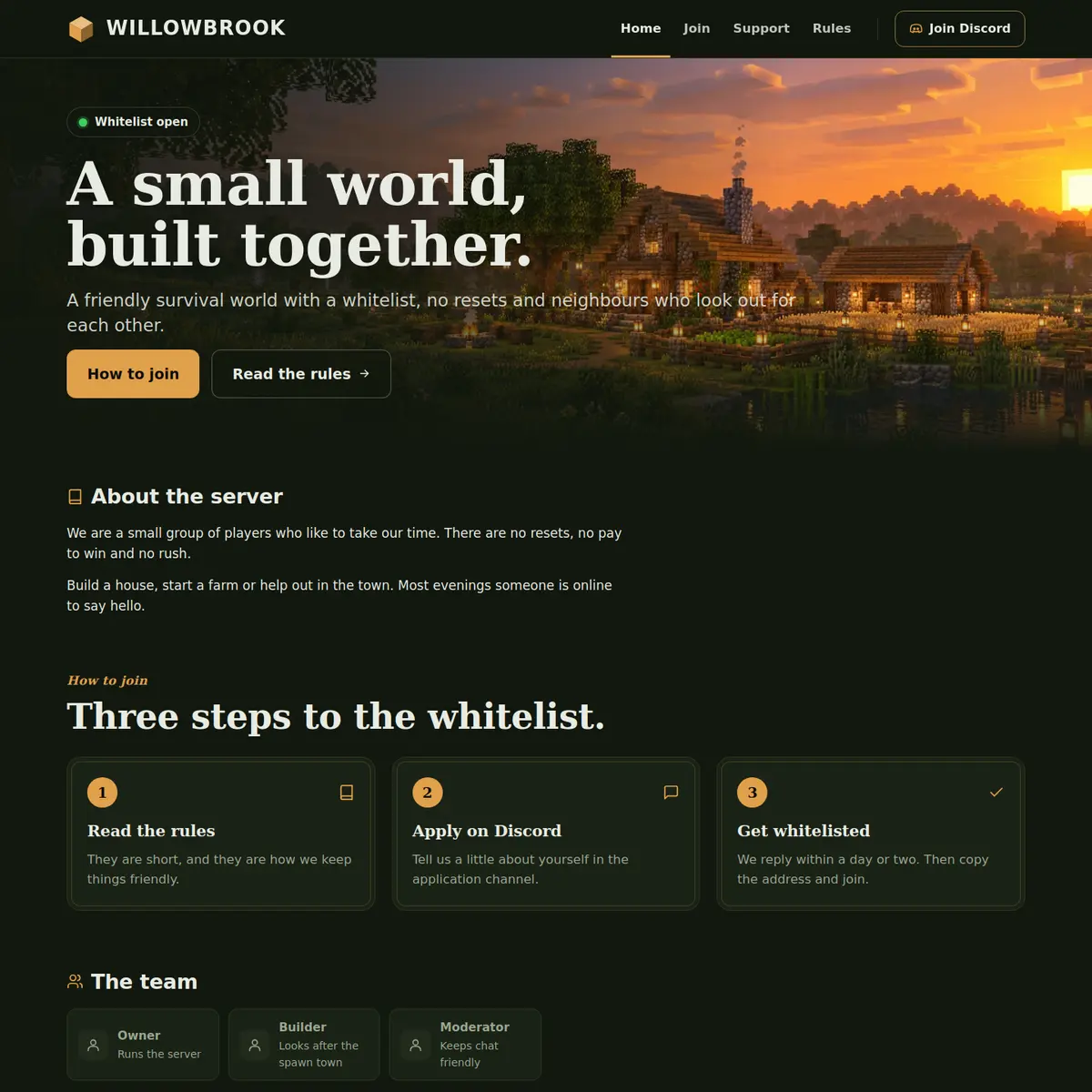
The hero reads A small world, built together. in the example, with a Whitelist open label. Its two buttons go to the Join page and the Rules page, and Show the server address under the buttons is off, so the address is not on the page. There is no status bar on this template either: a whitelist server has no use for a public player count.
About the server follows with two short paragraphs in plain words: no resets, no pay to win, and most evenings someone online to say hello. Then three steps to the whitelist, The team with a card per person showing a name and a role, What is new with dated posts, and a Community card that invites people to say hello on Discord.
Join: the whitelist in three steps
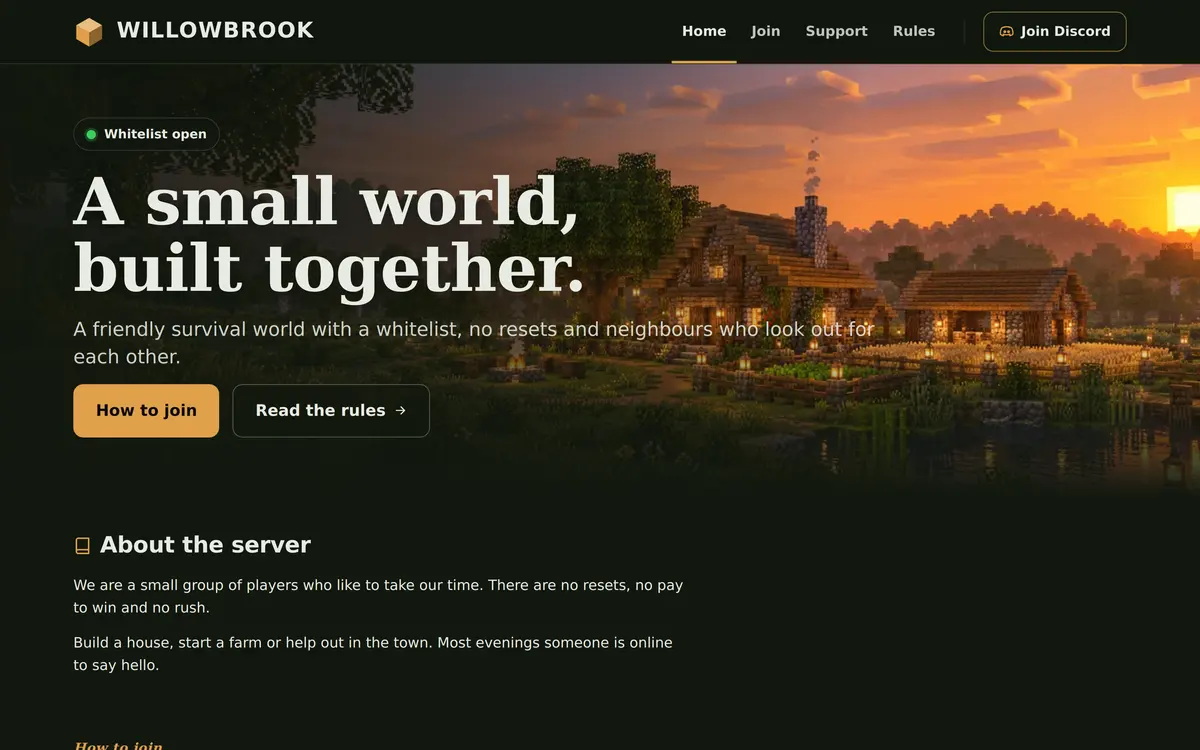
The Join page tells applicants that the server is kept small on purpose. Its Steps section reads Start with the rules, Send an application and Wait for a reply, and the FAQ under it answers how long the whitelist takes, which version can join and whether a friend can come too.
The steps point to Discord for the application itself. If you would rather ask the same questions every time, the whitelist application guide has a ready set of questions and a way to handle the answers.
Support and Rules: optional support, simple rules
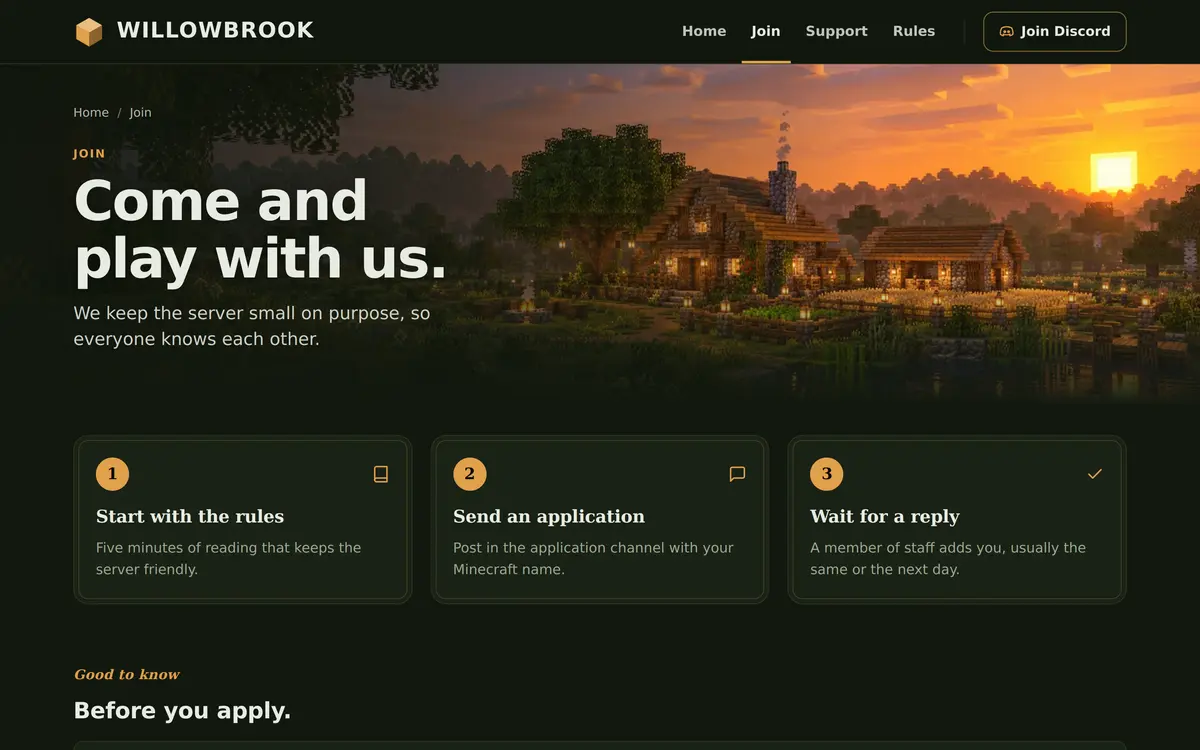
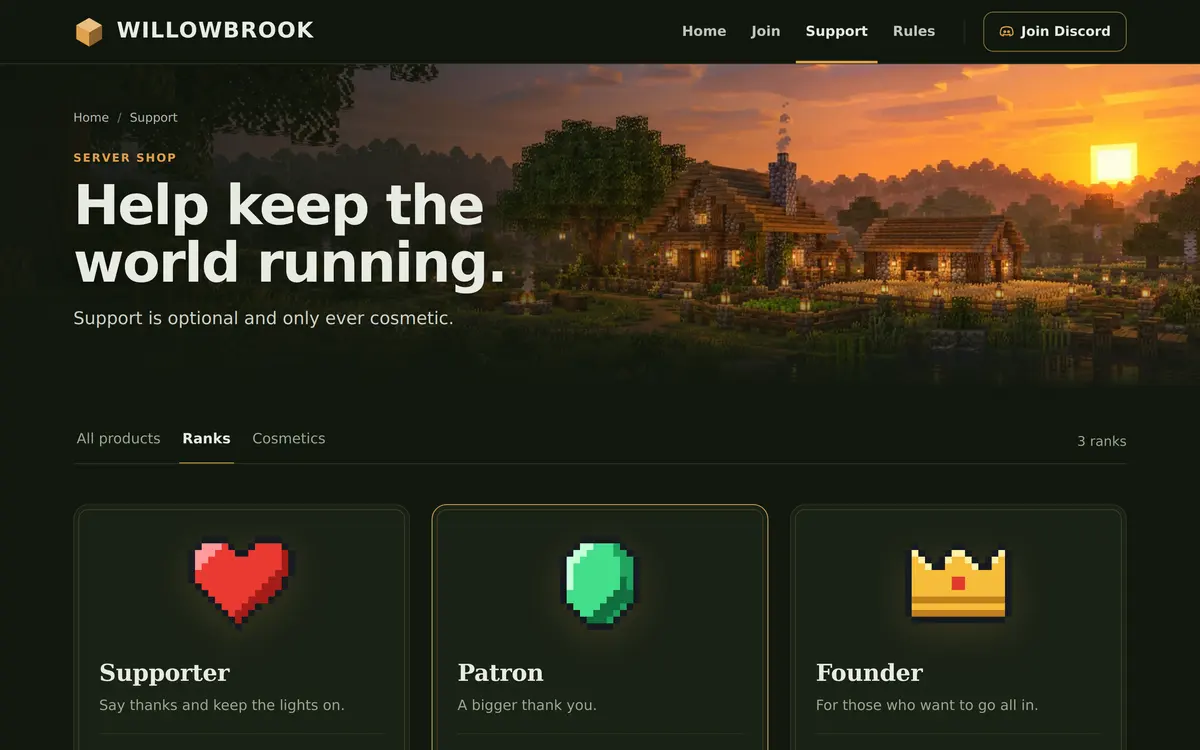
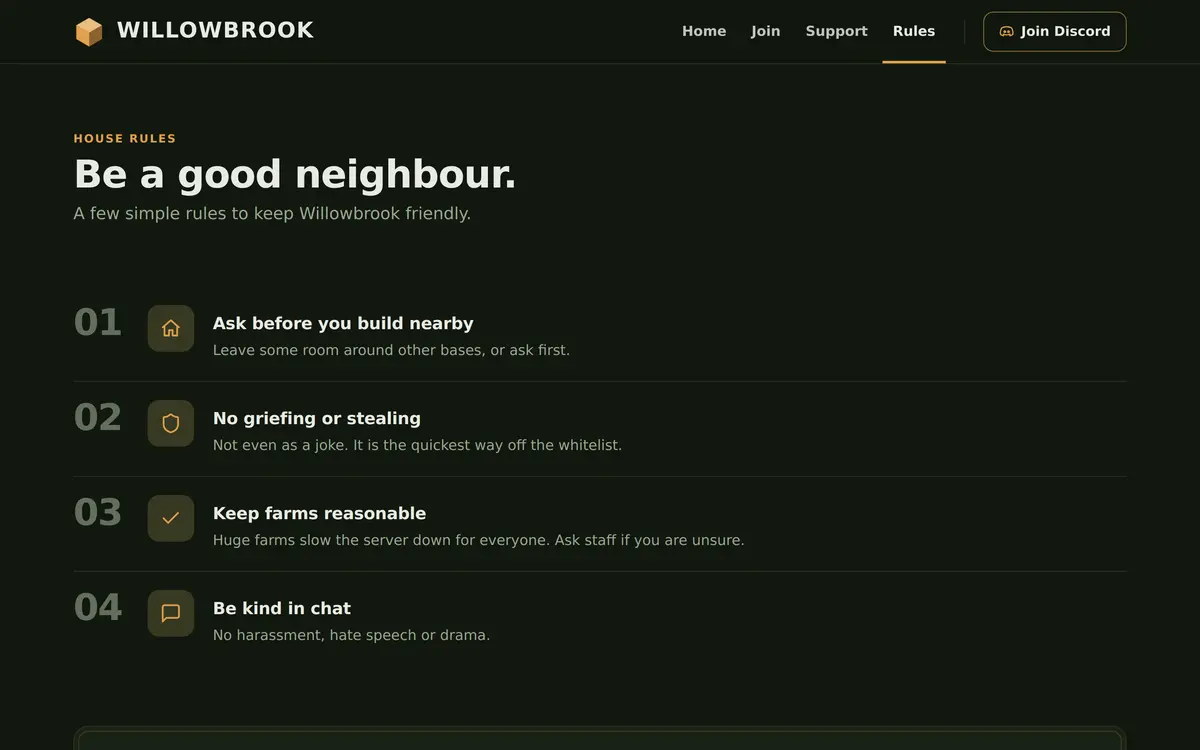
The shop is called Support here, and its intro says support is optional and only ever cosmetic. The ranks are Supporter, Patron and Founder, and the FAQ answers do I have to pay to play and where does the money go. The Rules page is headed Be a good neighbour, with four house rules: ask before you build nearby, no griefing or stealing, keep farms reasonable and be kind in chat.
Who the SMP template is for
It fits servers where the community is the point: a whitelisted SMP, a server for a Discord group or a content creator's community, a long running world with no resets, or a roleplay town that screens its players. The roleplay server guide and the staff roles guide go well with the Team section.
- Whitelist servers: keep the address hidden and let Discord handle applications.
- Open community servers: turn Show the server address under the buttons on and change the first button to Copy server address.
- Servers with a staff team: add everyone with Add person, with a role that says what they look after.
An open survival server that wants live status on the home page is better served by the free Survival template, and a server with several game modes by Network.
How to set up the SMP template
Apply SMP in the editor, then write the About section before anything else, because it is what an applicant reads first.
Apply the SMP template
Go to Website in the server panel, open the editor, open Templates and press Preview on SMP. Then press Use this template, or Start over with its example pages.
Write About the server
Click the About section on Home and describe your server in a few honest lines. An empty line starts a new paragraph.
Add your team
Click The team and use Add person for each member, with a Name and a Role that says what they do on the server.
Explain how to join
Open the Join page, rewrite the three steps for your own whitelist and answer the questions in the FAQ, such as which version can join.
Put your Discord in
Put your invite in Discord link in Site settings, so the Community card and the help buttons send applicants to the right place.
Publish
Press Publish. Our team checks the site before it goes live, and later changes are checked before they replace the live version.
Questions about the SMP template
Can I show my server address on the SMP template?
Yes. Click the hero and turn on Show the server address under the buttons. You can also set a button to Copy server address.
Does the SMP template have a server status bar?
Not in the example pages, because a whitelist server rarely wants a public player count. It is a section you can add if your server is open.
How many people can the team section show?
Up to 24 people, each with a name and a role. Most small servers list the owner and two or three staff members.
Is the SMP template only for whitelist servers?
No. It is written for a small community, whitelisted or not. For an open server, show the address and change the first button.
Can I rename the Support page to Shop?
Yes. You can rename pages in the editor. The name in the navigation changes, and the address of the page stays the same.
More Minecraft server website templates
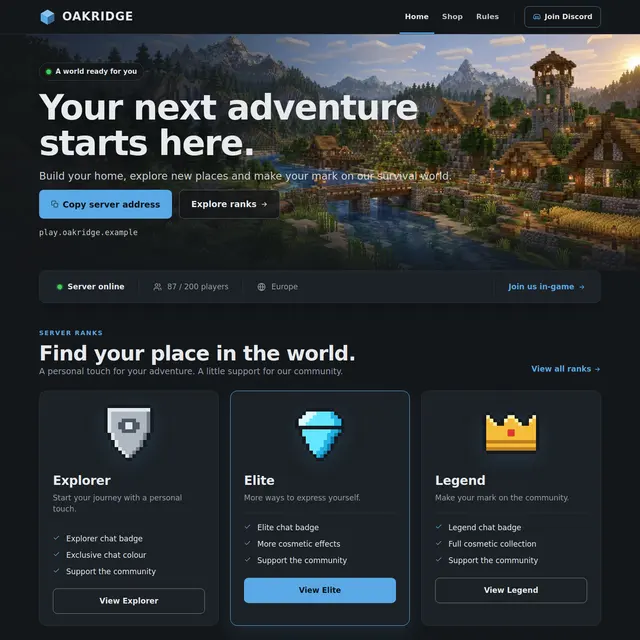 Survival templateThe free template: live status, ranks, a shop page and your rules on three pages.
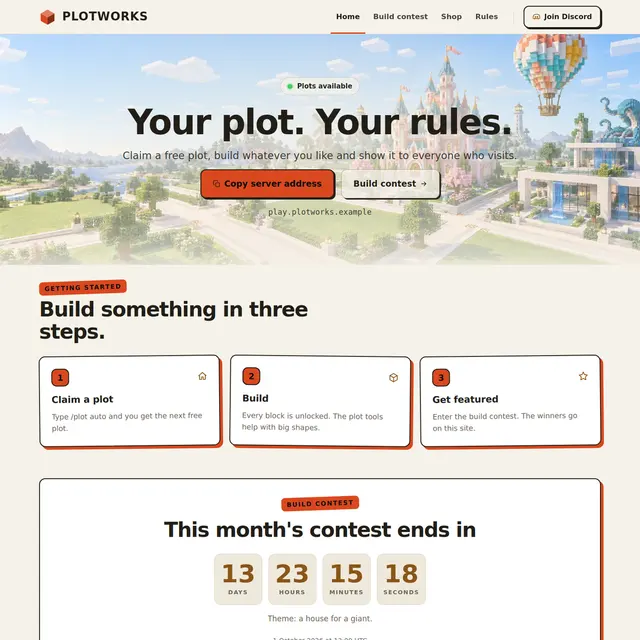 Creative templateA light Sandstone theme for plot servers, with a build contest countdown and a hall of fame.
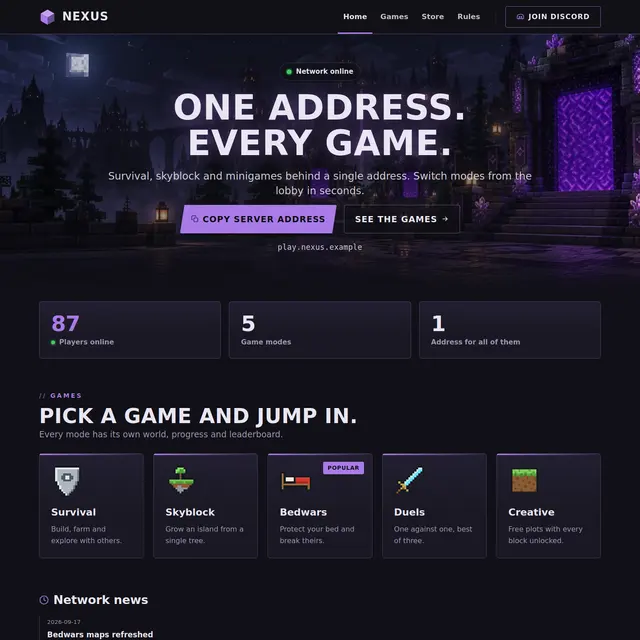 Network templateOne address for every game: game mode cards with players online, news and a games page.
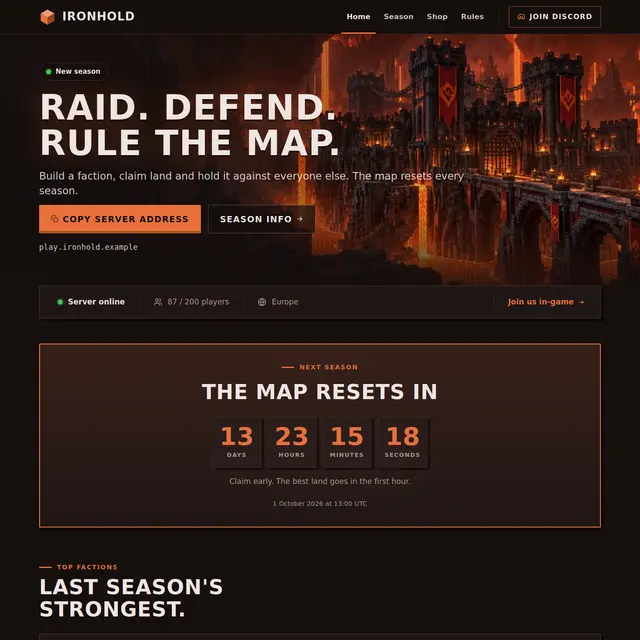 Factions templateA Nether theme with a countdown to the map reset, a power leaderboard and a season page.