
What is in the Creative template
Players on a creative server come back for two reasons: their own plot and a reason to show it off. The template covers both. The home page explains how to claim a plot and start building, and the rest of the site is built around a monthly build contest with a theme, a deadline and a list of winners.
| Page | Sections on it | What it is for |
|---|---|---|
| Home | Hero, Steps, Countdown, Leaderboard, Rank grid, Community | How to start, this month's contest and last month's winners |
| Build contest | Page intro, Countdown, Steps, Leaderboard | The theme, how to enter and the hall of fame |
| Shop | Page intro, Categories, Rank grid, FAQ | Cosmetic ranks that support the plot world |
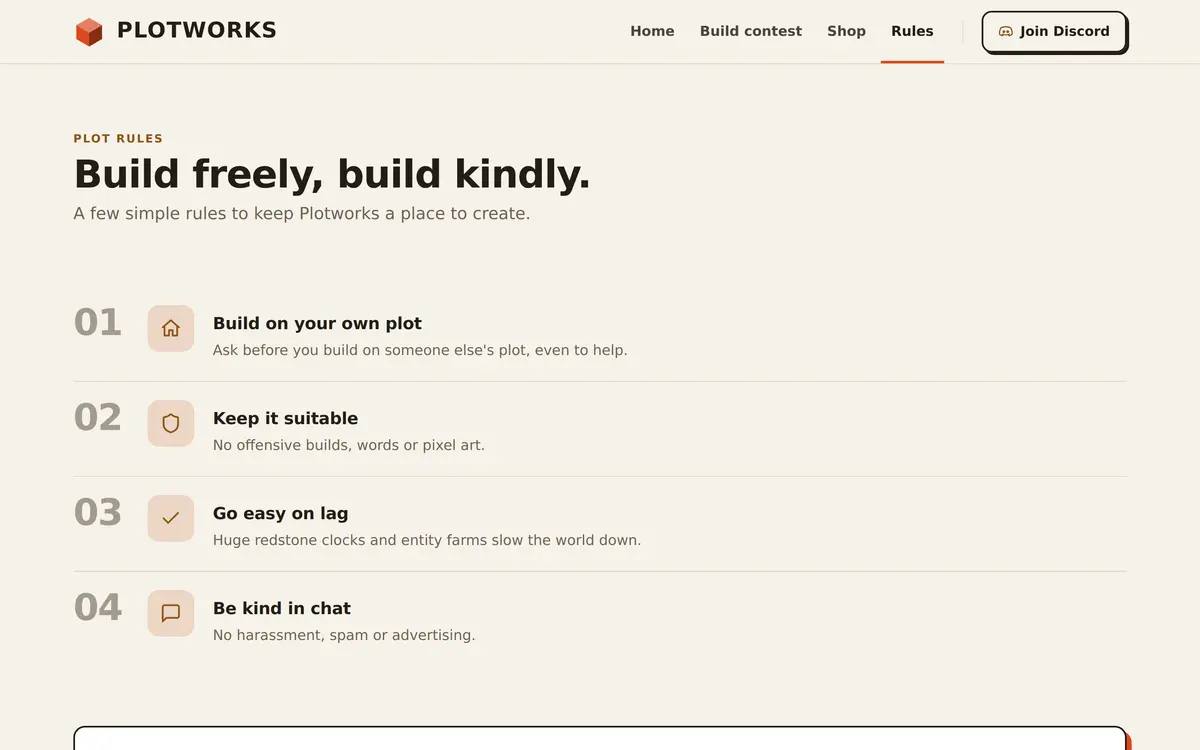
| Rules | Page intro, Rules list, Need help? | Plot rules about building, content and lag |
The four pages of the Creative template
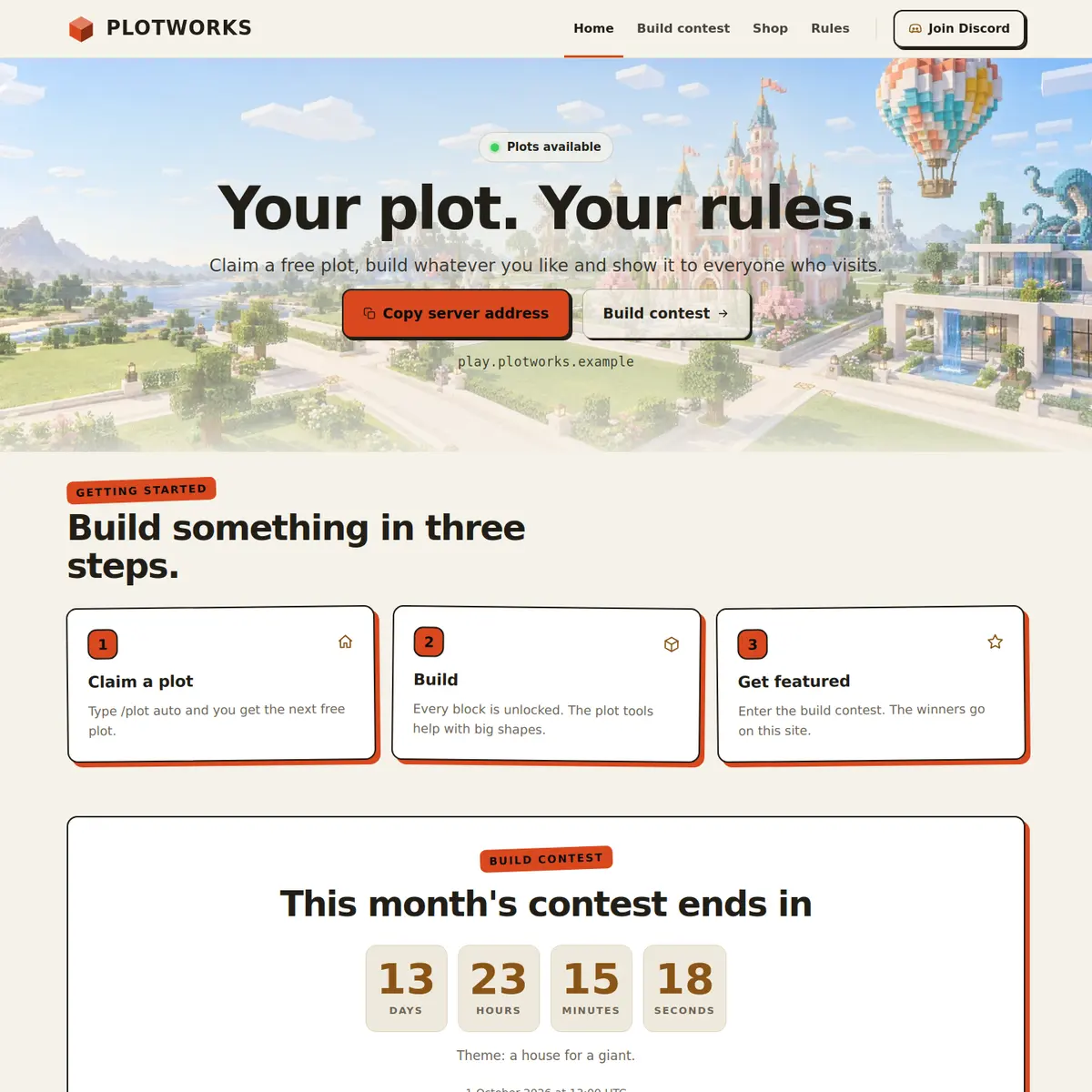
Home: a plot, a build and a contest
The hero is centred and reads Your plot. Your rules. in the example, with a Plots available label and buttons to copy the address and open the contest page. Straight under it, the Steps section Build something in three steps has Claim a plot, Build and Get featured, where getting featured means winning the contest and ending up on the site.
The Countdown follows with the time left in this month's contest and the theme underneath, a house for a giant in the example. Then the Leaderboard shows last contest's winning builds with the builder's name and the column Votes, the Rank grid offers Artist, Architect and Master Builder, and the Community card asks players to share their builds on Discord.
Build contest: theme, entry and hall of fame
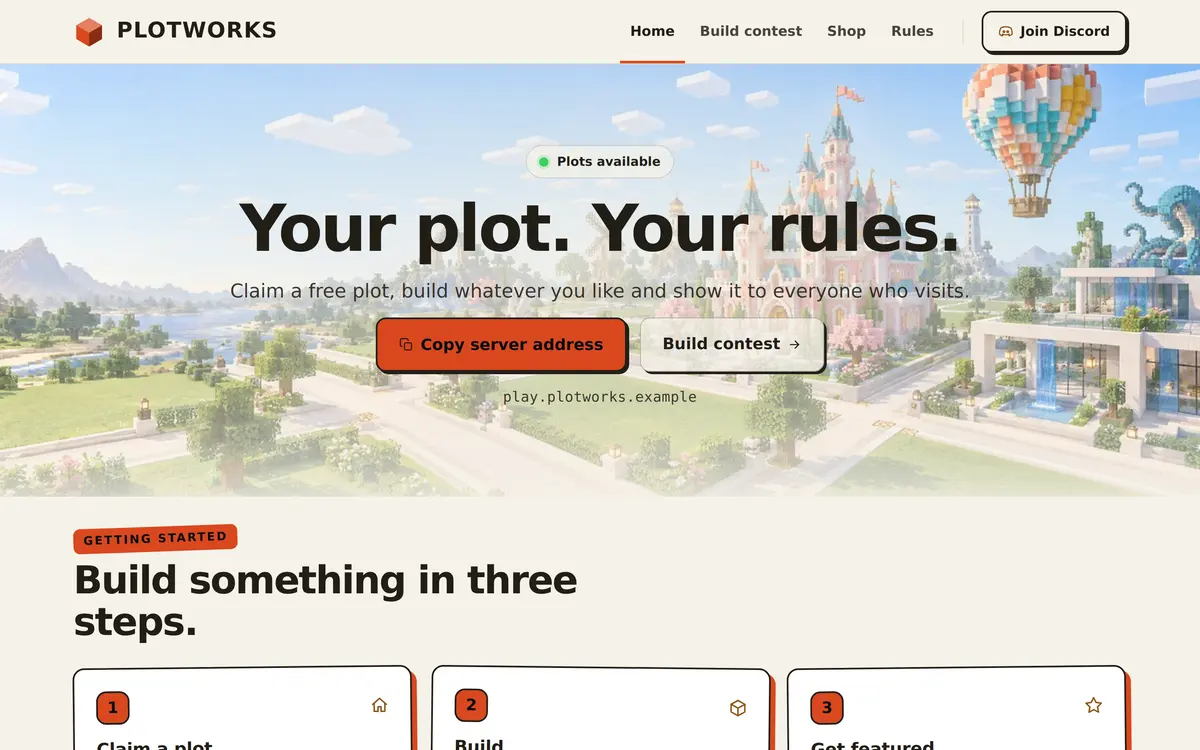
The Build contest page is headed One theme, one month. A second Countdown, Time left to build, repeats the theme. The Steps section How to enter has three cards, Check the theme, Build on your plot and Enter and vote, and the Leaderboard at the bottom is the Hall of fame with last month's winners and their votes.
The example text mentions commands like /contest; change them to the commands your own server uses. The build contest guide has themes, judging and prize ideas to fill a year of contests.
Shop and Rules: for a plot world
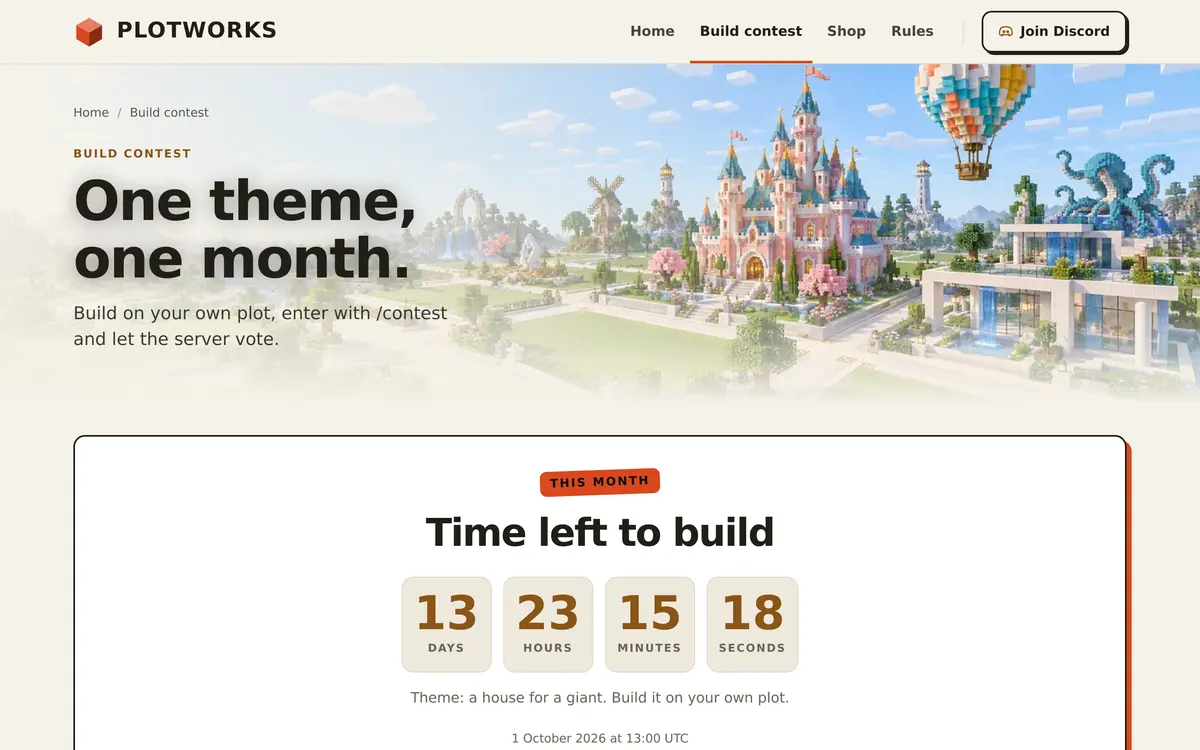
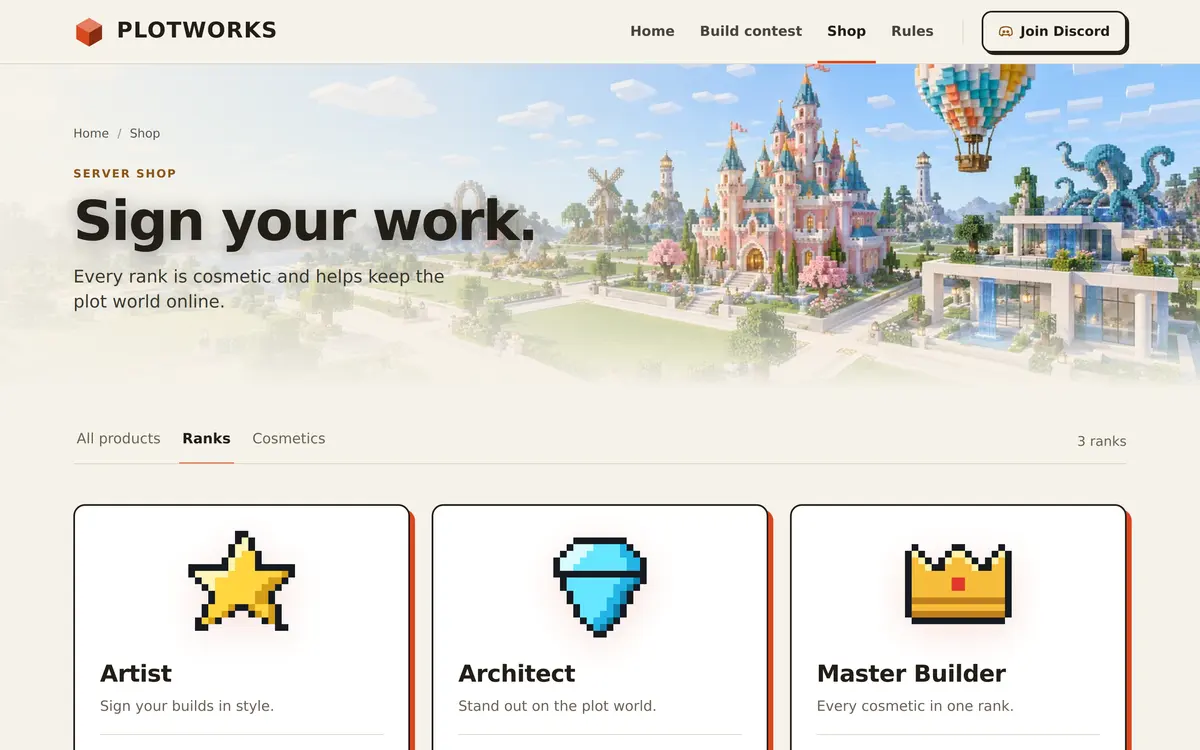
The Shop page is headed Sign your work and says every rank is cosmetic and helps keep the plot world online. The Rules page, Build freely, build kindly, has four plot rules: build on your own plot, keep it suitable, go easy on lag and be kind in chat.
Who the Creative template is for
It fits plot servers, creative servers, build teams and any community that runs building events. The light theme shows builds and screenshots well, and the contest sections work just as well for a yearly event as for a monthly one.
- Plot servers: keep the three steps and the plot rules, and run the contest when you are ready.
- Build teams: rename the contest page to Projects and use the Leaderboard for finished builds.
- Survival servers with a building event: use the Countdown and the Hall of fame for the event, with the event ideas guide for more.
A small building community with a whitelist may prefer SMP, and a server with creative as one of several modes fits Network.
How to set up the Creative template
Apply Creative in the editor, then set up this month's contest, because its date and theme appear on two pages.
Apply the Creative template
Go to Website in the server panel, open the editor, open Templates and press Preview on Creative. Then press Use this template, or Start over with its example pages.
Explain your plots
Click the Steps on Home and write how players get a plot on your server, with the command they type if there is one.
Set the contest end
Click the Countdown on Home and fill in Date and time (UTC) and the theme in the text. Do the same on the Build contest page.
Write what happens after
Fill in After the countdown on both, for example that voting is open. The section shows that text once the moment has passed.
Add the winners
Click each Leaderboard, keep Votes or change Column heading, and use Add place for each build with its builder, up to ten.
Publish
Press Publish. Our team checks the site before it goes live, and later changes are checked before they replace the live version.
Questions about the Creative template
Does the Creative template count votes for the contest?
No. Voting happens on your server or on Discord, and you enter the result in the Leaderboard yourself. The order in the editor is the order on the page.
What does the countdown show after the contest ends?
The text you wrote under After the countdown, such as Voting is open. Set the next date when the new theme starts.
Can I show pictures of the winning builds?
The Leaderboard shows names and votes. For pictures, add a Gallery section to the Build contest page, if your site has it.
Is the Creative template only for plot servers?
No. It works for any server that builds together, from build teams to survival servers with a monthly contest.
Can I switch the Creative template to a dark theme?
The template ships with the light Sandstone theme. The Design tab lists the other themes your site can use, and the pages and sections stay the same.
More Minecraft server website templates
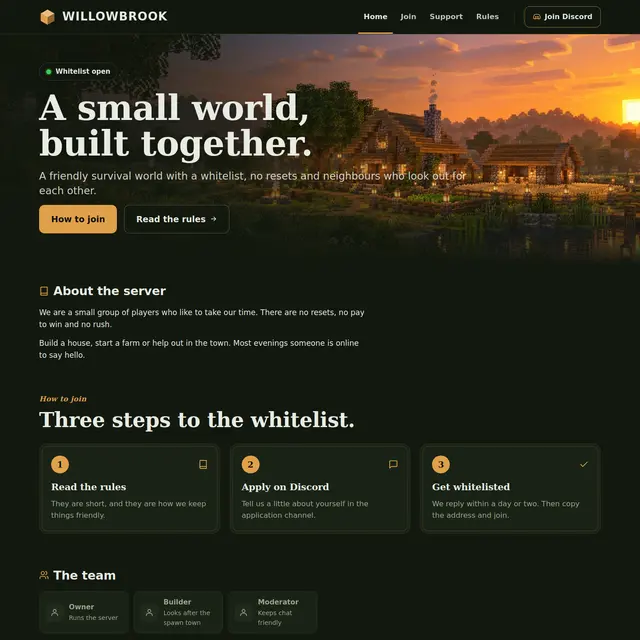 SMP templateA warm Forest theme for a small whitelist server: about, how to join, the team and news.
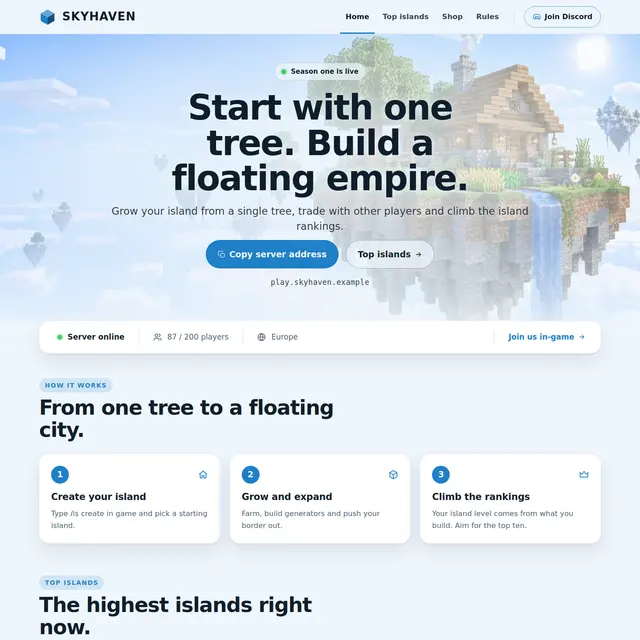 Skyblock templateA light sky theme with an island leaderboard page and how skyblock works in three steps.
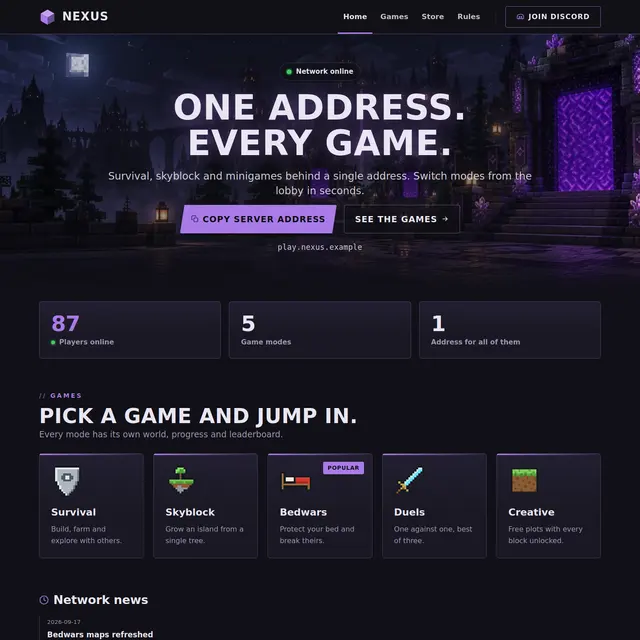 Network templateOne address for every game: game mode cards with players online, news and a games page.
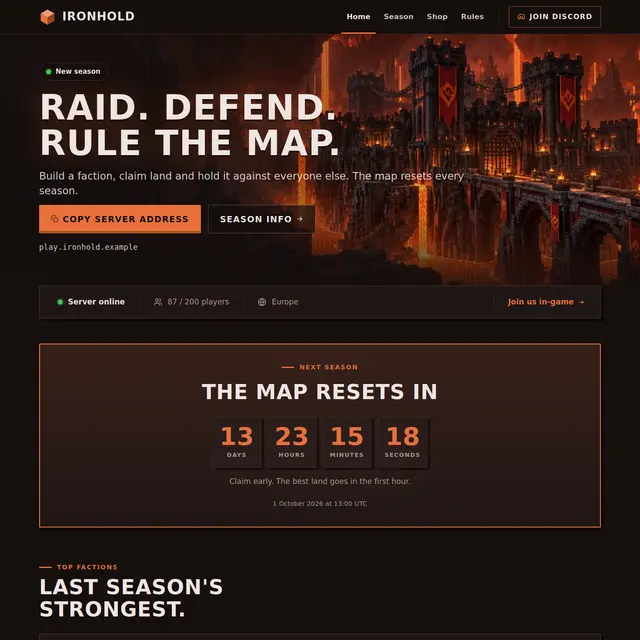 Factions templateA Nether theme with a countdown to the map reset, a power leaderboard and a season page.