
What is in the Factions template
A factions server lives from one date: the day the map resets. Players plan around it, recruit for it and come back for it. So the template puts a Countdown straight under the status bar, repeats it on the Season page, and shows last season's strongest factions to give everyone a target for the next one.
| Page | Sections on it | What it is for |
|---|---|---|
| Home | Hero, Server status, Countdown, Leaderboard, Rank grid, Community | The next reset, who won last time and your Discord |
| Season | Page intro, Steps, Countdown, Leaderboard | How a season runs from claiming to raid week, and the final standings |
| Shop | Page intro, Categories, Rank grid, FAQ | Cosmetic ranks that do not change a fight |
| Rules | Page intro, Rules list, Need help? | Rules about raiding, cheats and alt accounts |
The four pages of the Factions template
Home: the reset date up front
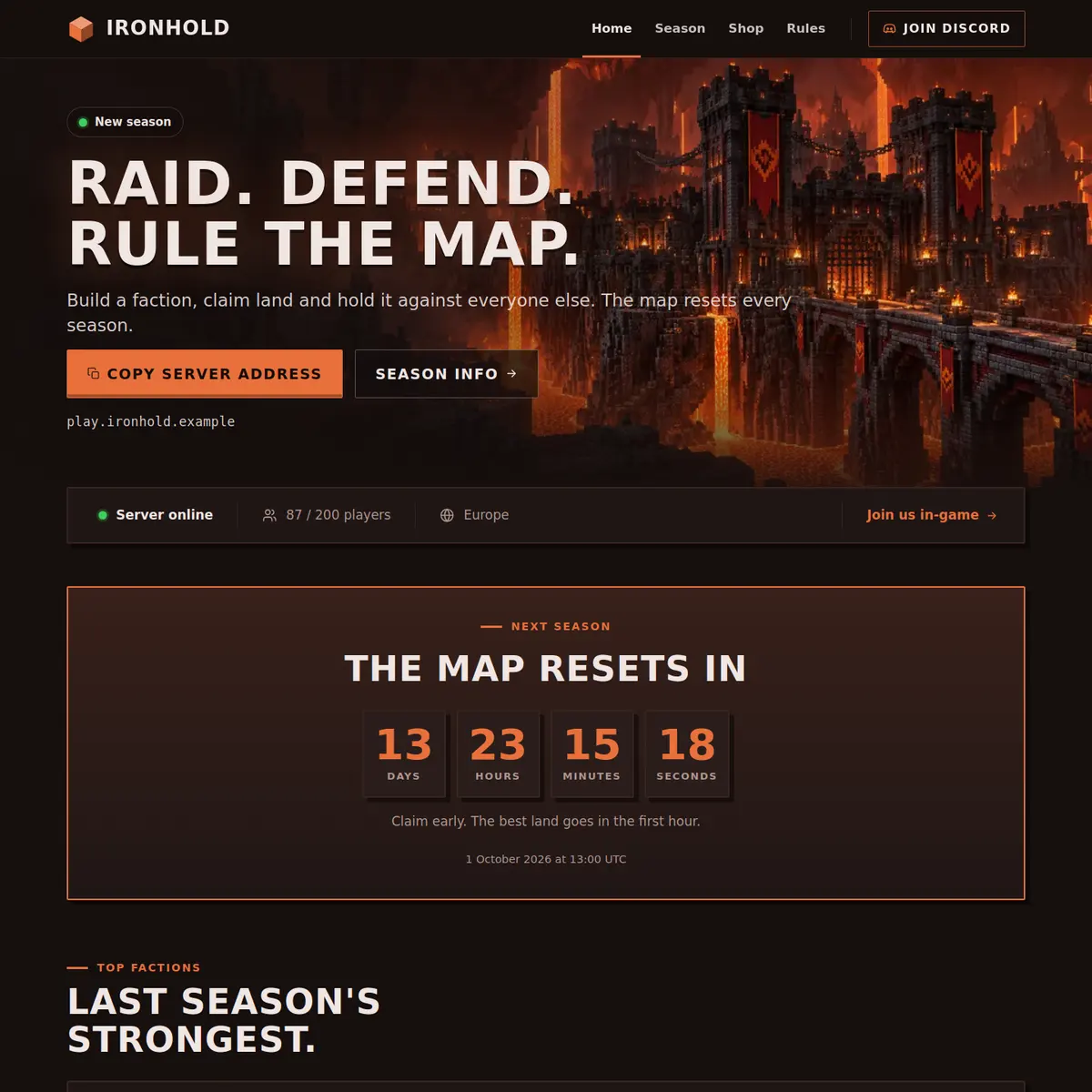
The hero is aligned to the left over a Nether fortress, with a New season label and the heading Raid. Defend. Rule the map. in the example. One button copies your address, the other opens the Season page. Under it the Server status bar shows whether the server is online and how many players are on, with a Join us in-game button.
Then comes the Countdown, with days, hours, minutes and seconds to the reset and a short line underneath: claim early, the best land goes in the first hour. The Leaderboard lists the five strongest factions of last season under the column Power, the Rank grid offers Soldier, Warlord and Emperor, and the Community card invites players to plan their raids on Discord.
Season: how a season works
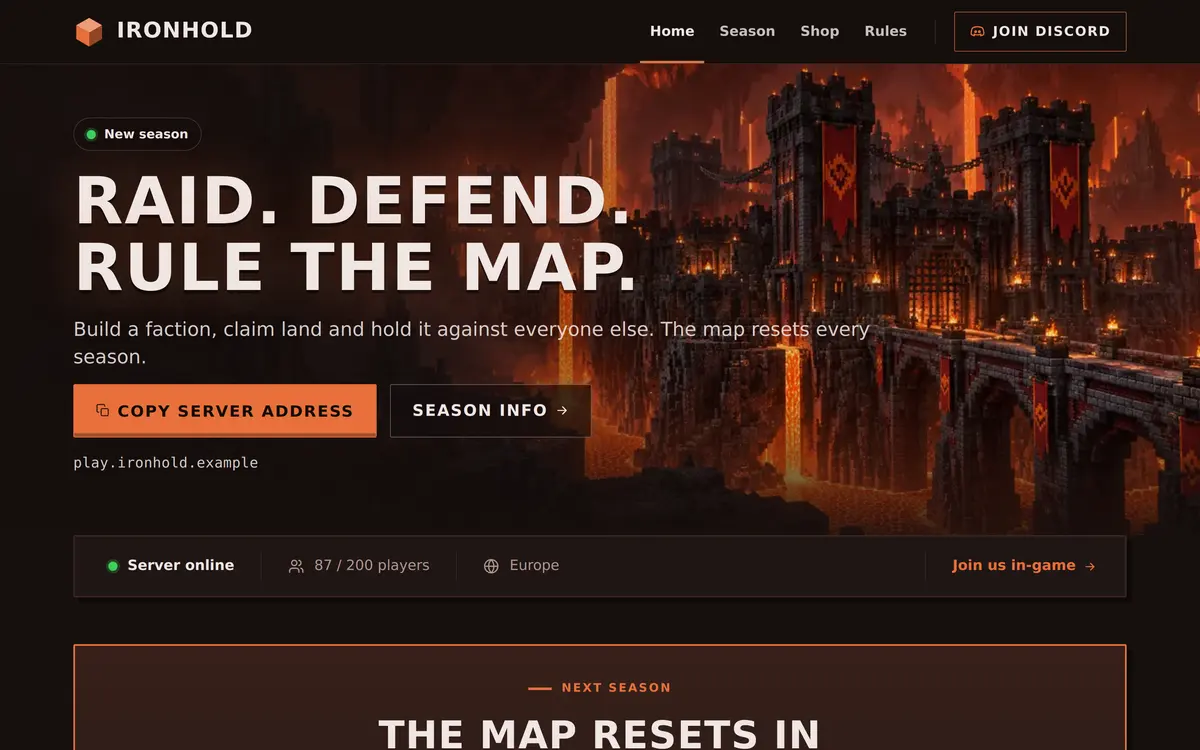
The Season page explains the whole cycle before a new player joins. Its Steps section is titled Four weeks, three phases: Claim land, Build your defences and Raid week, each with a short line about what happens, such as claims that can be broken in the last week.
A second Countdown to the same date follows, then the Leaderboard with the final standings of last season, seven factions in the example. A leaderboard holds up to ten places, and you keep it up to date yourself, so fill it in once when a season ends and leave it until the next one.
Shop and Rules: fair raiding
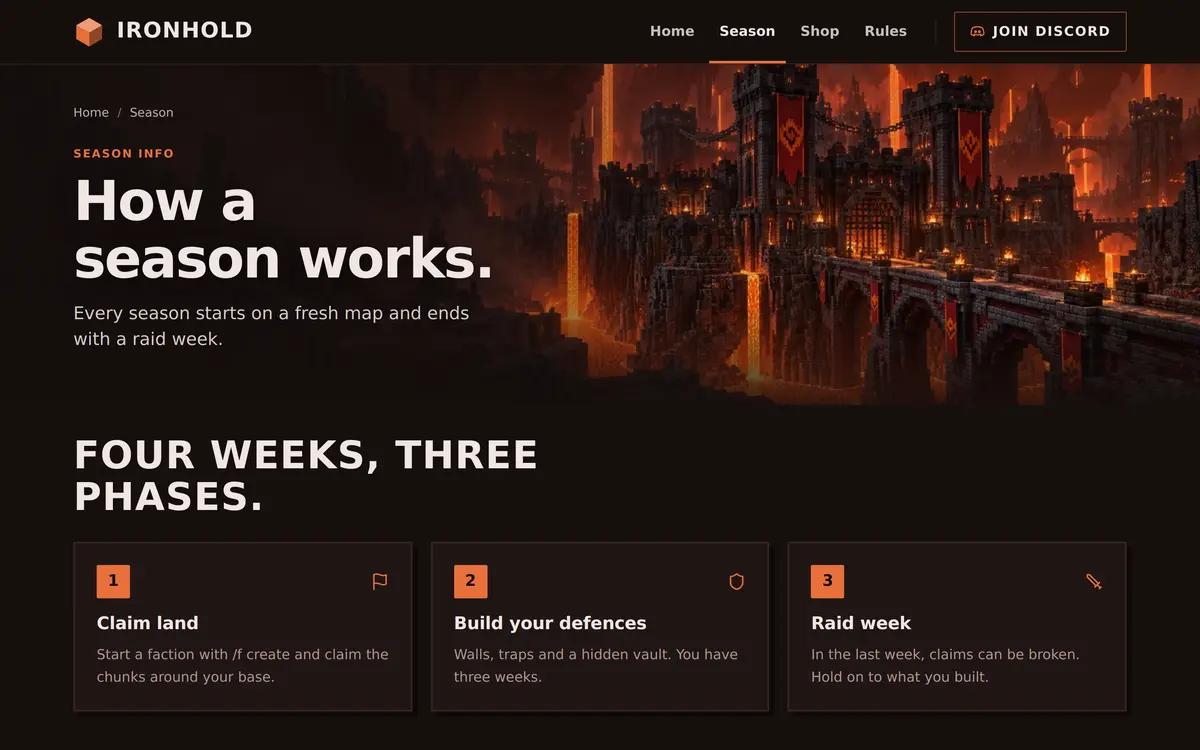
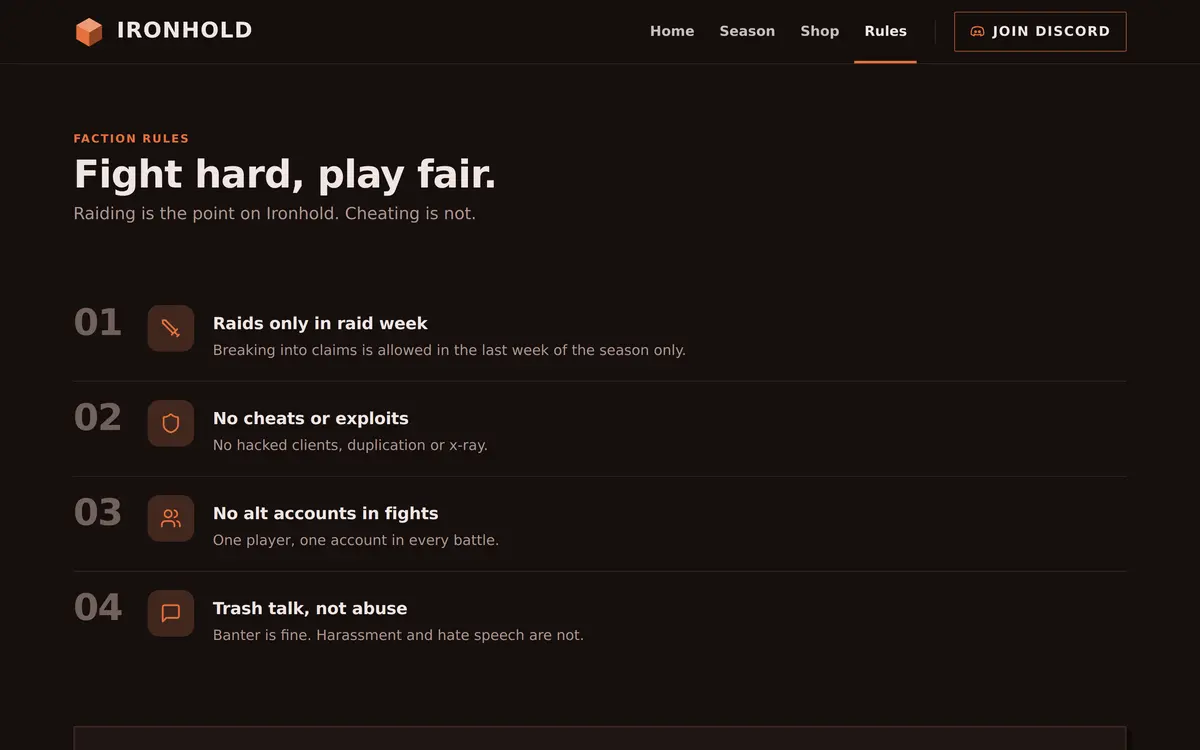
The Shop page says in its intro that every rank is cosmetic and nothing there changes a fight, which is the first thing a PvP player checks. The Rules page is short and written for raiding: raids only in raid week, no cheats or exploits, no alt accounts in fights, and trash talk but not abuse.
Who the Factions template is for
It fits any server with seasons and a ranking: classic factions, towny style land claiming with wars, kitmaps, or a hardcore PvP server that wipes every month. The Minecraft factions server guide covers the server side, from claims to raid week.
- Factions servers: use the template as it is and set the Countdown to your reset.
- Seasonal survival or hardcore servers: rename Power to Kills or Level with Column heading.
- Servers that run a big event instead of a reset: point the Countdown at the event and change After the countdown.
A server where the ranking comes from money rather than fights fits Prison better, and a building server with a monthly deadline fits Creative, which counts down to a build contest.
How to set up the Factions template
Apply Factions in the editor and set the reset date first, because two sections on two pages count down to it.
Apply the Factions template
Go to Website in the server panel, open the editor, open Templates and press Preview on Factions. Then press Use this template, or Start over with its example pages.
Set the reset date
Click the Countdown on Home and fill in Date and time (UTC). The page shows the time in UTC, so it is the same moment for every player. Do the same on the Season page.
Write what happens after
Fill in After the countdown on both, for example that the new season is live. The section shows that text once the moment has passed.
Describe your season
Open Season, click the Steps and rename the three phases to match your server. Use Add step for more, up to six.
Fill in the standings
Click each Leaderboard, keep Power or change Column heading, and use Add place for each faction, up to ten.
Publish
Press Publish. Our team checks the site before it goes live, and later changes are checked before they replace the live version.
Questions about the Factions template
What happens when the countdown reaches zero?
The section shows the text you wrote under After the countdown, such as The new season is live. Set a new date when you announce the next reset.
Which time zone does the countdown use?
You enter the date and time in UTC, and the page counts down to that same moment for every player, wherever they are.
Does the power leaderboard update by itself?
No. You keep the list up to date in the editor, and the order there is the order on the page. Most servers fill it in once at the end of a season.
Can I use the Factions template without seasons?
Yes. Point the Countdown at your next event instead, or remove it and keep the Leaderboard and the rules. The Season page can be renamed in the editor.
Are the ranks in the Factions template pay to win?
The example ranks are cosmetic and the Shop intro says so. What you sell is up to you, and the rank cards link to the store you already use.
More Minecraft server website templates
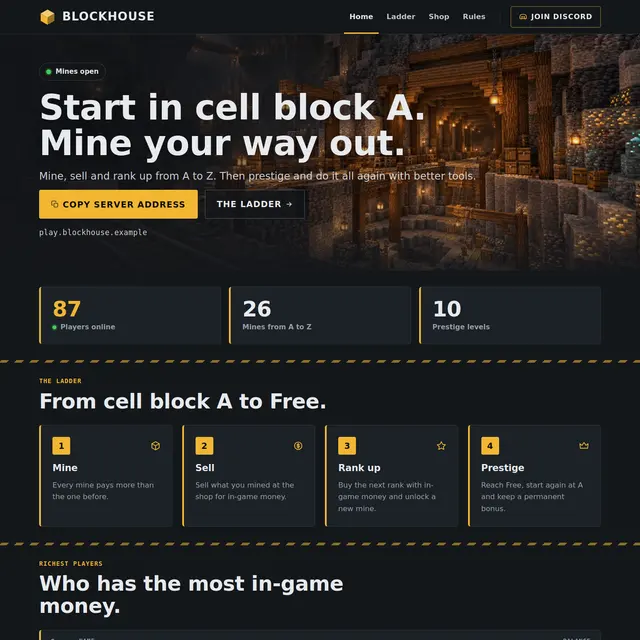 Prison templateA mine shaft theme with the rank ladder from A to Free, prestige and the richest players.
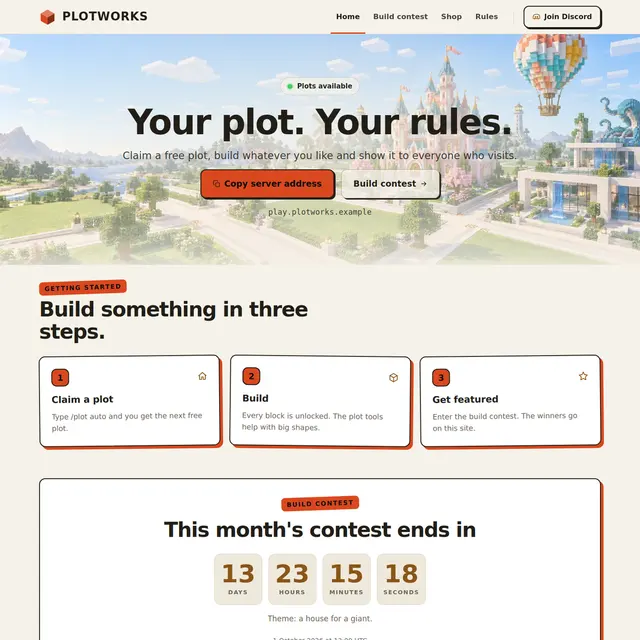 Creative templateA light Sandstone theme for plot servers, with a build contest countdown and a hall of fame.
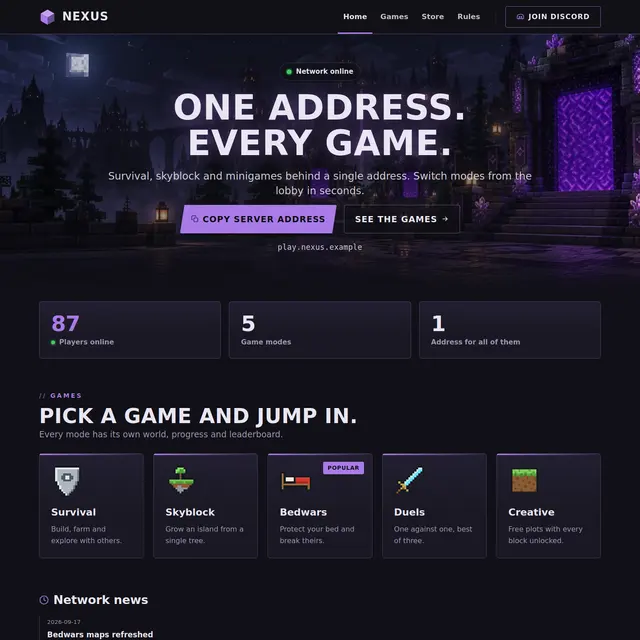 Network templateOne address for every game: game mode cards with players online, news and a games page.
 Skyblock templateA light sky theme with an island leaderboard page and how skyblock works in three steps.