
What is in the Prison template
Prison is a game of progress, and new players need to see the whole climb at once: where they start, what they do in each mine and what waits at the top. The template shows that climb three times over, as numbers under the hero, as four steps on the home page and as a full Ladder page, and ranks the richest players to show how far the climb goes.
| Page | Sections on it | What it is for |
|---|---|---|
| Home | Hero, Numbers, Steps, Leaderboard, Rank grid, Community | The climb at a glance and the richest players |
| Ladder | Page intro, Steps, Leaderboard, FAQ | How ranking up and prestige work, with the top balances |
| Shop | Page intro, Categories, Rank grid, FAQ | Cosmetic ranks, with rank ups earned in game |
| Rules | Page intro, Rules list, Need help? | Rules about auto miners, trading and bugs |
The four pages of the Prison template
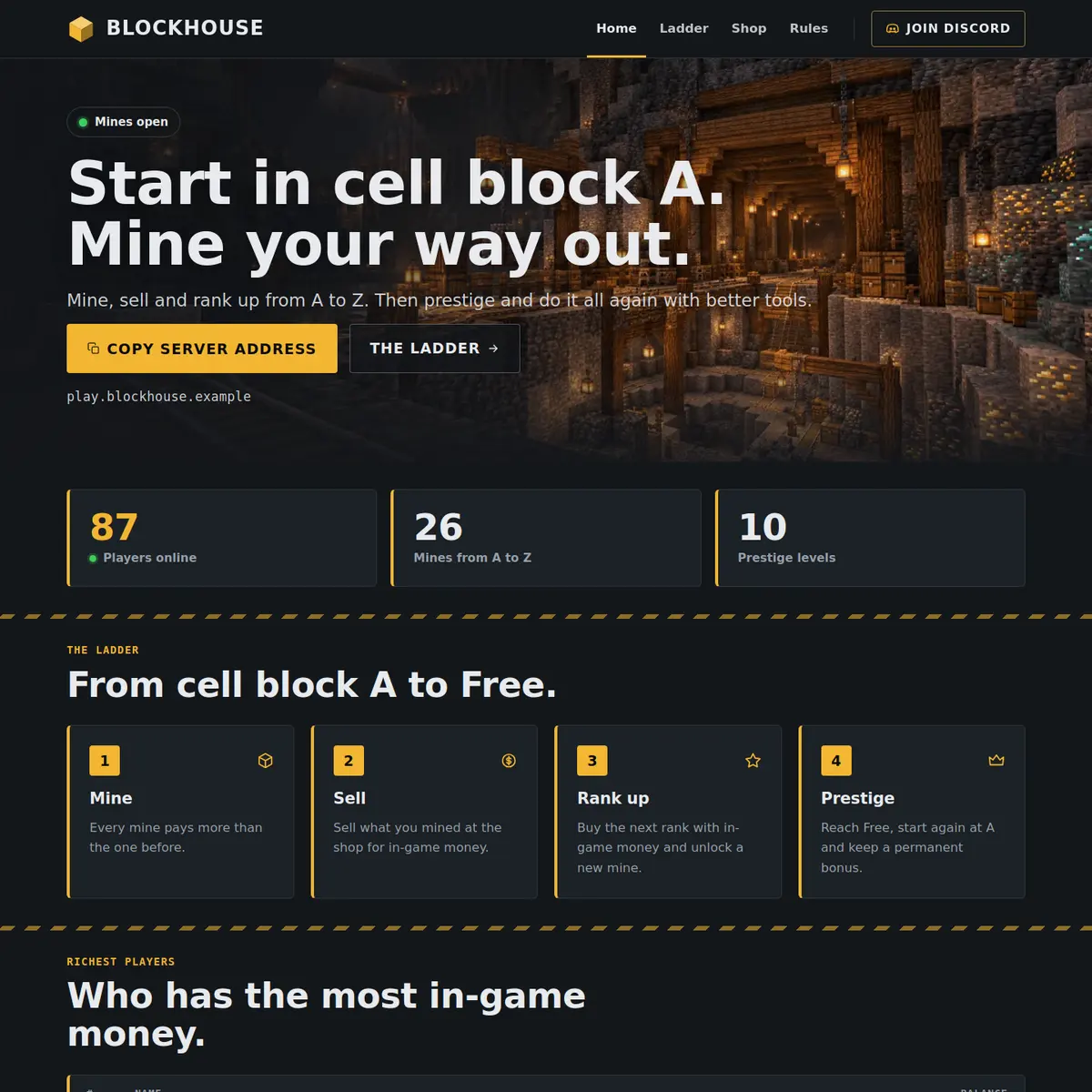
Home: from cell block A to Free
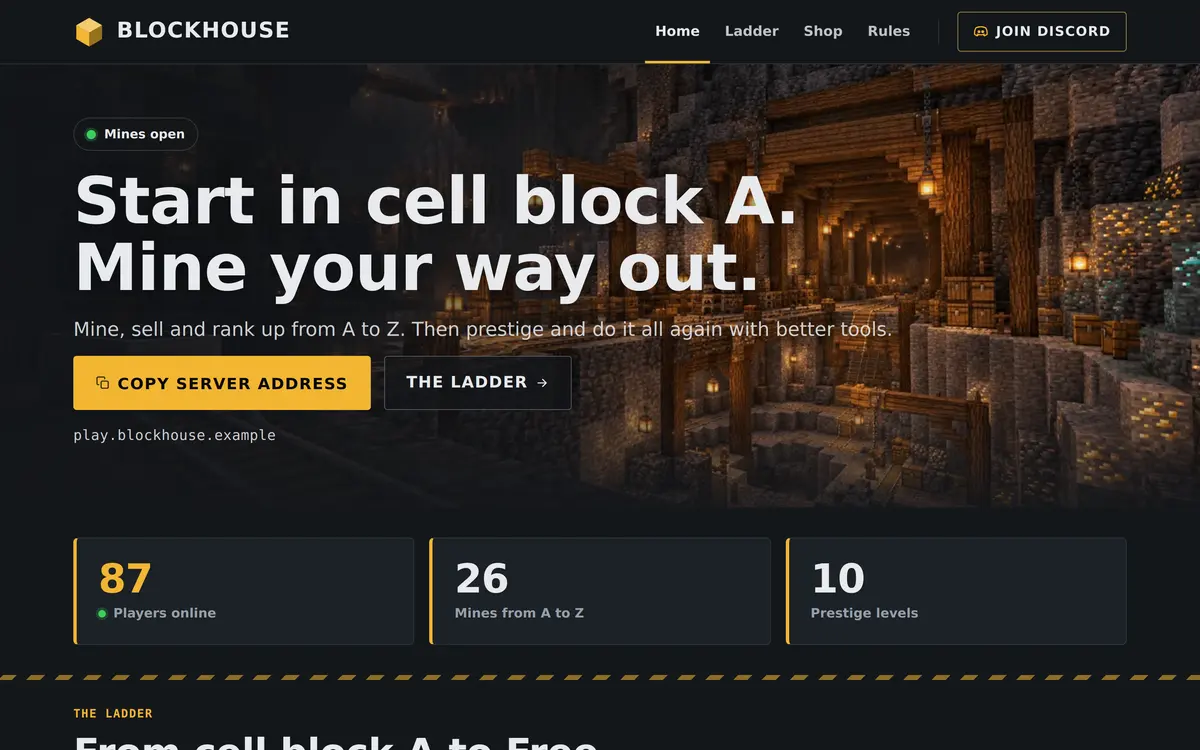
The hero reads Start in cell block A. Mine your way out. in the example, with a Mines open label and buttons to copy the address and open the ladder. The Numbers strip starts with the players online now, filled in by your server, followed by two numbers of your own: 26 mines from A to Z and 10 prestige levels.
The Steps section, From cell block A to Free, has four cards: Mine, Sell, Rank up and Prestige. Below it the Leaderboard ranks the richest players under the column Balance, the Rank grid offers Miner, Foreman and Warden, and the Community card calls Discord the yard, where players trade tips and hear about new mines.
Ladder: ranking up and prestige
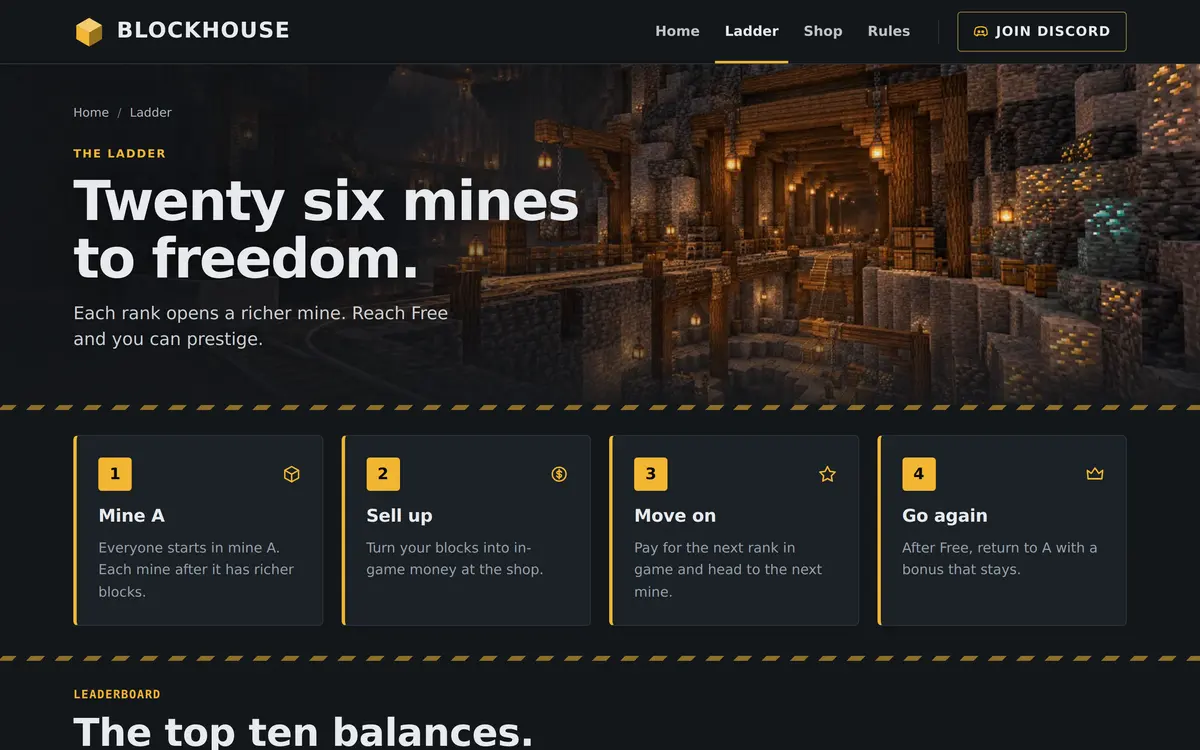
The Ladder page is headed Twenty six mines to freedom. Its steps walk through one full round, Mine A, Sell up, Move on and Go again, and the Leaderboard under The top ten balances holds up to ten players. The FAQ answers the two questions every prison server gets: what prestige does, and whether you can buy a rank up.
If your ladder is different, with fewer mines, named ranks instead of letters or a rebirth system, rewrite the steps and the numbers to match. The Minecraft prison server guide covers how to design the ladder and the economy behind it.
Shop and Rules: earned in the mines
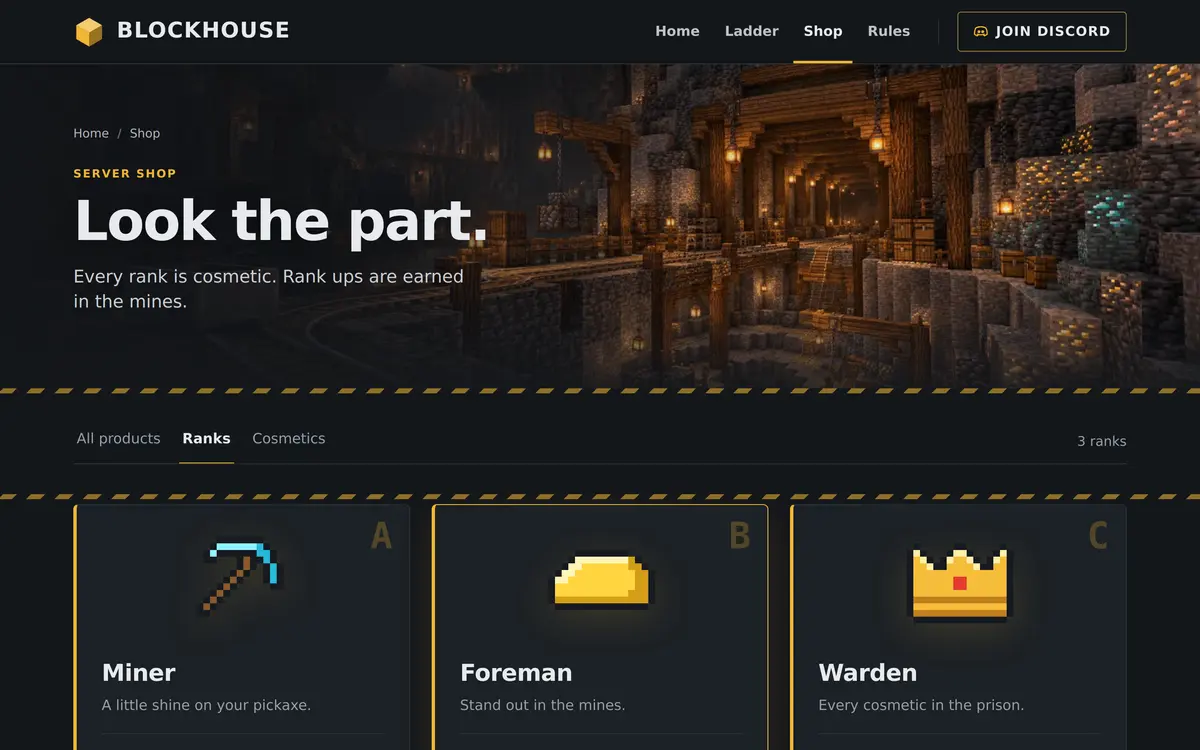
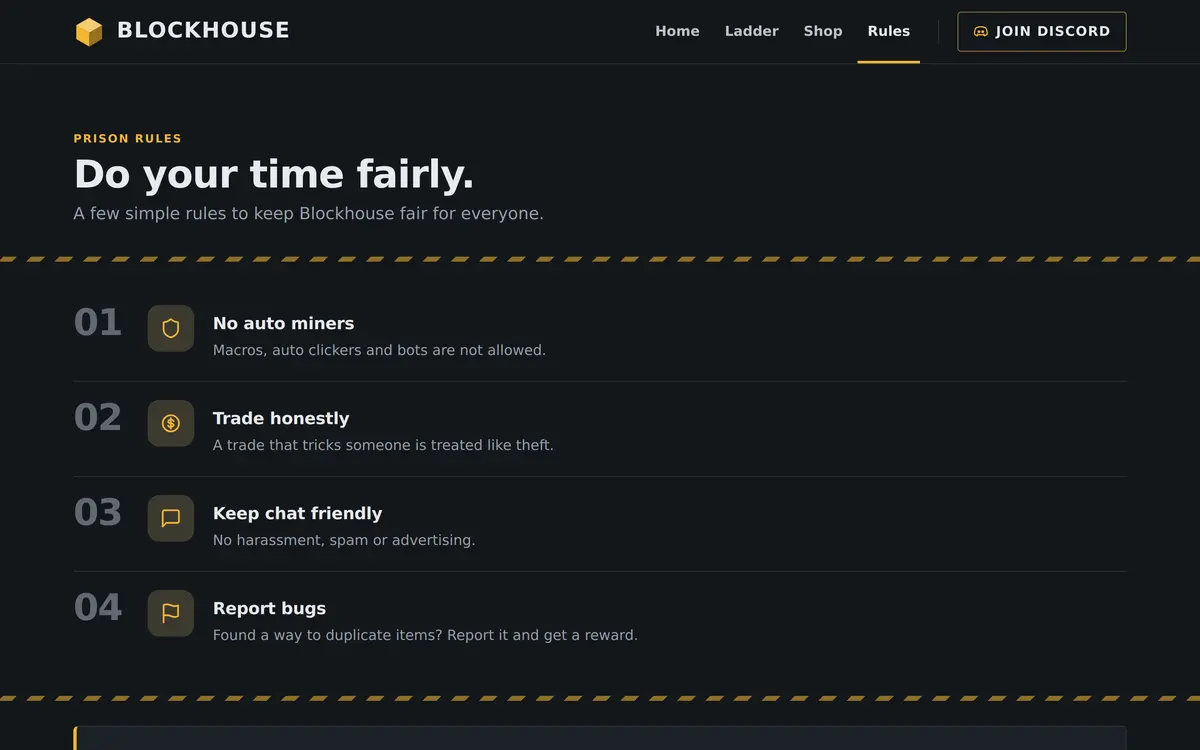
The Shop page says every rank is cosmetic and rank ups are earned in the mines, which keeps the ladder fair and the answer to can I buy a rank up simple. The Rules page is headed Do your time fairly, with four rules: no auto miners, trade honestly, keep chat friendly and report bugs.
Who the Prison template is for
It fits any server built on a grind and a ladder: classic prison, OP prison, mine based economy servers and rebirth servers. The server economy guide helps with the money side, and the Balance column fits whatever currency your server uses.
- Classic A to Z prison: use the numbers and steps as they are.
- OP prison or rebirth servers: rename Prestige to Rebirth in the steps and the numbers.
- Economy servers without mines: keep the Balance leaderboard and rewrite the steps around jobs or trading.
For a server where the ranking comes from fights and seasons, Factions has a countdown to the reset, and for islands instead of mines Skyblock has an island level leaderboard.
How to set up the Prison template
Apply Prison in the editor, then make the numbers and the steps match your own ladder, because both pages repeat them.
Apply the Prison template
Go to Website in the server panel, open the editor, open Templates and press Preview on Prison. Then press Use this template, or Start over with its example pages.
Set your numbers
Click Numbers on Home. Keep Show the players online now first on, and change the other numbers to your own mines and prestige levels.
Rewrite the ladder
Click the Steps on Home and on the Ladder page and describe your own climb. Each step has a title, a text and an icon, up to six steps.
Fill in the balances
Click each Leaderboard, keep Balance or change Column heading, and use Add place for each player, up to ten.
Answer the prestige questions
In the FAQ on the Ladder page, write what prestige does on your server and use Add question for anything else players ask.
Publish
Press Publish. Our team checks the site before it goes live, and later changes are checked before they replace the live version.
Questions about the Prison template
Does the balance leaderboard read my server economy?
No. You keep the list up to date in the editor, and the order there is the order on the page. The players online number is the part that comes from your server.
How many numbers can the Numbers strip show?
Up to four. With players online first, that leaves three for your own, such as mines, prestige levels or the year you started.
Can I use the Prison template for OP prison?
Yes. Rename the steps and the numbers to your own ladder, for example Rebirth instead of Prestige, and the template fits.
Can players buy rank ups on a Prison template site?
The example says rank ups are earned in the mines and ranks are cosmetic. What you sell is up to you, and the rank cards link to the store you already use.
Can I rename the Ladder page?
Yes. You can rename pages in the editor. The name in the navigation changes, and the address of the page stays the same.
More Minecraft server website templates
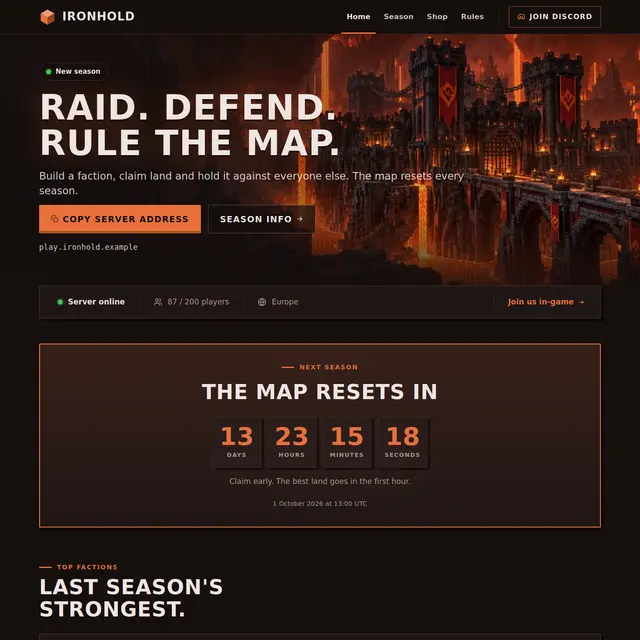 Factions templateA Nether theme with a countdown to the map reset, a power leaderboard and a season page.
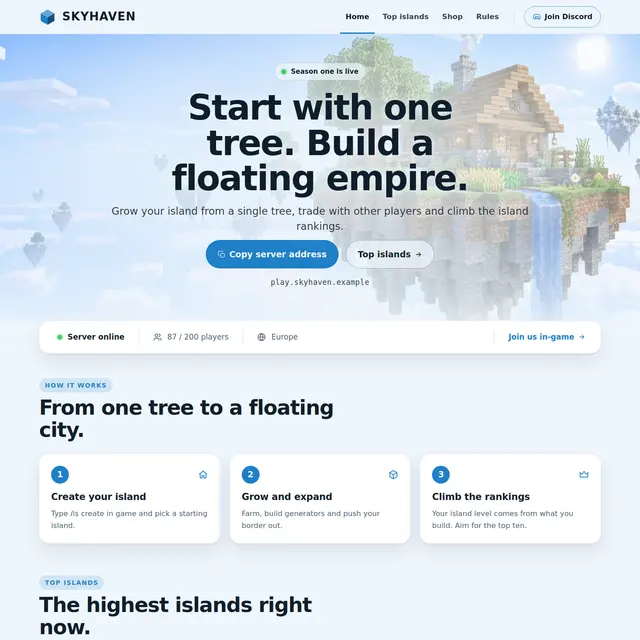 Skyblock templateA light sky theme with an island leaderboard page and how skyblock works in three steps.
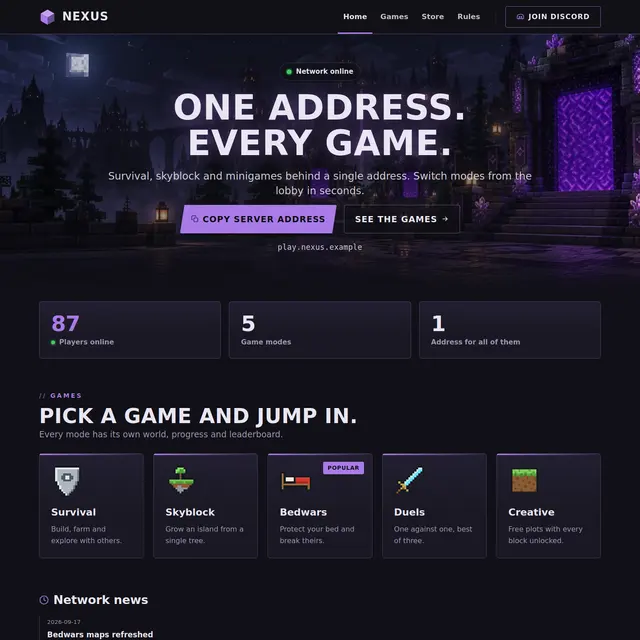 Network templateOne address for every game: game mode cards with players online, news and a games page.
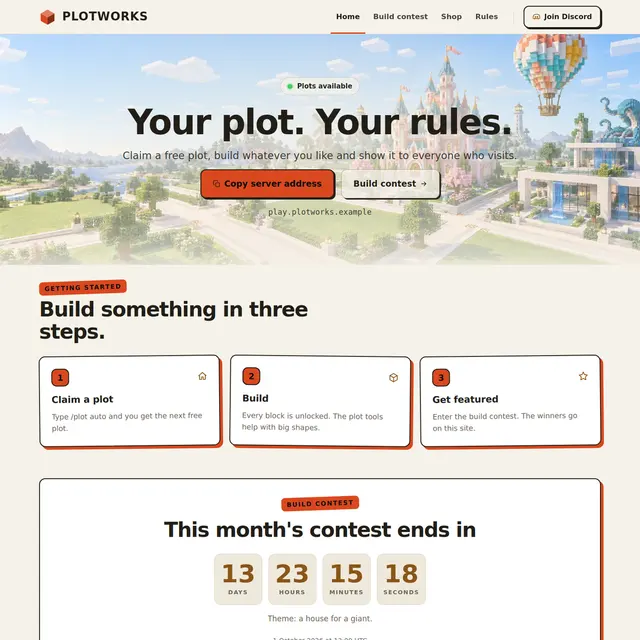 Creative templateA light Sandstone theme for plot servers, with a build contest countdown and a hall of fame.