
What is in the Skyblock template
A skyblock player wants to know two things before joining: how the game works on this server, and who is on top. The template answers the first with a Steps section and the second with a Leaderboard, and gives the leaderboard a page of its own so it can grow to ten islands without pushing everything else down.
| Page | Sections on it | What it is for |
|---|---|---|
| Home | Hero, Server status, Steps, Leaderboard, Rank grid, Community | The pitch: how it works, the top five islands and your Discord |
| Top islands | Page intro, Leaderboard, FAQ | The full top ten and how island level is counted |
| Shop | Page intro, Categories, Rank grid, FAQ | Cosmetic island ranks in tabs |
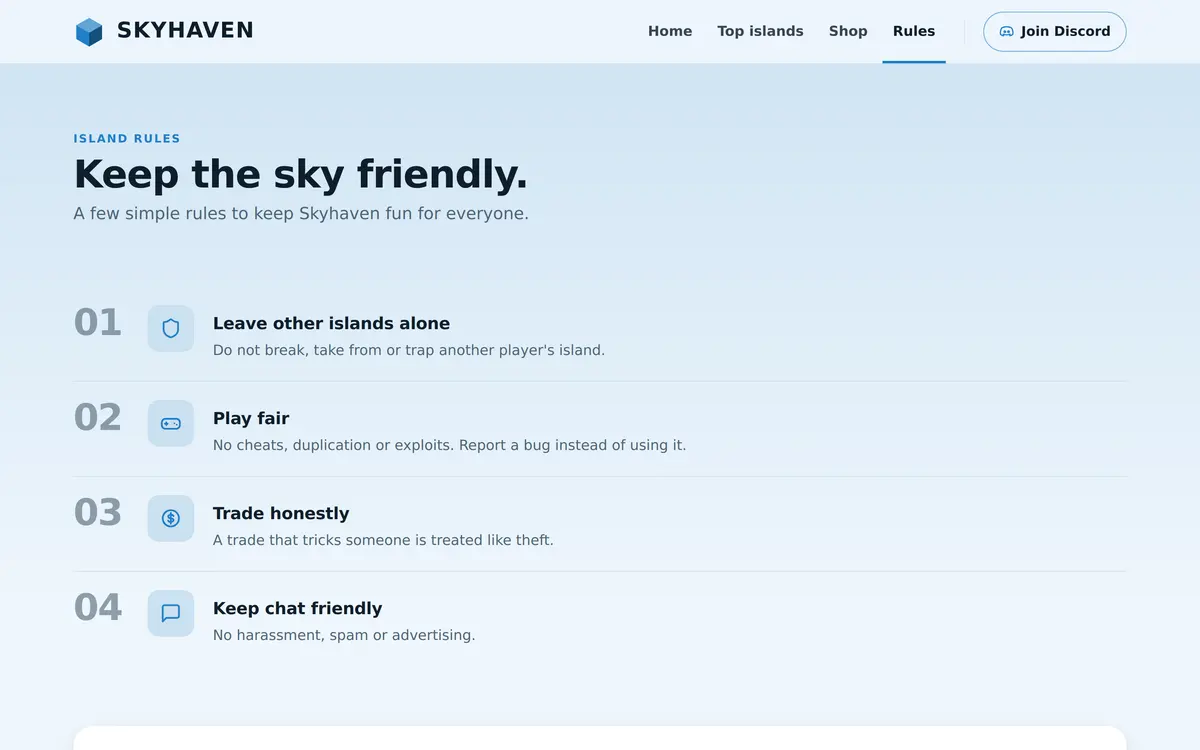
| Rules | Page intro, Rules list, Need help? | Island rules about visiting, trading and chat |
The four pages of the Skyblock template
Home: from one tree to a floating city
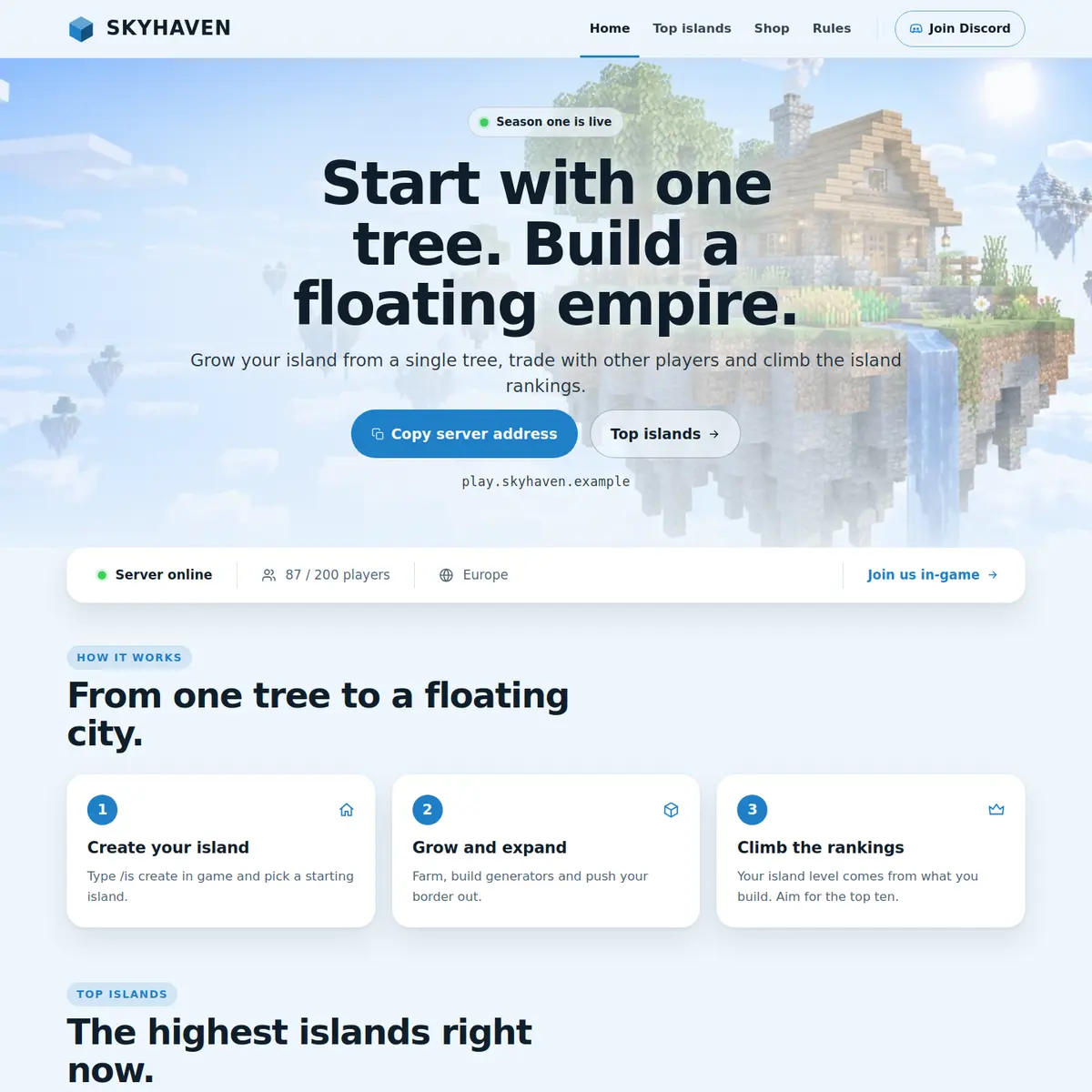
The hero is centred over a sky with floating islands and carries a small label, Season one is live in the example, which is the easiest place to announce a new season. Its buttons copy your address and open the Top islands page. The Server status bar follows, and then three numbered steps: Create your island, Grow and expand, Climb the rankings.
Below the steps the Leaderboard shows the five highest islands with their level, and the Rank grid offers three cosmetic ranks, Settler, Captain and Admiral, before the Community card closes the page with an invite to Discord.
Top islands: the leaderboard page
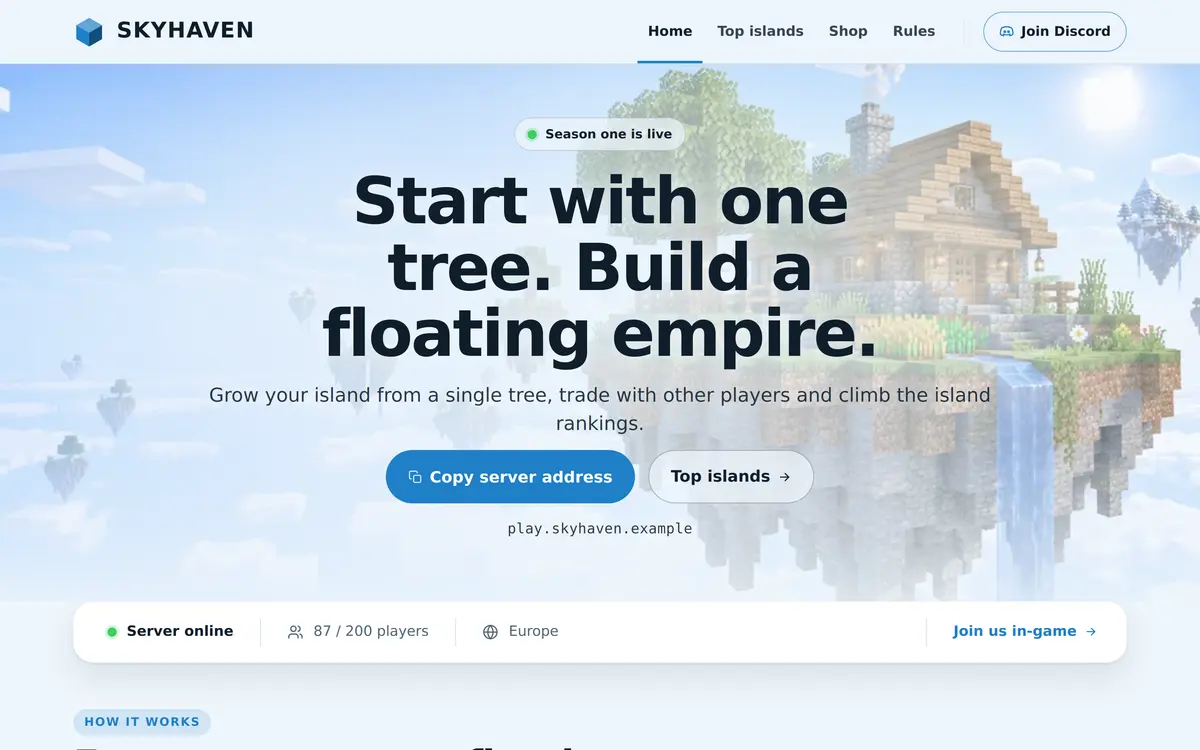
This page is what makes the template a skyblock template. A Page intro explains that island level is counted from the blocks on an island and how often the list changes, the Leaderboard lists ten islands under the column Island level, and a FAQ answers how level is counted, how often the list updates and whether you can join someone else's island.
You keep the list up to date yourself: the order in the editor is the order on the page, and a leaderboard shows up to ten places. Many servers update it once a day or at the end of each season, and say which in the intro.
Shop and Rules: made for islands
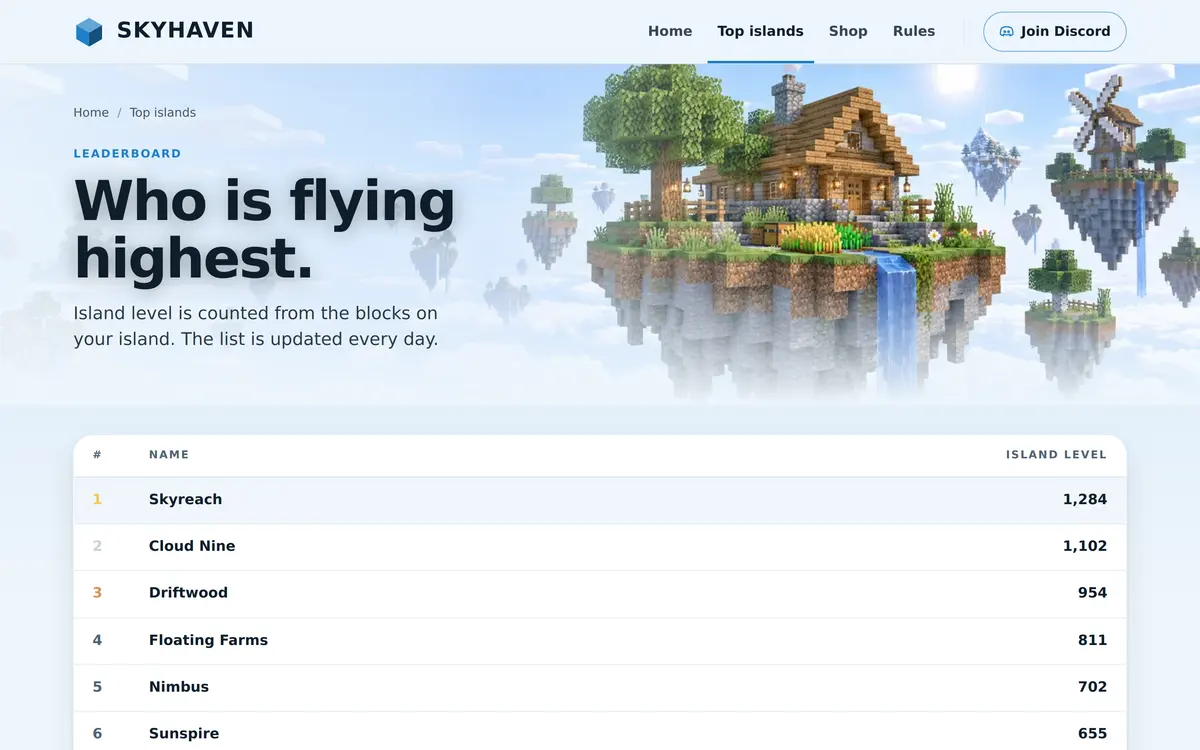
The Shop page says outright that every rank is cosmetic, which matters on skyblock, where players are quick to call anything that speeds up an island pay to win. The rank cards describe chat badges, a coloured island name and island particle effects. The Rules page starts with the rule skyblock servers need most, leave other islands alone, followed by play fair, trade honestly and keep chat friendly.
Who the Skyblock template is for
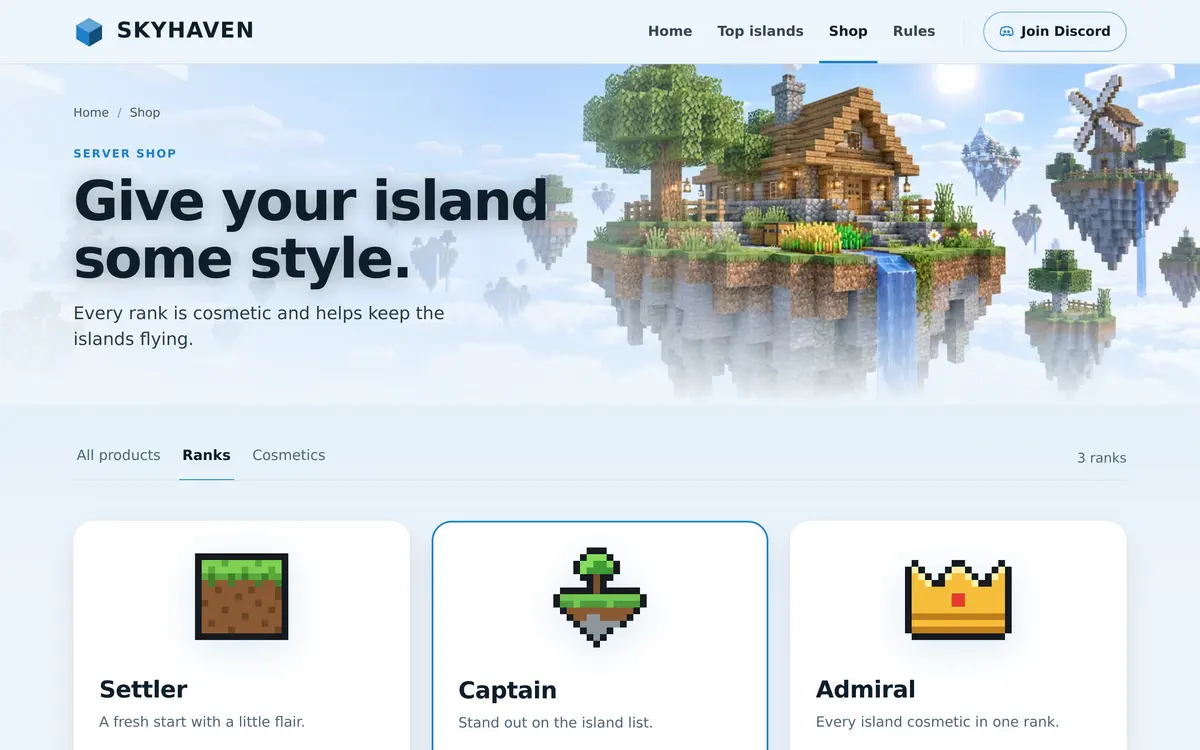
It is made for classic skyblock, OneBlock and any island game where players compete on a ranking. The light theme sets it apart from most server websites, which tend to be dark, and suits a relaxed, building focused audience.
- A skyblock server with island levels or island worth: use the Leaderboard as is.
- A OneBlock server: rename the steps to the phases of the block, as the OneBlock server guide describes.
- A seasonal skyblock server: put the season in the hero label and the end date in the Top islands intro.
The Minecraft skyblock server guide covers the server side, from the starter island to island level, and the steps below cover the website side. Running several game modes behind one address instead? The Network template is built for that.
How to set up the Skyblock template
Switch your site to Skyblock in the editor, then work through the Top islands page first, because that is the page players will share.
Preview Skyblock
Go to Website in the server panel, open the editor and open Templates. Press Preview on Skyblock to see the design with your own text.
Apply the template
Press Use this template to keep your text and images in the new design, or Start over with its example pages to get all four pages with the example content.
Rewrite the three steps
Click the Steps section on Home and describe how your skyblock starts. Each step has a title, a short text and an icon, and Add step adds another.
Fill in the leaderboard
Open Top islands, click the Leaderboard, keep or rename the Column heading and use Add place for each island. The home page has its own shorter list to fill in the same way.
Answer ranking questions
In the FAQ on Top islands, rewrite the answers about island level and use Add question for anything your players keep asking.
Publish
Press Publish. Our team checks the site, and after that every change is checked before it replaces the live version.
Questions about the Skyblock template
Does the leaderboard update automatically?
No. You keep the list up to date yourself in the editor, and the order there is the order on the page. The Server status bar is the part that updates by itself.
How many islands can the leaderboard show?
Up to ten places per leaderboard. The home page shows five in the example and the Top islands page ten.
Can I use the Skyblock template in a dark theme?
The template ships with the light Sky theme. The Design tab lists the other themes your site can use, such as the dark Deepslate theme, and the pages and sections stay the same.
Is the Skyblock template good for OneBlock?
Yes. OneBlock has the same shape as skyblock, one island and a ranking, so rename the steps and the column heading and the template fits.
Can I rename the Top islands page?
Yes. You can rename the pages of your template in the editor. The name in the navigation changes, and the address of the page stays the same.
More Minecraft server website templates
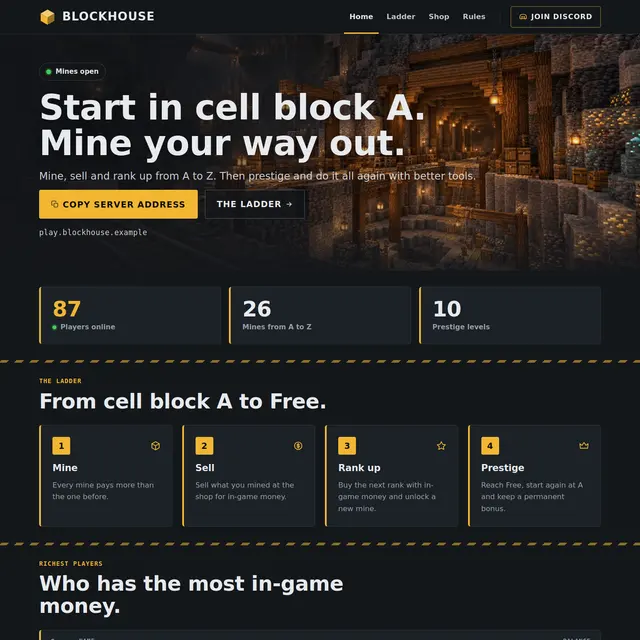 Prison templateA mine shaft theme with the rank ladder from A to Free, prestige and the richest players.
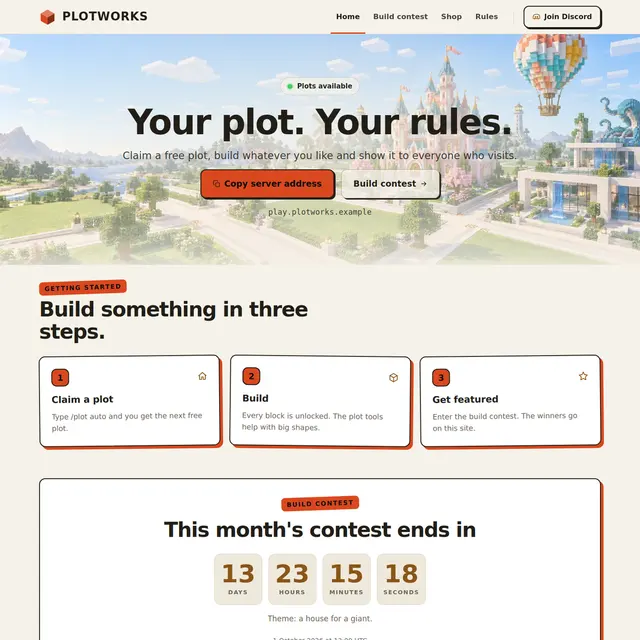 Creative templateA light Sandstone theme for plot servers, with a build contest countdown and a hall of fame.
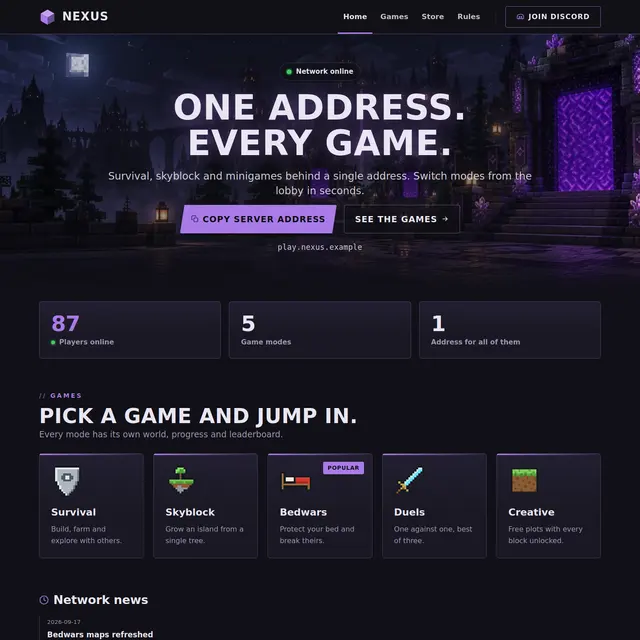 Network templateOne address for every game: game mode cards with players online, news and a games page.
 Survival templateThe free template: live status, ranks, a shop page and your rules on three pages.