
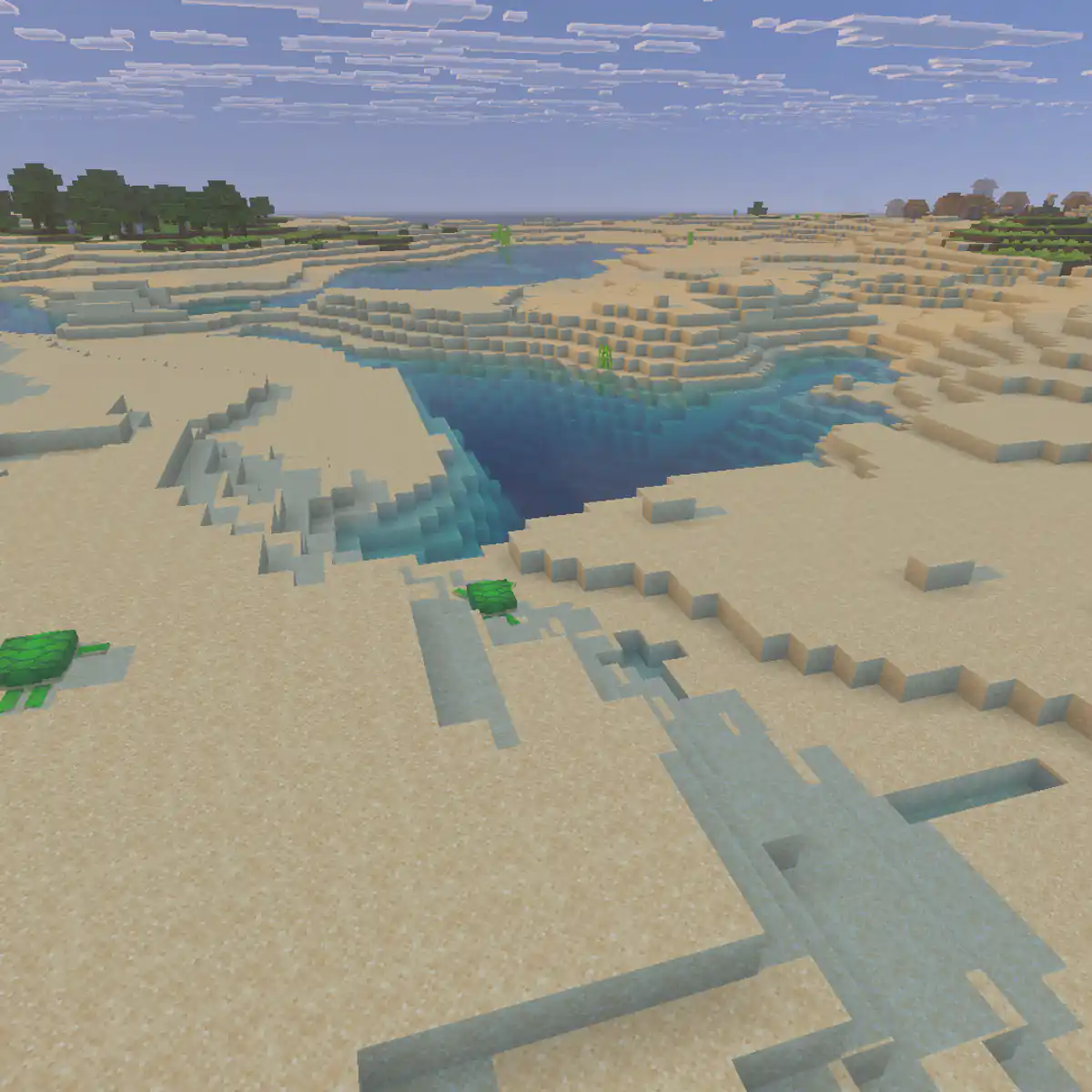
What a Minecraft Earth server is
On an Earth server the world is a scaled copy of the real planet, built from blocks. Players can walk from Europe to Asia, sail across the Atlantic or build a town where their own city is. Most Earth servers combine the map with towns and nations, so the real geography turns into a game of claiming land, making alliances and defending borders.
| Kind | What players do | Fits players who like |
|---|---|---|
| Towns and nations | Found towns, join nations, trade and make alliances | Politics, building and long term play |
| Earth war | Nations fight over land, with sieges or wars at set times | Conflict and big group fights |
| Earth survival | Normal survival on the Earth map, without claims | Exploring and building in real places |
| Earth roleplay | Countries with governments, laws and history | Stories and running a country |
Choose an Earth map scale
The scale says how many real metres one block stands for. At 1:1000 one block is a kilometre. A bigger scale gives players more room and more detail, but a bigger world to store, back up and travel across. A smaller scale makes the world feel busy and puts nations close together.
| Scale | One block is | World size, roughly | Fits |
|---|---|---|---|
| 1:4000 | 4 kilometres | 10,000 by 5,000 blocks | Small communities and war servers where nations should meet quickly |
| 1:2000 | 2 kilometres | 20,000 by 10,000 blocks | A few dozen active players |
| 1:1000 | 1 kilometre | 40,000 by 20,000 blocks | The most common choice for towns and nations |
| 1:500 | 500 metres | 80,000 by 40,000 blocks | Large servers with room for detailed cities |
Height needs its own decision. At 1:1000 the tallest mountain on Earth would only be about nine blocks high, which looks flat in game. Most Earth maps stretch height so mountain ranges stand out, while staying inside the build height of the game, which runs from Y -64 to Y 320.
Where the Earth map comes from
You cannot generate an Earth map with a normal world seed. There are two ways to get one.
- Download a finished map
Several Earth maps are shared online at common scales. Read the licence before you use one on a public server, and credit the maker on your website and at spawn.
- Build your own from height data
World editing programs on your computer can turn real elevation and land data into a Minecraft world. It takes longer, but you choose the scale, the height and the biomes yourself.
- Open the map in a single player world first and fly around the areas players will want most, such as Europe and North America.
- Check that oceans, rivers and coastlines look right at your scale.
- Set the world border just outside the edges of the map.
- Upload the world to your server and keep a clean copy of it before anyone joins.
Towns, nations and claiming countries
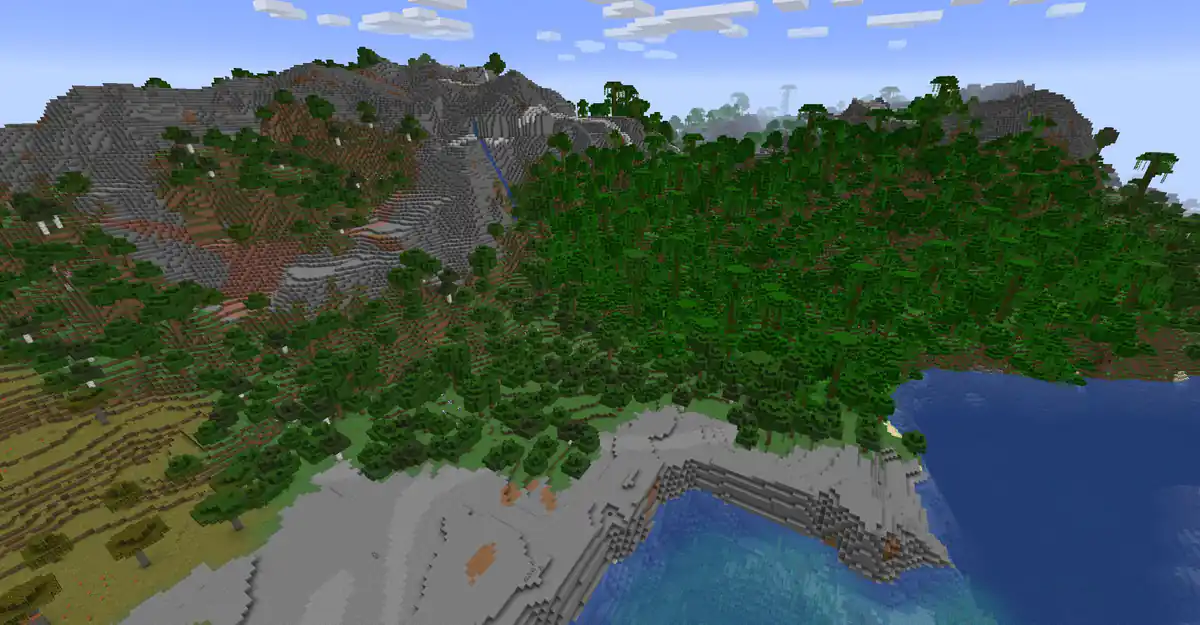
Towns and nations are what give an Earth server its game. Towny lets players found towns, claim land around them, join towns into nations and set taxes and permissions. On an Earth map nations naturally follow real countries, which gives players something to aim for from day one.
- Decide whether a nation must match a real country or can be anything players make up.
- Decide if a real capital city is first come first served, or has to be earned through activity.
- Limit how many towns one player can lead, so nobody claims a whole continent alone.
- Remove towns that have been inactive for a set time, so popular places open up again.
- Write down how borders between nations are settled: by claims, by agreement or by war.
Towny and factions play differently: towns protect what players build, while factions are built for raiding. The factions server guide explains the raiding side if you want wars on your Earth map.
Where new players start
A single spawn in the middle of the ocean or in one country makes everyone start in the same place. Many Earth servers give each continent its own spawn point with a way to choose, or let players teleport once to a town that invited them. EssentialsX handles warps to each continent.
Keep the Earth map recognisable
The map is what players came for, and it wears out quickly if everyone mines where they live. After a few months, a server with no plan has holes in the Alps and flattened coastlines.
- Add a separate mining world with Multiverse-Core, and reset that world now and then instead of the Earth map.
- Protect famous landmarks and natural wonders from claiming, or let only nations with enough members claim them.
- Ask players to build in a style that fits the region, so Japan does not fill up with the same houses as Brazil.
- Show the whole world on a web map with BlueMap or Dynmap, so players can see who owns what.
Running a world this size
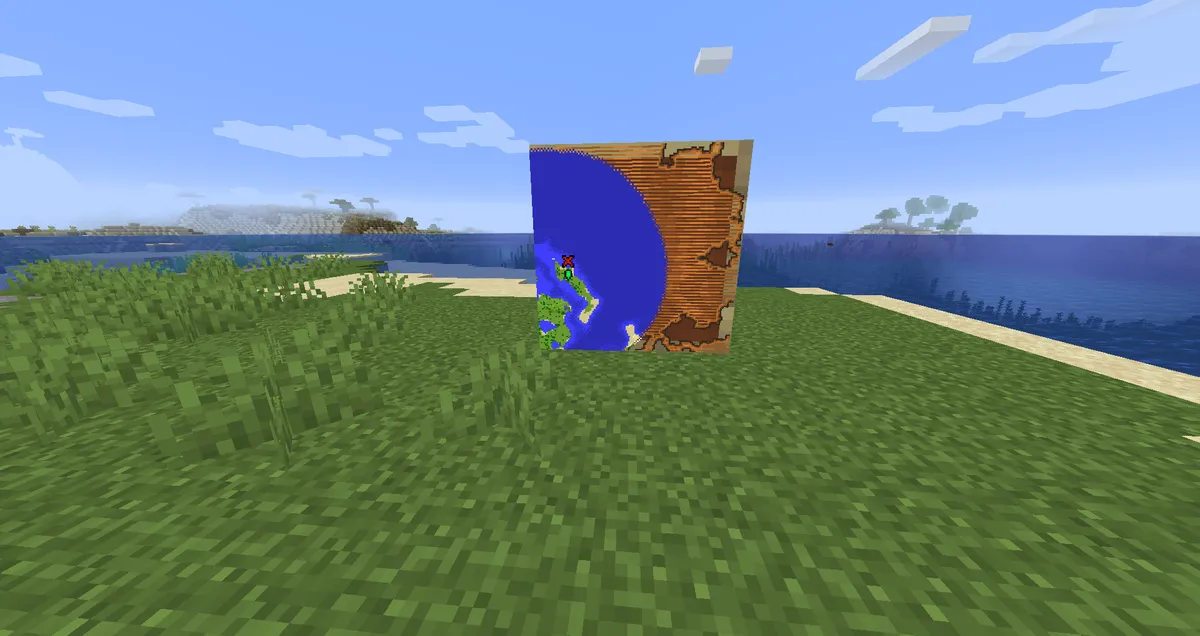
An Earth map is one of the largest worlds a server can run. The map itself is already built, so the server does not generate terrain, but loading and saving so much world still takes resources.
- Keep the view distance moderate, because players spread out across the whole planet and each one loads their own area.
- Back up the Earth map and the mining world separately, since the Earth map changes slowly and the mining world is replaced anyway. The backups page explains the options.
- Watch disk space as towns grow, and remove the regions of deleted towns only if you restore them from the clean copy of the map.
- Read the hosting guide on how to reduce lag before your first busy weekend.
Events that fit an Earth server
An Earth map gives you events other servers cannot run, because every player already knows the world.
- Race around the world
Players start in the same city and race to visit a list of capitals, with checkpoints along the way.
- Landmark build week
Nations build a famous landmark from their region at its real location, and players vote for the best one.
- Nation summit
Leaders meet in a neutral city to agree on borders, trade deals or a truce.
- Explorer challenge
Staff hide a chest in a remote place and post clues about real geography until someone finds it.
- War season
For a set number of weeks, nations can declare war and fight over border towns.
The event ideas guide explains how to plan and announce them, and the build contest guide has themes you can adapt to regions of the world.
How to count down to your Earth map launch
An Earth server launch is a race: the first players online claim the best cities. The Factions and Creative templates in the website builder have a Countdown section on their home page, and Factions has another on its Season page. Use it so every player knows exactly when the map opens.
Open the Countdown section
Go to Website in the server panel of Astroworld Hosting or minecrafthosting.cc, open the editor and click the Countdown section on the home page.
Write the label and heading
Set the Label to something such as Launch and the Heading to The world opens in, so the countdown explains itself.
Say what happens at launch
Use the Description to tell players what to do first, such as Pick your continent and claim your town.
Set the date and time
Fill in Date and time (UTC). The page shows the time in UTC, so it is the same moment for every player, wherever they live on the map.
Write what shows after launch
Fill in After the countdown with what the section says once the map is open, such as The world is open. Join now and claim your town.
Publish the countdown
Press Publish. Our team checks every change before it goes live, so publish a few days before launch.
Questions about Minecraft Earth servers
What is a Minecraft Earth server?
A Minecraft server with a scaled map of the real Earth, where players build towns in real places and usually form nations based on real countries.
What scale should a Minecraft Earth map be?
1:1000 is the most common, with one block for each kilometre and a world of about 40,000 by 20,000 blocks. Smaller servers often use 1:2000 or 1:4000 so players meet each other.
Which plugin do Earth servers use for towns and nations?
Most use Towny, which lets players found towns, claim land, form nations and set taxes. Some war servers use a factions plugin instead.
Is an Earth server the same as Minecraft Earth?
No. Minecraft Earth was a mobile game that has been shut down. An Earth server is a normal Minecraft server with a map of the planet.
How do I stop players from ruining the Earth map?
Give them a separate mining world, protect landmarks from claims, and keep a clean copy of the map so damaged regions can be restored.
Can I use an Earth map I found online?
Only if its licence allows use on a public server. Read the terms, and credit the maker on your website and in game.
More server website guides
 Minecraft factions serverRun a factions server: how claims and power work, open raiding or raid windows, faction size limits, safe zones, TNT, cheating and map seasons.
 Minecraft roleplay serverRun a roleplay server: settings that work, roleplay terms and rules, character sheets, in character and out of character chat, jobs, towns and events.
 Minecraft server event ideasTwenty five event ideas sorted by type of server, with a plan for announcing, running and rewarding each event.
 Minecraft server launch checklistForty checks for the server, the world, your community and launch day, and what to do in the first week after opening.
 Minecraft build contest50 Minecraft build contest themes, six contest formats, rules to copy, a scoring sheet for fair judging, prizes that do not break the game and how to show the winners.
 Minecraft server economyWhere money enters and leaves, economy types per game mode, the plugins to use, how to price items and how to keep inflation down.